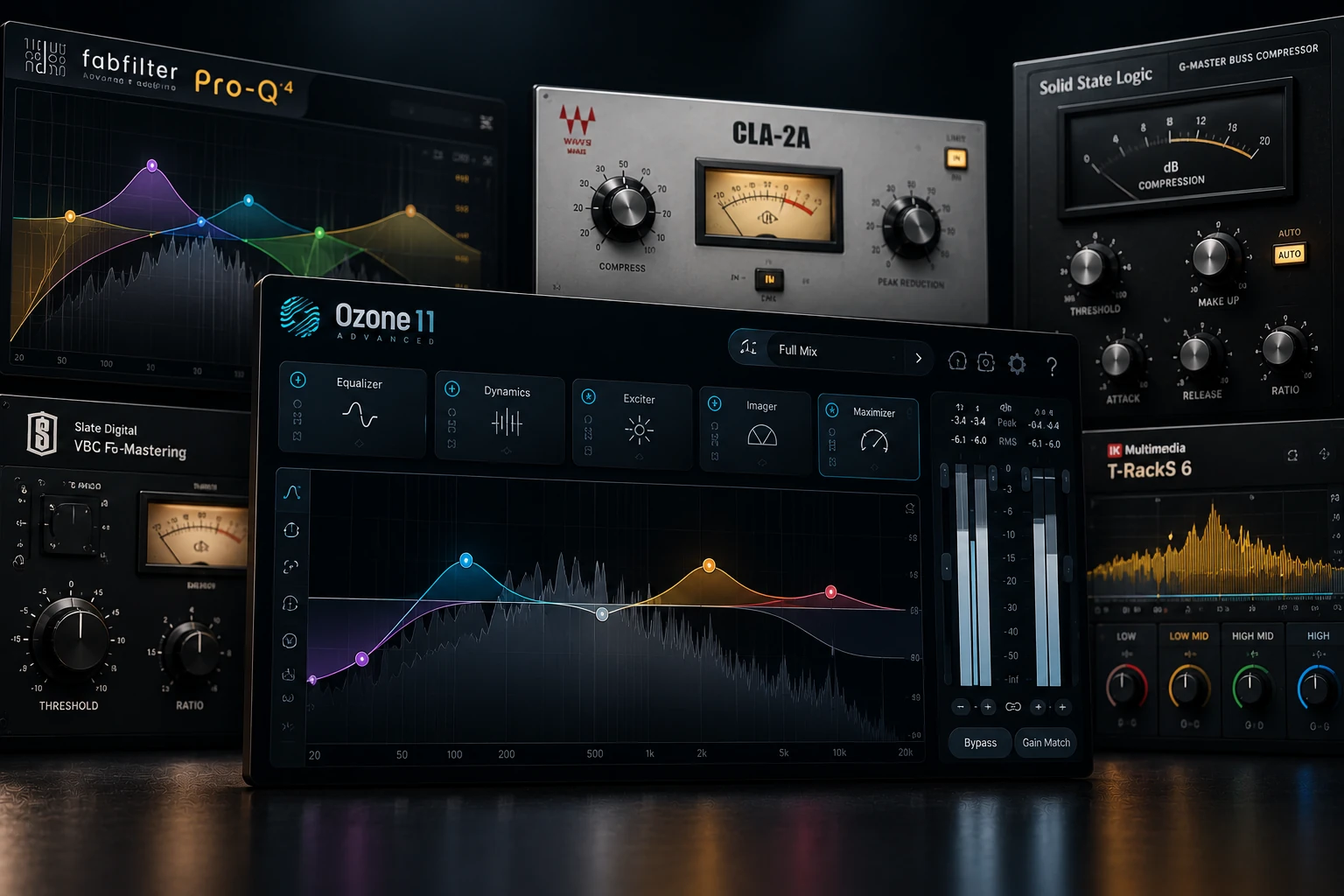

Buy a mastering plugin to solve a specific problem: tonal balance, peaks, changing dynamics, harshness or metering. An all-in-one suite can cover several jobs; a modular chain lets you choose each stage separately. You do not need seven purchases to finish one track.
This guide explains where seven tools fit and when to skip them. For a broader shortlist including free EQ and assisted mastering alternatives, see our free and paid mastering plugin buying guide. The advice below is based on product documentation and practical selection criteria, rather than a claimed comparative listening test.
What should you buy first?
- You need a complete workflow: compare Ozone editions before buying separate processors.
- Your existing EQ is limiting you: trial Pro-Q 4 on the exact correction you cannot achieve comfortably.
- You need control over final peaks: start with a limiter such as Pro-L 2.
- You only need loudness readings: try Youlean Loudness Meter Free before paying for additional workflow features.
1. iZotope Ozone 12 — an all-in-one starting point
Ozone combines mastering processors with an assisted workflow. Its main buying advantage is having several finishing tasks in one environment. The editions differ, so choose from the features you will actually use; do not assume every module is included in Elements or Standard.
Buy or skip: Buy it if you want one coherent toolkit and guidance setting up a chain. Skip it if your current processors already cover the work and you prefer a modular approach.
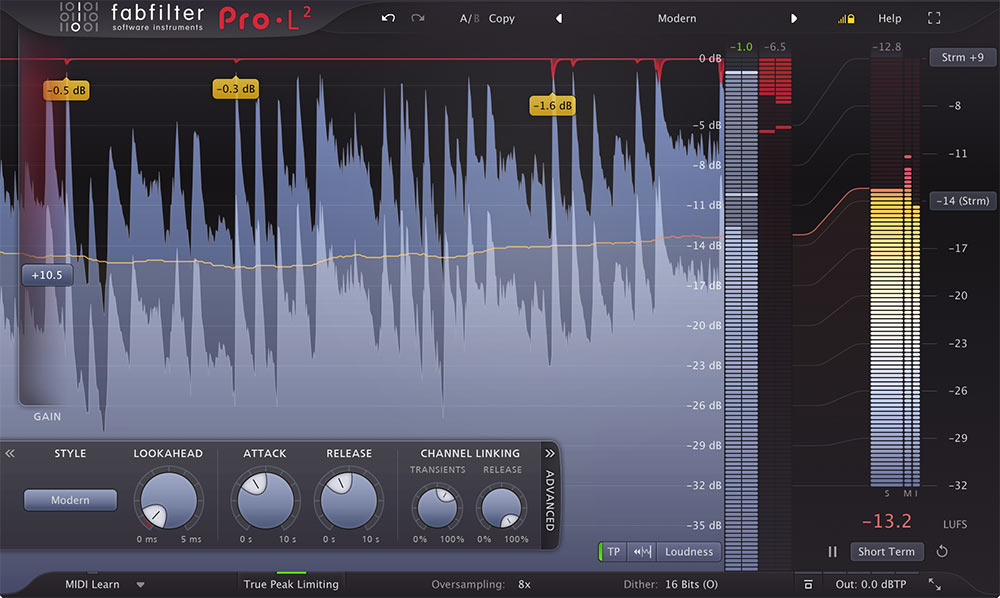
2. FabFilter Pro-L 2 — final peak control
A limiter is useful near the end of a mastering chain when you need to control output peaks and judge how much level the mix can tolerate. Pro-L 2 combines limiting controls with output metering. Pushing it harder is not automatically an improvement.
Buy or skip: Buy it if your current limiter makes it difficult to balance level and audible damage. Skip it if the real problem is an unbalanced mix or a loud kick triggering everything else.
Understand compressor versus limiter.
3. FabFilter Pro-Q 4 — detailed tonal corrections
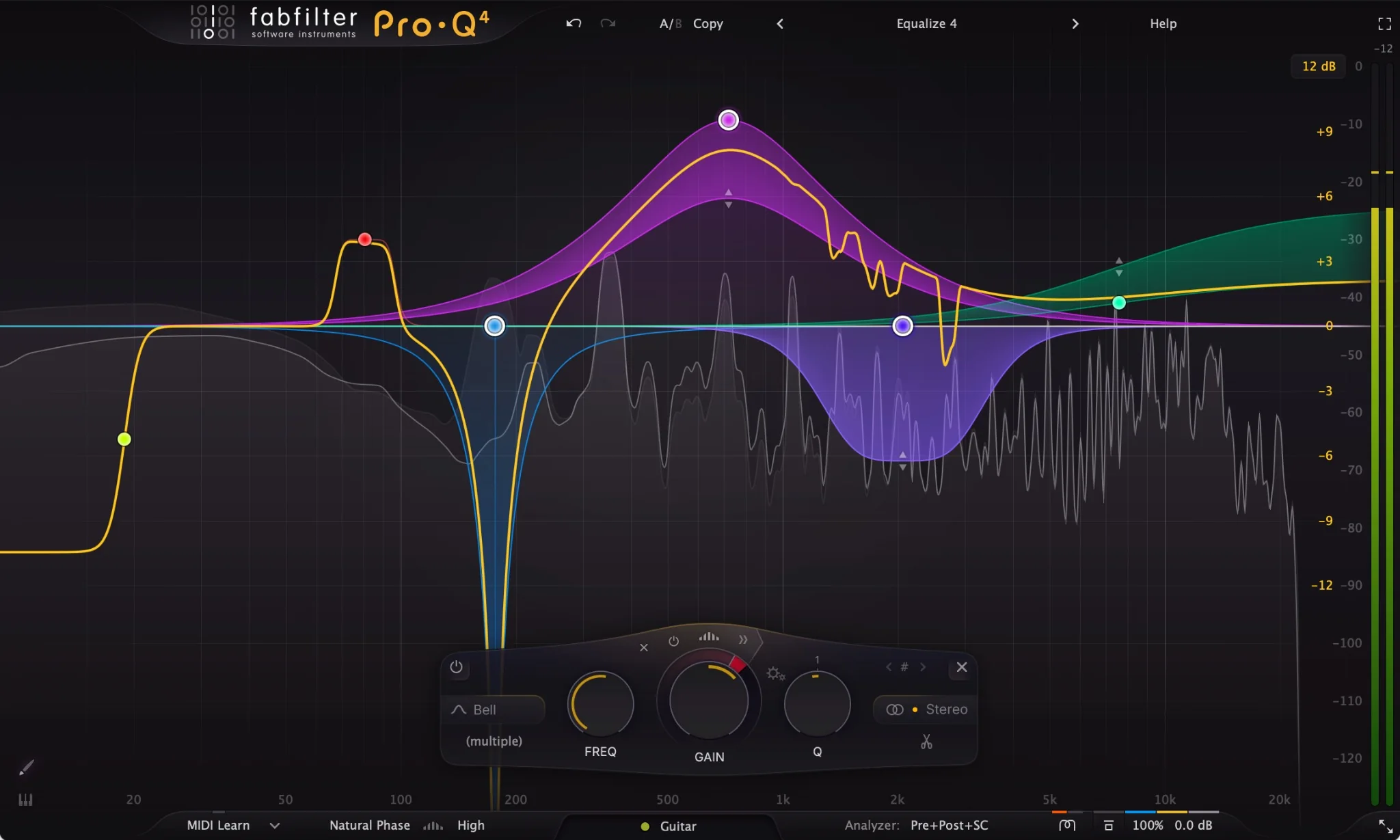
Pro-Q 4 is an equalizer, not a compressor. Its static and dynamic EQ controls make it a candidate for broad tonal shaping and more selective corrections. Choose a processing mode for the job rather than treating linear phase as an automatic quality upgrade.
Buy or skip: Buy it for a specific editing or monitoring advantage over your existing EQ. Skip it if you only need a simple shelf or high-pass filter that your DAW already provides.
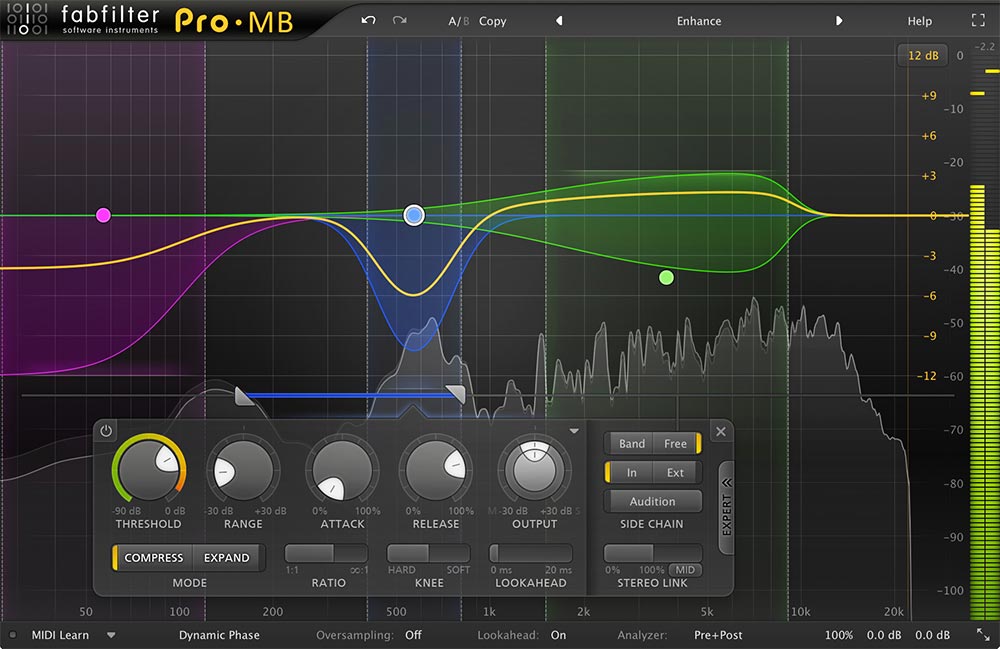
4. FabFilter Pro-MB — dynamics in selected frequency ranges
Pro-MB offers up to six processing bands. It lets you target dynamics in a limited frequency region rather than applying the same gain change to the entire mix. This can be useful when a low-frequency problem only appears on particular notes.
Buy or skip: Buy it if you can identify a changing frequency-specific problem that ordinary EQ or broadband compression does not solve. Skip it if the mix is already balanced; extra bands create extra decisions.
Review the basics of compression.
5. oeksound soothe3 — selective resonance control
soothe3 is designed to reduce problematic resonances dynamically. That makes it a specialised option when harshness moves with the music. It should not be treated as a compulsory mastering stage or a way to avoid fixing an individual harsh track.
Buy or skip: Buy it if recurring resonance problems remain after source-level work and the demo improves them. Skip it when a small EQ adjustment already does the job.
Diagnose harshness before buying another processor.
6. FabFilter Saturn 2 — optional saturation and character
Saturn 2 adds saturation and distortion, with multiband processing and modulation. In mastering, the useful question is whether the harmonic change improves the whole track at a matched level. A louder or brighter output is easy to mistake for a better one.
Buy or skip: Buy it when a deliberate character change is part of your goal. Skip it when the master already has the tone and density it needs. Keep bypass comparisons level-matched and check quiet passages.
Compare Saturn 2 with Decapitator.

7. Youlean Loudness Meter 2 — independent loudness checks
A loudness meter measures the result; it does not master the audio for you. Youlean offers Free and PRO editions. Start with the free edition if core loudness and peak readings cover your needs, and compare the current feature table before upgrading.
Buy or skip: Buy PRO for a feature or workflow improvement you can name. Skip the upgrade if you only need the free readings. A streaming normalisation reference is not a requirement to master every track to one fixed LUFS value.
Troubleshoot a quiet exported mix.

A practical order for evaluating a mastering purchase
- Fix obvious source and balance problems in the mix first.
- Write down the remaining problem in one sentence.
- Test your existing tools before opening another demo.
- Trial one candidate in the real session and match output level.
- Check the export on another playback system and revisit it after a break.
Processor order depends on the material. EQ before dynamics and EQ after dynamics can serve different purposes. Leave enough output control to catch peaks introduced later in the chain, and measure the final export rather than relying only on a plugin preset.
Full licence, upgrade or subscription?
Compare the total price of the edition you can actually use. A loyalty price may require an existing paid product; an upgrade is not a new licence. Ozone editions also differ in their included processing. The product links here identify the intended tools; sale prices and the available Plugin Boutique gift selection can change.
SoundShaper opinion
Start with the weakest part of your workflow. Metering may cost nothing. A better limiter can be a focused purchase. An all-in-one suite makes more sense when several stages are missing. Saturation and resonance tools are optional additions after you know why you need them.
For the broader selection, read our mastering plugin buying guide; for the suite-versus-modular decision, see FabFilter vs Ozone 12.
Product references
Features were checked against iZotope Ozone, FabFilter Pro-Q, FabFilter Pro-MB, FabFilter Saturn, oeksound soothe3 and Youlean's edition comparison. Demo availability, price and compatibility should be checked before purchase.