
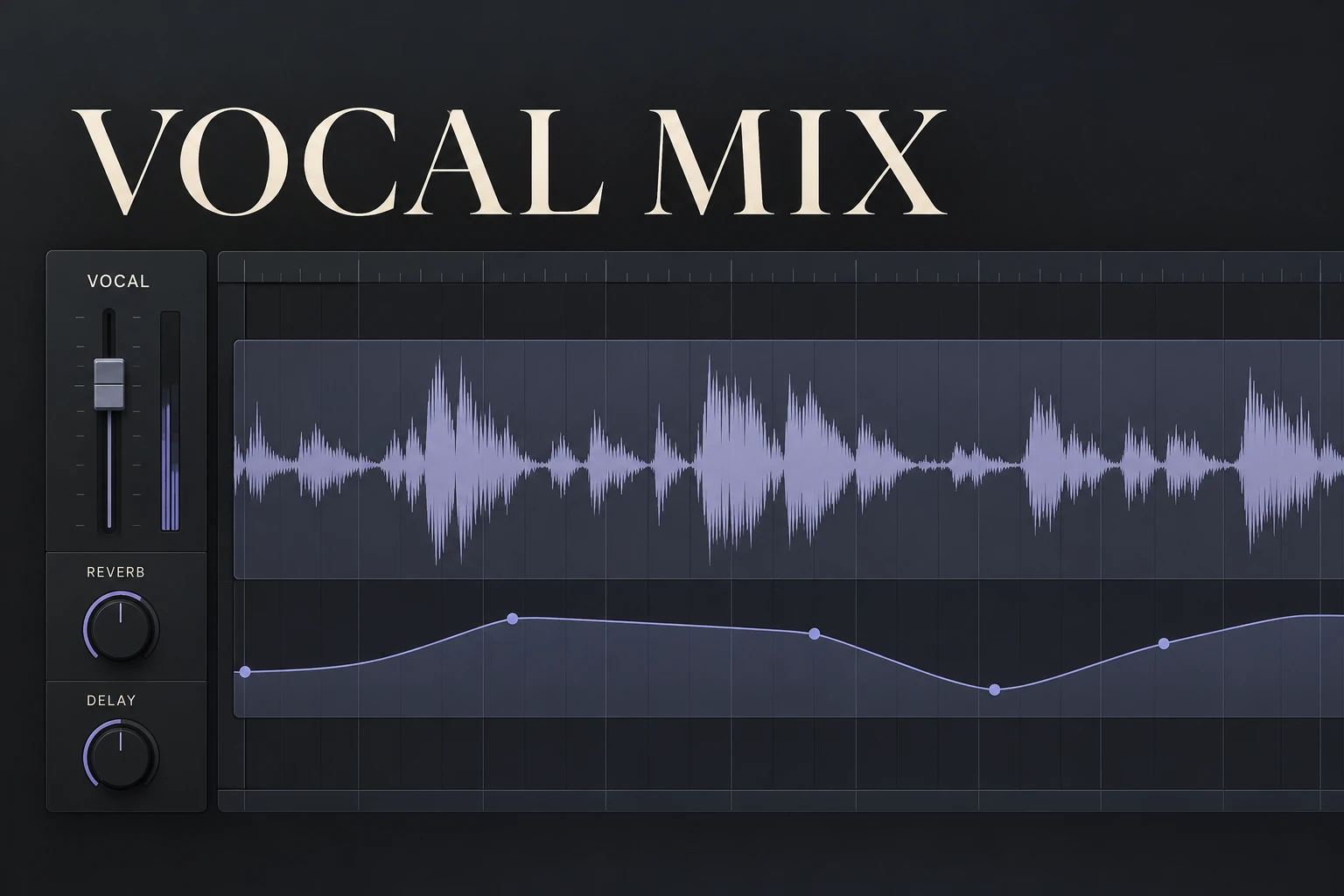

To make vocals sit in the mix, first get the words consistently audible, then shape the relationship between the voice, the backing and the effects. Use level adjustments for words that disappear, compression for dynamic control, EQ for tonal problems and reverb or delay for depth. Turning up the vocal alone cannot solve every kind of separation problem.
Our starting point is a lead vocal that carries the song without feeling disconnected from it. A close rap vocal, a dreamy pop hook and an exposed acoustic performance will need different balances. Decide which role you want before building a plugin chain.
Is the vocal too quiet, inconsistent or disconnected?
Listen to one verse and one chorus at a comfortable, modest playback level. Keep the instrumental playing while you identify the problem.
Whole phrases are too quiet: try a basic vocal-level change first.
Some words disappear but others jump out: start with local level adjustments and dynamics.
The words vanish only when a particular instrument enters: investigate the backing before adding more vocal brightness.
The vocal is loud enough but feels pasted on: check its tone, performance timing and sense of space.
The voice moves backwards when effects come in: revisit the wet level, decay and delay repeats.
These checks are our way of keeping the next move specific. A vocal that is too loud and too wet can still be difficult to understand.
Make space in the music before overprocessing the voice
The engineers interviewed in Sound On Sound's vocal-mixing feature put considerable emphasis on the relationship between arrangement and the singer's character. That is an important alternative to treating the vocal channel as the only place to fix the mix.
Our first experiment would be lowering a competing piano, guitar, pad or lead while the lyric plays. If a smaller level change preserves the instrumental and makes the words clearer, keep it. You may not need another vocal processor.
If you control the production, try removing a doubled melody or simplifying a chord voicing during the vocal. With separate stems, a targeted EQ change on one competing part may help. When the instrumental is a finished stereo beat, use more restraint: an EQ move on that file affects several instruments at once.
Selective ducking can be useful for that last situation, but should not make the whole backing collapse with every syllable. Our Trackspacer guide explains one approach to creating space around a vocal.
Use two kinds of level control
In his iZotope walkthrough, engineer Chris Wainwright manually balances level extremes before compression. That lets the compressor receive a more controlled performance.
Mike Levine's automation guide for Waves describes another job: riding the lead vocal after establishing rough levels and compression, so it remains balanced with the music.
Our advice is to use both when needed. First, reduce a shout or lift a quiet phrase before it reaches the compressor. Later, make small rides to keep important words present as the arrangement changes. The first task controls what enters the processing; the second places the processed voice in the song.
Do not flatten every breath and syllable into the same apparent level. A quieter line may be emotionally important. Aim for intentional expression and readable lyrics rather than a completely uniform waveform.
FL Studio: draw a simple vocal ride
1. Route the vocal to its own Mixer track. Add Fruity Balance after the vocal's main processing for final level rides.
2. Right-click its Volume control and select Create automation clip. Image-Line documents this method for native controls in its Automation Clips manual.
3. In the Playlist, add points around a quiet word or phrase. Raise that region slightly and return to the existing level on either side. Use smooth transitions and listen with the backing.
4. Compare the verse-to-chorus transition. Adjust only the places that need help, checking the effect balance afterwards.
Fruity Balance is designed for real-time level automation. A separate instance before compression can handle the earlier corrective adjustments. Name the instances clearly so you know which stage you are editing.
Compress for control, then judge the expression
Compression can make a vocal denser and keep peaks under control. Universal Audio's vocal-processing guide discusses a fast peak-control compressor followed by a leveling compressor, and recommends comparing at a similar output level.
That is a useful option, but our recommendation for a beginner is to start with one compressor and a clear purpose. Listen to a loud line, a quiet line and a sustained word. Adjust the threshold and timing until the unevenness is easier to manage without losing the performance's shape.
If consonants become dull, breaths surge forward or the line feels squeezed, reduce the processing and reconsider the timing. Adding makeup gain can make a heavily processed voice seem impressive simply because it is louder. Match the listening level before deciding.
For dense rap or pop, more density may be part of the sound. For a sparse ballad, we would lean more on manual rides and preserve the contrast between intimate and powerful phrases. See our compressor explanation if the controls are unfamiliar.
Use EQ to solve the tone you hear
Listen for a specific problem: unwanted low rumble, excessive thickness, a nasal resonance or harshness on louder words. Remove what is distracting while keeping the voice recognizable.
Wainwright demonstrates dynamic EQ for resonances that swell on particular words, preserving more of the vocal's body elsewhere. We would consider that when a static cut makes the quieter lines too thin.
Our first choice for a consistently muddy vocal would be a modest correction in the affected region, checked against the whole arrangement. If the recording sounds balanced alone and loses clarity only beside a synth, revisit the synth instead. There is no universal presence boost or high-pass frequency for every singer.
Sharp S sounds need their own check. A de-esser targets sibilance; a broad treble cut also changes vowels and air. If consonants become unnatural or lisp-like, back off. Our vocal-plugin guide explains the different processing jobs, while the muddy-mix guide covers congestion across the arrangement.
Give the voice a space without burying the lyric
A completely dry vocal can feel detached from a spacious instrumental, but a long wash of reverb may hide the same words you just balanced. Start with the dry vocal working, then add the amount of space the production needs.
The iZotope vocal-reverb guide recommends a dedicated return so the wet signal can be shaped separately. Set the reverb on that return to fully wet, then blend it using the send or return level. Pre-delay separates the start of the reverb from the dry voice; too much can make the effect feel detached.
Our audition would be a shorter ambience or plate at a low level, followed by a delay alternative. Choose the one that connects the vocal to the track while keeping the words clear. Filter the effect if its tone gets in the way, and shorten the tail if it fills the next phrase.
For a bigger hook, try increasing the space at the end of a line rather than covering every word. Levine also discusses automated delay throws: effects can provide interest in the gaps. Check repeats against the next lyric, not just the end of the current phrase.
If the original recording already contains strong room reflections, adding reverb may compound the problem. Try an available drier take or improve the recording setup before expecting a longer effects chain to fix it.
A practical example: clear verse, buried chorus
Imagine the lead vocal works over a sparse verse but becomes unclear when a pad and backing vocals enter the chorus. Here is how we would approach that situation.
First: keep the vocal settings and lower the new layers temporarily. If the lyric returns, find a better backing balance or simplify the competing parts.
Next: bring the layers back and ride any individual words that still disappear. A small chorus-level lift may help, but check whether it makes the loud notes jump out.
Then: compare the chorus with its vocal reverb reduced. Keep the energy of the larger section without automatically adding more wash.
This is an illustrative workflow, not a report from a SoundShaper test session. It shows why the same symptom can need changes in several places.
Which tools are worth considering?
You can start with stock EQ, compression, automation and send effects. Buy a plugin when it improves a task you can already identify.
Nectar 4 Standard is an option if you prefer several vocal-processing tools in one interface. Check our Nectar edition comparison before choosing; the versions are not interchangeable. A suggested starting point still needs decisions about the music and performance.
EchoBoy is worth exploring if delay tone and rhythmic options are central to your vocal production. A stock delay is enough to learn sends and throws first. Our EchoBoy review looks at when its workflow may justify a purchase.
SoundShaper opinion
We would put vocal consistency and the arrangement ahead of an elaborate chain. Correct the largest level extremes, use enough compression for the intended style, and finish with rides against the full instrumental. Then choose effects that place the voice where the song needs it.
For rap, we would protect consonants and rhythmic delivery. For melodic pop, we would let the hook feel larger without losing the lead inside its layers. For acoustic music, we would preserve more natural dynamics and be cautious about excessive cleanup.
This advice combines published engineering perspectives with our editorial judgment. It is a research-based guide, rather than a claim that we recorded or tested a particular vocal chain ourselves.
Conclusion
A vocal sits well when its level, tone and depth support its role in the song. If it will not fit, identify whether the problem is inconsistent words, competing instruments or excessive effects. Solve that relationship, then check the verse, chorus and transitions together.
Sources and further reading
Chris Wainwright / iZotope: How to make vocals sit in the mix — early leveling and vocal tone.
Mike Levine / Waves: Creative automation mix tips — vocal rides and delay throws.
Sound On Sound: How Engineers Get Vocals To Sit Right — arrangement and artistic priorities.
Universal Audio: How to Use Plug-Ins on Vocals — compression and level comparison.
iZotope: Essential tips for vocal reverb — returns, pre-delay and clarity.
Image-Line: Automation Clips and Fruity Balance — FL Studio workflow.
![[background image] image of recording equipment (for a musician & band)](https://cdn.prod.website-files.com/68efa70811edd8e5af30a90d/6adbdffd1258b281fa64d9e8_6adbdfe06748b62dcaeff101_vintageverb-vs-pror2-cover-v2.webp)
![[background image] image of recording equipment (for a musician & band)](https://cdn.prod.website-files.com/68efa70811edd8e5af30a90d/6adbdd6f7d47fb086e52b147_6adbdd4e3cb3e94d421e55da_how-to-fix-harsh-vocals.webp)
![[background image] image of recording equipment (for a musician & band)](https://cdn.prod.website-files.com/68efa70811edd8e5af30a90d/6adbd8f9d34e0624a55714e1_6adbd8e12694d8b251e72784_decapitator-vs-saturn-2-corrected.webp)