
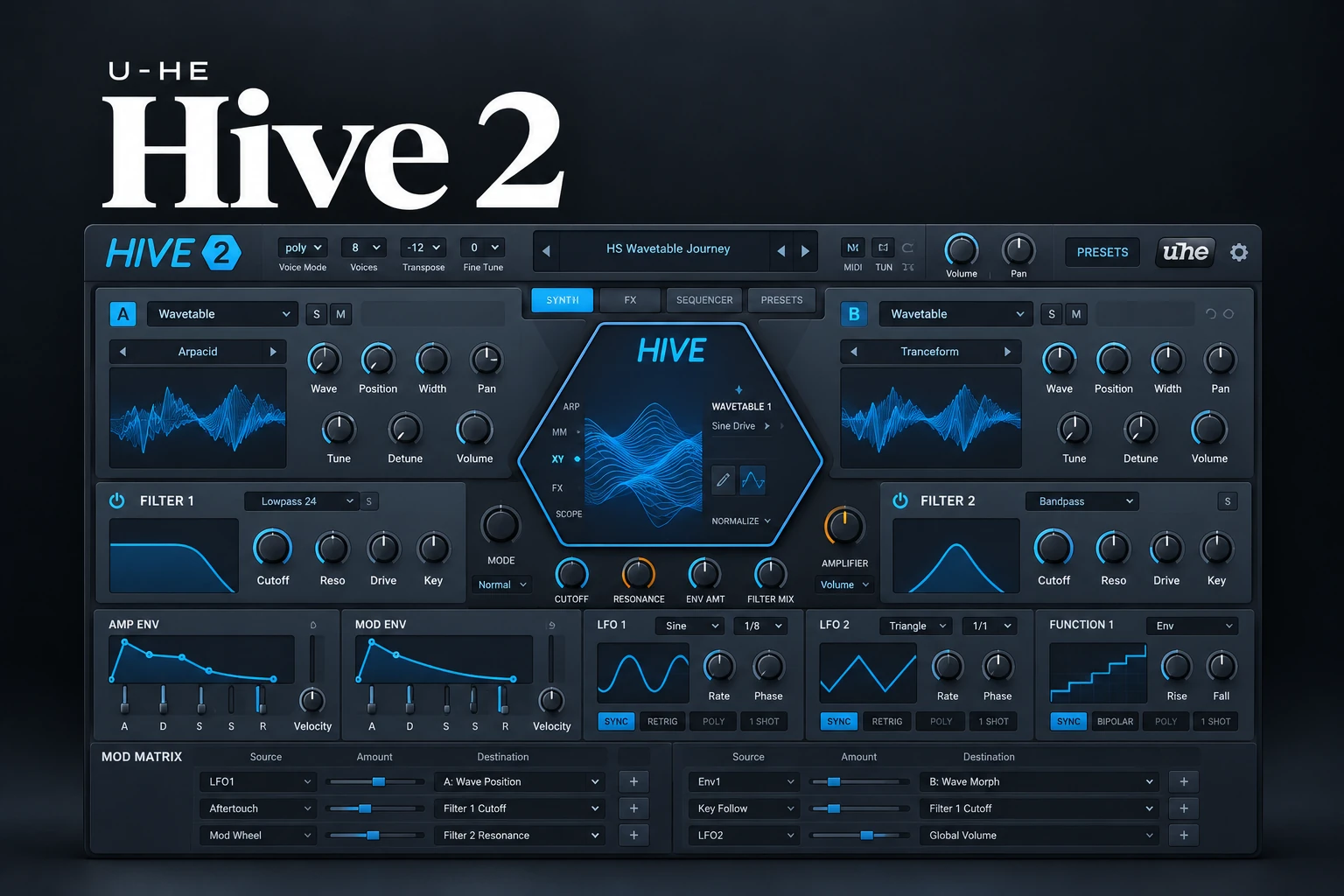

u-he Hive 2 is worth considering if you want a modern synth for basses, leads, pads and animated patches, with a layout that keeps much of the work in one place. Its wavetable support, sequencing and modulation give it more depth than a basic preset instrument.
For someone who already owns a capable synth, the buying question is practical: does Hive help you build or adapt sounds more comfortably? Another oscillator and effects collection is only useful if the sounds or workflow earn a place in your projects.
This review is a documentation-based assessment of Hive 2's features and buying value. We have not carried out a hands-on sound comparison or CPU benchmark.
What you get in Hive 2
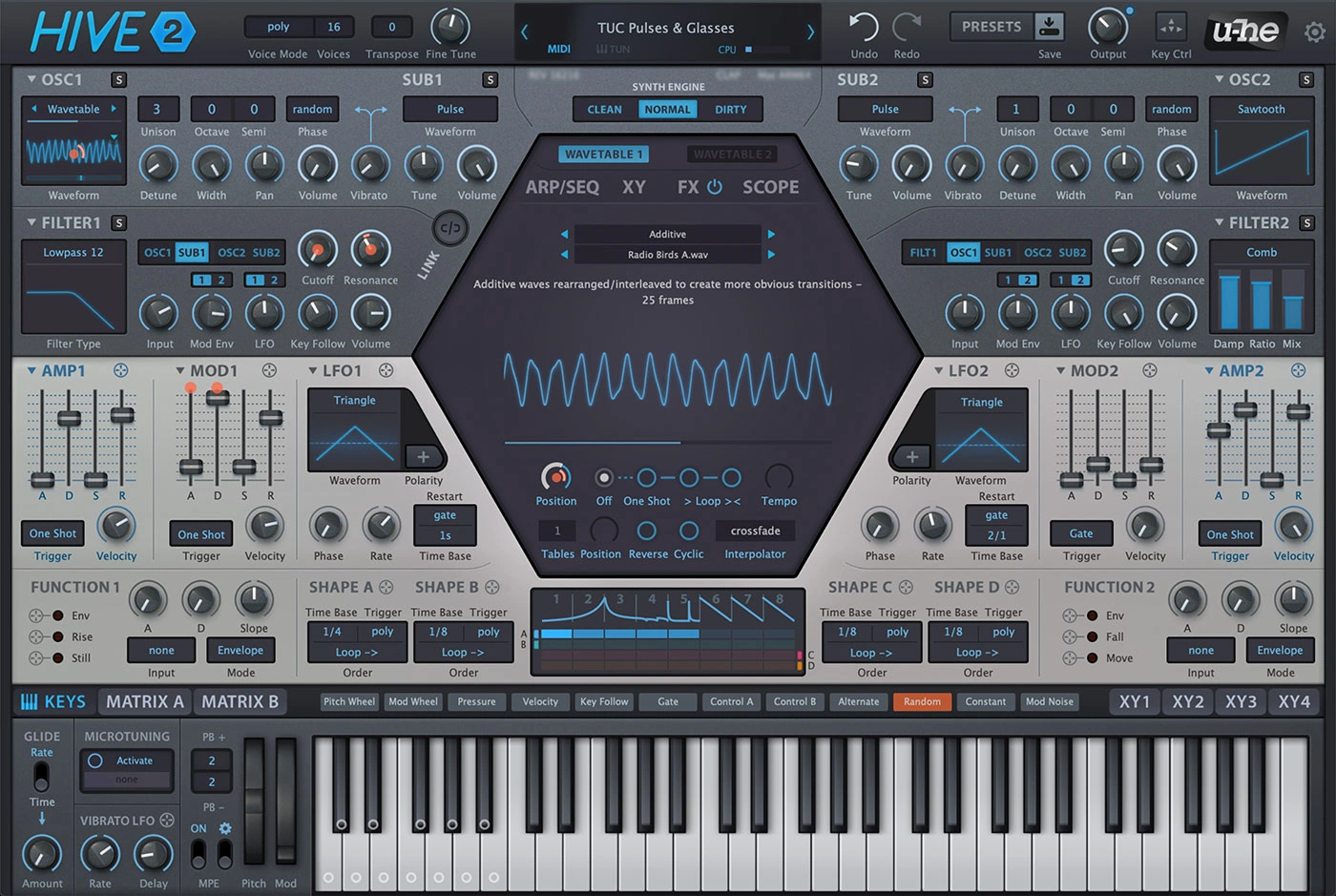
Hive 2 combines two main oscillators with standard waveforms or wavetables, tunable sub-oscillators and up to 16-voice unison per main oscillator. It also provides three synth-engine choices, flexible routing and a modulation matrix.
The useful distinction is how those pieces work together. A simple bass may need little more than a source, filter and envelope, while a moving pad can use the same instrument's wavetable and modulation tools.
We would judge it on both kinds of task. A synthesizer that excels at a huge preset but makes everyday edits uncomfortable may be a less useful purchase than its first impression suggests.
Three patch tests that reveal more than preset browsing
Test one: a bass that works with your actual kick
Begin with a plain sound and a short bass line from a current project. Set the note length and amplitude envelope before adding width, ambience or complicated modulation.
Listen to the transition between notes and the space between bass and kick. For house, check the groove at the intended tempo. For trap, confirm that the low notes remain useful rather than only auditioning a bright upper-register preset.
Next, add only the extra layer or movement the part needs. If it becomes harder to place in the mix, save the experiment separately and return to the simpler version.
The purchase test is whether you can reach a usable bass without fighting the interface. The strongest patch is the one that fits your arrangement, not the one that fills the most space in solo.
Test two: a lead that remains clear across the melody
Use a melody containing short notes, sustained notes and the highest pitch the song needs. Compare the attack and release before adding large effects.
Explore the unison settings as a deliberate sound-design choice. Listen to the pitch centre, stereo image and interaction with the other melodic parts. More voices and detuning can create a different texture, but that texture may not be what the lead requires.
For trance or melodic electronic music, audition the lead with the chord backing active. For synth-pop, include the vocal so the lead does not occupy every gap in the lyric.
Test three: a pad that evolves without overwhelming the chords
Hive's wavetables can be animated through position modulation or their built-in scanning options. This makes a sustained progression a useful third audition.
Choose a source with a clear starting tone, then add one slow change. Listen through a complete chord sequence rather than holding one attractive chord indefinitely.
If the movement draws too much attention, reduce its depth before adding effects to soften it. A background pad often needs an interesting surface while leaving the song's centre easy to follow.
Shape Sequencer and note sequencing are different tools
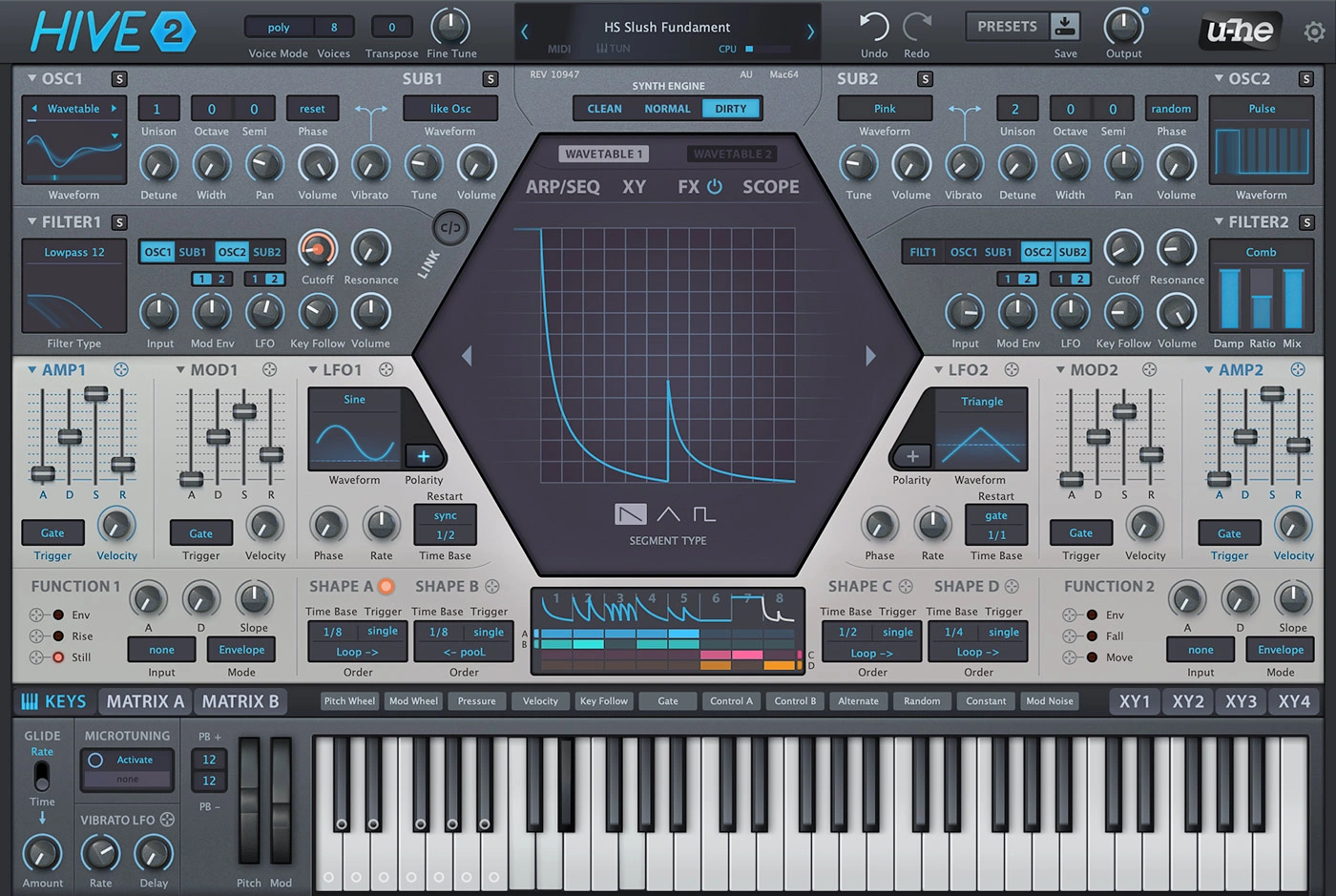
Hive includes an arpeggiator and note sequencer, but its Shape Sequencer is a modulation tool. The latter uses eight shape segments and four lanes to build changing control signals.
This distinction helps when deciding what you want to move. A note pattern changes the played material. A modulation pattern can reshape a held sound or alter the character of repeated notes.
For an audition, keep the notes simple and use a rhythmic modulation on one audible destination. Then change the pattern and listen to whether the musical result is easy to understand and edit.
The manual also describes two Function Generators that can serve different modulation roles. You do not need to master every option before using Hive, but those tools are relevant if you enjoy building expressive patches rather than only browsing presets.
The engine choices affect more than a label
Hive's Clean, Normal and Dirty engines change aspects of oscillator detuning, envelope behaviour and filter modelling. They are not simply three presets for the same patch.
When comparing them, keep the notes and listening level consistent. Watch the envelope shape and filter response as well as the overall colour.
A stronger first impression may come from a different attack or resonance relationship rather than an inherently better sound. Choose the engine that makes the part easier to finish.
This is especially worth checking when adapting a preset. If a sound is close but its response feels wrong, investigate the relevant part of the patch before layering another external effect over it.
Effects: useful for a finished patch, easy to overjudge
Hive offers seven rearrangeable effects: distortion, chorus, delay, phaser, EQ, reverb and compression.
During a purchase audition, compare a preset with its effects reduced or bypassed, then restore them. This separates the source and modulation from the space and polish around it.
Also compare the effect level inside your project. A long reverb may help a solo demo but crowd the next chord or vocal line. Saving a drier version can give you more flexibility when arranging.
If you already have effects you prefer, that does not make Hive's internal processing irrelevant. It simply changes the buying question: would you use the integrated patch workflow, or mainly the sound generator?
Presets, expression and everyday editing
The current u-he page lists more than 2,400 factory presets, NKS support, four XY control pads and MPE support. Those features offer different ways to begin and perform a patch.
For a preset-based workflow, try finding three sounds for a real sketch: bass, chords and a lead. Then make the edits the track actually needs, such as shortening the release or reducing movement.
For a performance workflow, check how the chosen patch responds to your own controller. A feature being available does not mean every preset maps it in the way you want.
For a beginner, we would learn a small number of patches well. Understanding why a bass envelope or pad modulation works is more useful than moving through hundreds of names without adapting them.
How much should CPU efficiency influence the purchase?
u-he presents Hive as a CPU-conscious design. We have not measured that claim against other synths, so we would not give a universal instances-per-project figure.
Use a representative test instead: your normal sample rate and buffer size, the actual chords you play, several patches you would keep and the rest of a typical project running.
Include a busy chord passage and the release tails. Compare the settings you intend to use, rather than a basic patch in one synth against a heavily layered patch in another.
If FL Studio begins to crackle during the audition, our audio crackling guide and buffer-size guide explain the wider setup factors to investigate.
Do you need Hive if you already own another synth?
You already finish tracks comfortably: ask what Hive would add. A different editing workflow or a useful collection of sounds is a clearer reason than owning another familiar set of synthesis controls.
You mainly want a vintage-style instrument: compare that priority with the options in our u-he Repro review and Repro versus Diva comparison.
You want a modern synth for electronic patches: Hive is a relevant candidate to audition alongside your current instrument. Our synth plugin guide gives a broader starting point.
You are choosing your first paid synth: complete the three patch tests before buying. Our free synth guide also offers ways to learn before committing money.
We would avoid declaring a winner over Serum or Pigments from a specification sheet. The meaningful comparison is the same musical task, played and edited in both instruments.
Price, demo and installation
On 20 October 2026, Plugin Boutique displayed Hive 2 at €149, matching the €149 shown on u-he's product page. Prices and offers can change. Compare the current license, tax treatment and any relevant bundle before checking out.
A demo is available. The u-he manual explains that it introduces intermittent crackling after roughly two minutes; entering a serial removes that restriction. Account for the demo noise when assessing a session.
Hive requires a host rather than running standalone. The current manufacturer page includes VST3 and native Apple Silicon support. Consult the latest installer requirements for your actual system instead of relying only on an older retailer format list.
For installation visibility in FL Studio, our VST scanning guide covers common issues.
SoundShaper opinion
Hive 2 is most appealing as a synth you can use for both everyday patch work and more animated electronic sounds. Its value depends on whether the layout and modulation tools help you turn an idea into a usable part.
For electronic producers who enjoy editing presets and building movement, we would audition it on bass, lead and pad tasks from one current project. For someone already satisfied with a modern synth, the purchase is more optional.
On a limited budget, prioritise a clear workflow advantage or sounds you will reuse. A successful demo session should leave you with a useful sketch and an understanding of how to change it.
Conclusion
Hive 2 combines conventional and wavetable sources with sequencing, modulation and integrated effects. It is worth considering when you want that combination in a focused synth workflow.
Judge it through finished musical roles rather than the biggest preset or an untested performance claim. If bass, lead and pad editing feel comfortable in your projects, you have a concrete reason to consider buying.
Sources
Details checked against the official Hive page, u-he Hive manual and Plugin Boutique listing.
![[background image] image of recording equipment (for a musician & band)](https://cdn.prod.website-files.com/68efa70811edd8e5af30a90d/6adbdffd1258b281fa64d9e8_6adbdfe06748b62dcaeff101_vintageverb-vs-pror2-cover-v2.webp)
![[background image] image of recording equipment (for a musician & band)](https://cdn.prod.website-files.com/68efa70811edd8e5af30a90d/6adbdd6f7d47fb086e52b147_6adbdd4e3cb3e94d421e55da_how-to-fix-harsh-vocals.webp)
![[background image] image of recording equipment (for a musician & band)](https://cdn.prod.website-files.com/68efa70811edd8e5af30a90d/6adbd8f9d34e0624a55714e1_6adbd8e12694d8b251e72784_decapitator-vs-saturn-2-corrected.webp)