

Picking a DAW is the first real decision you make as a producer, and it's one you'll live with for years. Switching later means relearning shortcuts, rebuilding templates, and sometimes losing plugin compatibility, so getting it right now saves you months of frustration. If you're searching for the best DAW for your setup, you've probably noticed every forum thread turns into a heated debate instead of a straight answer.
Here's the direct answer: there's no single best DAW for everyone, but there is a best DAW for your genre, budget, and workflow. A trap producer needs different tools than a mixing engineer or a live musician tracking guitars. This guide breaks down the best daw software by use case, not by popularity contests, so you can match your needs to the right platform instead of guessing.
We tested and researched nine platforms that stand out heading into 2026, covering everything from industry-standard workstations to lighter, budget-friendly options. You'll see honest breakdowns of pricing, stock plugins, and workflow strengths for each best music production daw pick, plus who each one actually fits. By the end, you'll know exactly which DAW deserves your money and your time.
1. Ableton Live
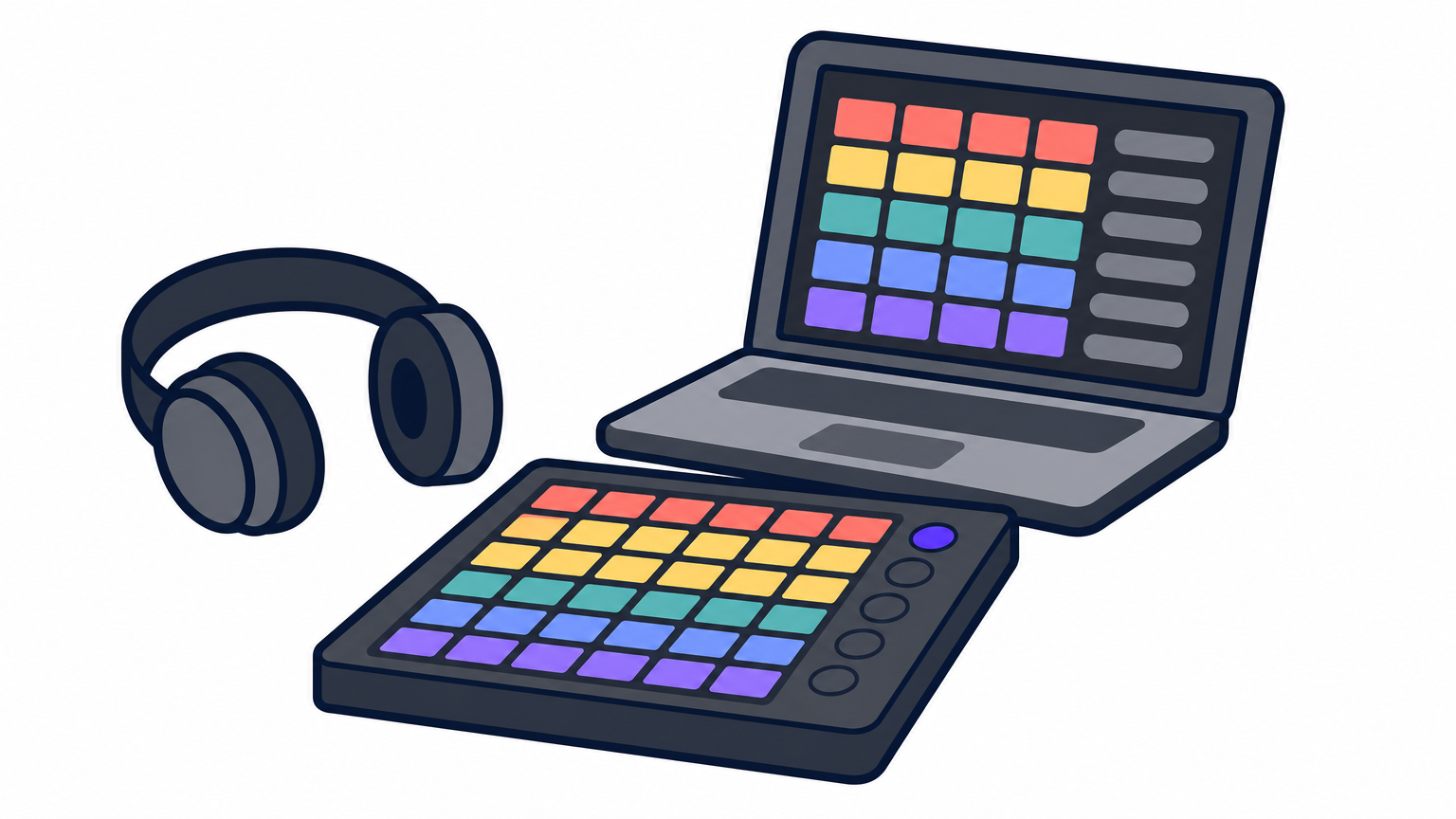
Ableton Live built its reputation as the go-to DAW for music production in electronic genres, and it still leads that space heading into 2026. The Session View lets you launch clips and loops non-linearly, which makes it the fastest tool for sketching ideas or performing live sets. Unlike traditional timeline-based DAWs, Live treats improvisation as a core workflow rather than an afterthought.
Key features
Live ships with Session View and Arrangement View side by side, so you can jam out ideas in one and arrange them into a finished track in the other without switching software. Max for Live adds a visual programming environment for building custom instruments and effects, and the built-in Wavetable synth, Drum Rack, and warping engine cover most sound design needs out of the box, so you can wait before adding free wavetable synth plugins of your own. Push, Ableton's hardware controller, integrates deeply enough that many producers skip the mouse almost entirely.
Who it's for
Live suits electronic producers, DJs, and live performers who need to trigger loops on stage or build tracks around samples rather than notation. Hip-hop and pop producers who lean on loop-based workflows also gravitate toward it, since building beats from chopped samples and drum sample packs feels natural in Session View.
If your process starts with a loop instead of a blank timeline, Ableton Live will feel like it was built for you.
Pricing
Ableton sells three tiers, and the jump between them matters more than it looks:
| Edition | Price | What You Get |
|---|---|---|
| Intro | $99 | Limited tracks, basic instruments |
| Standard | $449 | Full track count, most instruments and effects |
| Suite | $749 | Everything, including Max for Live and full instrument collection |
Check current pricing and bundle deals on the official Ableton site.
Pros and cons
Strengths include unmatched live performance tools, tight hardware integration, and a sound design workflow that rewards experimentation. Drawbacks show up mainly in notation, since Live's score editor lags far behind Cubase or Logic, and the Intro tier feels restrictive fast once you start building real projects. Producers coming from a traditional recording background sometimes find the clip-based mindset takes a few weeks to click.
2. Logic Pro
Logic Pro remains the tightest, most polished option for anyone already living inside the Apple ecosystem, and it's often the first recommendation when someone asks what is the best DAW for a Mac-only studio. Apple bundles a massive sound library and a genuinely capable mixing console into a single purchase, which makes it feel like far more software than the price suggests.
Key features
The Flex Time and Flex Pitch tools let you correct timing and tuning on audio without freezing tracks first, and Logic's Drummer engine generates realistic MIDI drum performances that adapt to your arrangement. Native support for Apple Silicon means projects run noticeably faster than on comparable Windows rigs, and the included sample library covers orchestral, hip-hop, and electronic sounds without buying a single extra plugin.
Who it's for
Mac-based producers, songwriters, and composers scoring to picture all lean on Logic, and it's a strong pick for anyone hunting the best DAW for musicians who track live instruments alongside programmed parts. It won't run on Windows at all, so PC users can skip straight past this one.
Logic Pro packs more stock content per dollar than almost any other DAW on this list.
Pricing
Apple charges a flat $199.99 one-time fee, no subscription, on the official Logic Pro page.
Pros and cons
Strengths: huge stock library, fast performance on Apple hardware, one-time cost. Drawbacks: Mac-only, and its plugin ecosystem skews smaller than Windows-friendly competitors.
3. FL Studio
FL Studio grew out of the beat-making scene and still shows it, with a pattern-based workflow that makes programming drums and melodies faster than almost any other DAW software on this list. The Piano Roll deserves special mention here, since it's widely considered the best in the industry for chopping, sliding notes, and building intricate melodic runs without fighting the interface.
Key features
FL Studio's step sequencer and Piano Roll work together so you can build a beat in minutes and then refine every note with tools like strumming, flam, and portamento built directly into the roll. The Mixer supports unlimited inserts per track, and stock plugins like Sytrus, FLEX, and Newtone cover synthesis, sampling, and free auto tune style pitch correction without buying anything extra. Lifetime free updates mean a purchase today still gets every future version.
Who it's for
FL Studio suits beatmakers, hip-hop producers, and EDM artists who think in patterns and loops rather than linear timelines, usually built from sample packs made for FL Studio. It's also a favorite starting point for producers still deciding what is the best DAW for their genre, since the free trial has zero restrictions beyond saving.
FL Studio turns beat-making into the fastest, most frictionless part of your workflow.
Pricing
Image-Line sells four tiers, from Fruity ($99) up to All Plugins Edition ($499), all with free lifetime updates. Check current tiers on the official FL Studio pricing page.
Pros and cons
Strengths: unmatched beat-making speed, lifetime free updates, generous free trial. Drawbacks: audio recording and mixing workflows feel clunkier than dedicated recording-focused DAWs like Pro Tools or Cubase.
4. Steinberg Cubase
Cubase has been the backbone of professional MIDI and audio production since long before "DAW" was a common term, and it still sets the standard for composers and detail-obsessed producers. Steinberg pioneered VST technology itself, so it makes sense that Cubase handles plugin routing and MIDI editing with a depth few competitors match.
Key features
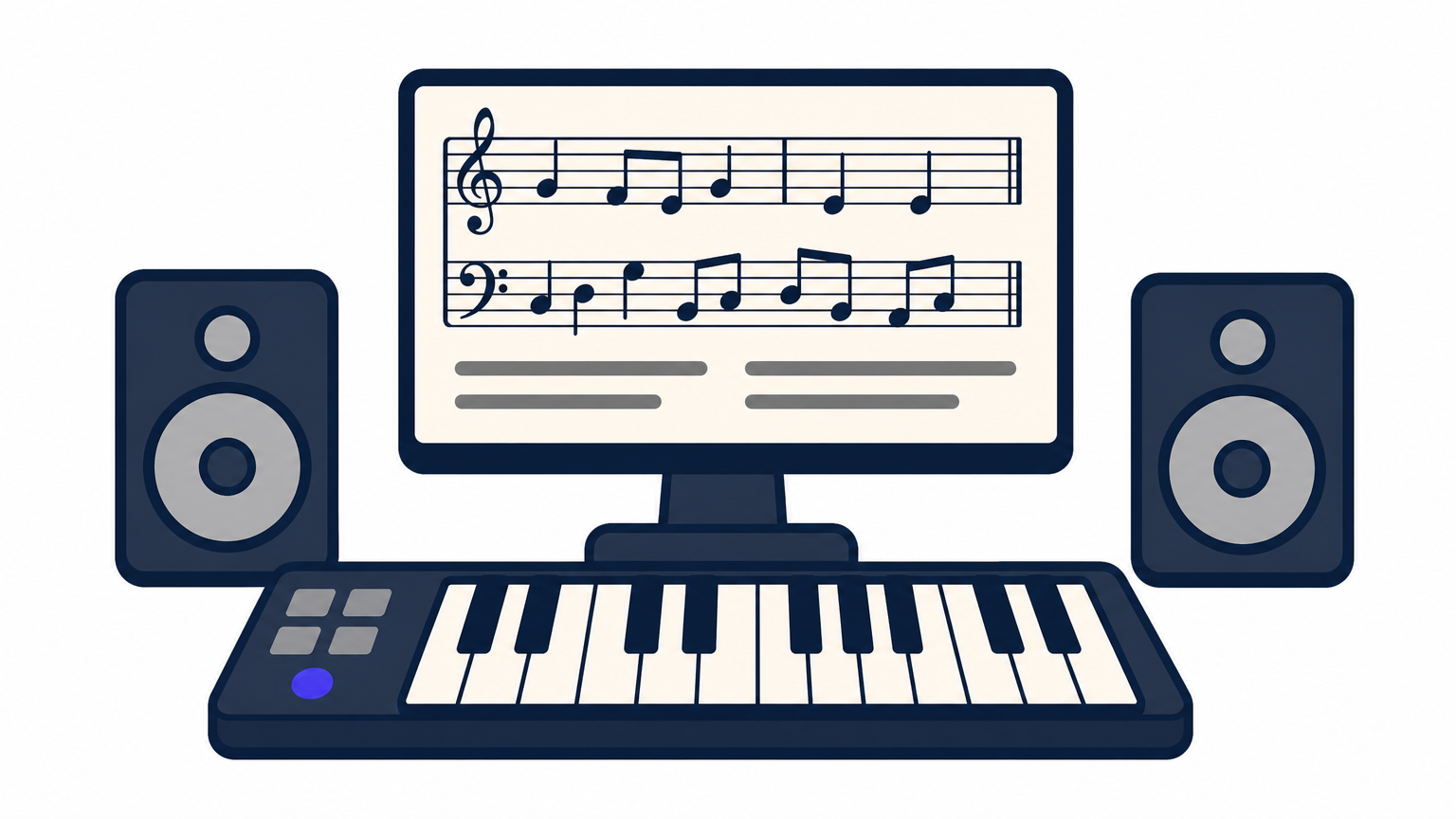
Cubase's Chord Pads and Expression Maps give composers fast ways to sketch harmony and control orchestral articulations without leaving the arrange window. The VariAudio pitch correction rivals Melodyne for vocal tuning and vocal chain duties, and Cubase's MixConsole offers some of the most flexible channel routing available in any DAW, including full surround support for film and game composers.
Who it's for
Composers, film scorers, and producers who need granular MIDI control gravitate toward Cubase, especially anyone scoring to picture or building complex orchestral mockups. It also suits engineers who want advanced automation and editing tools beyond what most pop or hip-hop producers ever touch.
Cubase rewards producers who want total control over every note and every automation curve.
Pricing
Steinberg sells three tiers: Elements ($99.99), Artist ($329.99), and Pro ($579.99), each unlocking more tracks, plugins, and surround options. Check current bundles on the official Cubase page.
Pros and cons
Strengths include unmatched MIDI editing depth, strong scoring tools, and a mature plugin ecosystem built on Steinberg's own VST standard. Drawbacks show up in the steep learning curve and an interface that feels dense compared to more streamlined DAWs like Studio One.
5. PreSonus Studio One
Studio One built its reputation on a workflow that feels less cluttered than Cubase or Pro Tools, and producers searching for the best audio DAW software without a steep learning curve often land here first. PreSonus designed the interface around drag-and-drop simplicity, so moving between recording, arranging, and mastering happens inside one window instead of forcing you to juggle separate views.
Key features
The Console Shaper and Chord Track stand out immediately, letting you dial in analog-style tone shaping while sketching harmony without leaving the arrange page. Studio One's drag-and-drop mixing extends to almost every function, including dragging plugin chains between tracks, and the built-in Project page handles mastering and CD-quality exports without needing separate software.
Who it's for
Songwriters, singer-songwriters, and producers moving from simpler tools all fit Studio One's audience, especially anyone who wants professional mastering plugins bundled into their main DAW. It also suits hybrid mixing engineers who work with outboard analog gear, since the Console Shaper models real hardware behavior.
Studio One earns its spot by making mastering feel native instead of bolted on.
Pricing
PreSonus offers Prime (free), Artist ($99.95), and Professional ($399.95), each adding tracks, plugins, and mastering tools. Details live on the official Studio One page.
Pros and cons
Strengths: clean workflow, strong mastering suite, flexible drag-and-drop editing. Drawbacks: smaller third-party plugin ecosystem and fewer stock instruments than Logic or FL Studio.
6. Avid Pro Tools
Pro Tools set the standard for recording studios decades ago, and it's still the DAW you'll find in nearly every professional facility handling audio for film, TV, and major-label records. If you're wondering what is the best DAW for tracking live bands or dialogue editing at a commercial studio, Pro Tools is the honest answer, since so much industry workflow is built around its session format.
Key features
Pro Tools handles low-latency recording and editing better than almost any competitor, thanks to its tight integration with Avid's own audio interfaces and HDX hardware. Elastic Audio lets you stretch and quantize recorded material without destroying tone, and the Clip Gain and comping tools make editing multi-take vocal or dialogue sessions faster than in most other DAWs.
Who it's for
Audio engineers, film and post-production editors, and bands tracking live instruments all rely on Pro Tools, especially in studios that need to exchange sessions with other facilities.
Pro Tools stays the default choice wherever professional audio sessions need to move between studios without breaking.
Pricing
Avid sells Pro Tools Intro (free), Pro Tools Studio ($299/year), and Pro Tools Ultimate ($999/year), with perpetual license options also available. Check current terms on the official Pro Tools page.
Pros and cons
Strengths include industry-standard session compatibility, excellent editing tools for dialogue and vocals, and rock-solid recording performance. Drawbacks include a subscription-heavy pricing model and a MIDI/instrument workflow that feels dated next to Ableton or Logic.
7. Cockos REAPER
REAPER earns its spot on any honest best DAW software list because it does almost everything the $600 options do for a fraction of the price. Cockos built REAPER around total customization, so instead of forcing one workflow, it lets you rebuild the interface, routing, and even the scripting engine to match how you actually work.
Key features
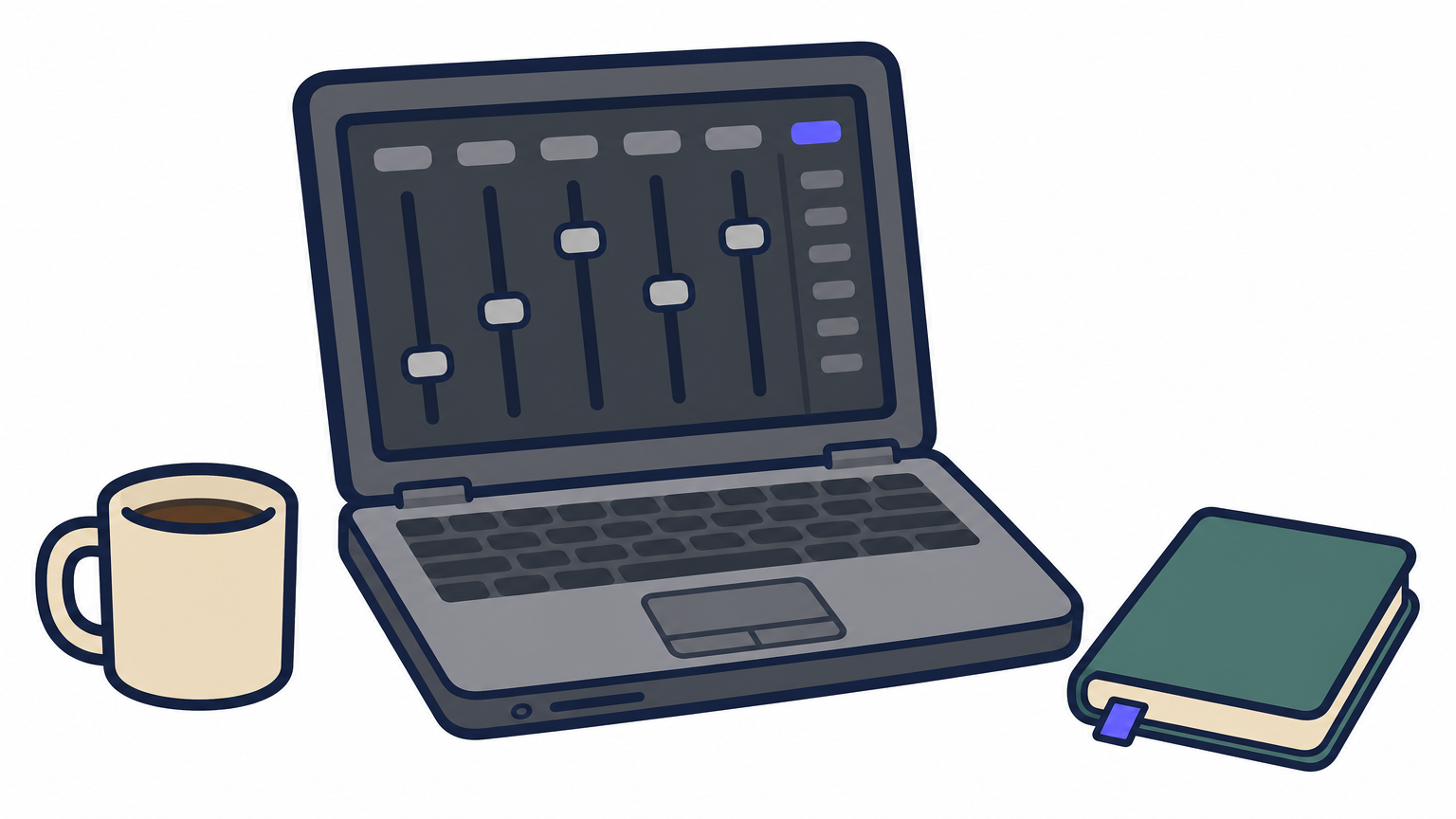
REAPER's flexible routing and customizable interface let you rebuild the mixer, toolbars, and menus from scratch, and the ReaScript engine supports Lua and Python for producers who want to automate repetitive tasks. Built-in plugins cover EQ, compression, and metering well enough that many mixing engineers never buy third-party alternatives like FabFilter's Pro-Q 4, and the tiny install size means it runs fine on aging laptops.
Who it's for
Budget-conscious producers, tinkerers, and engineers running older hardware all fit REAPER's audience, especially anyone comfortable customizing software instead of expecting everything preset out of the box.
REAPER proves you don't need a $600 DAW to get professional-grade routing and mixing tools.
Pricing
Cockos charges $60 for a discounted license (under $20 million revenue) or $225 for a commercial license, both perpetual with free updates for years. A fully-featured 60-day trial has zero restrictions. Check current terms on the official REAPER site.
Pros and cons
Strengths include an unbeatable price, deep customization, and a tiny footprint that runs on almost any machine. Drawbacks show up in the dated default interface and a steeper setup curve if you want it looking modern.
8. Bitwig Studio
Bitwig Studio started as a spiritual successor to Ableton Live, built by former Ableton engineers, and it's carved out its own identity as one of the most flexible best daw programs for sound designers. The modulation system alone sets it apart from anything else on this list, letting you patch parameters together in ways that feel closer to modular synthesis than traditional DAW automation.
Key features
The Grid and modulation system let you build custom synths and effects by patching modules together visually, no coding required, and every device parameter can be modulated by nearly any other device in your session. Bitwig also runs natively on Windows, Mac, and Linux, which makes it the only major DAW on this list that fully supports Linux studios. Multiple time signatures per track and a robust clip launcher round out a workflow built for experimentation.
Who it's for
Sound designers, modular synth fans, and Linux users who've been locked out of most professional DAWs all find a home here. It also suits Ableton users craving deeper modulation without switching to a completely different workflow philosophy, and it pairs well with a modulation-heavy synth like Arturia Pigments 7.
Bitwig gives Linux producers a real professional option, not just a compromise.
Pricing
Bitwig offers Essentials ($99), Standard ($399), and Studio ($419 or a $24/month subscription), each unlocking more tracks and modulation devices. Check current tiers on the official Bitwig site.
Pros and cons
Strengths include deep modulation, true cross-platform support, and a clean interface. Drawbacks include a smaller third-party plugin ecosystem and fewer stock instruments than Ableton or Logic.
9. Cakewalk by BandLab
Cakewalk carries a strange distinction: it's the only full-featured DAW on this list that costs nothing, permanently, with no watered-down free tier. BandLab acquired the software after Cakewalk Sonar shut down in 2017, then relaunched it as a completely free download, funded by BandLab's broader music ecosystem instead of license sales. For anyone hunting the best DAW software without spending a dollar, this is the one to try first.
Key features
Cakewalk's ProChannel strip brings console-style EQ, compression, and tape saturation to every track, modeling analog gear without buying a single plugin. The Melodyne-powered ARA integration handles pitch correction and audio editing at a level usually reserved for paid software, and skylight-style docking windows let you customize the layout almost as freely as REAPER. Comprehensive MIDI tools, including a full-featured Piano Roll and Control Bar automation, round out a surprisingly deep feature set for something with no purchase price.
Who it's for
Beginners testing whether music production is a real hobby, and experienced producers on tight budgets, both fit Cakewalk's audience well, especially alongside a handful of zero-cost VST instruments and effects. It also suits anyone who wants a Sonar-style workflow without paying Sonar-era prices.
Cakewalk gives you a professional-grade recording studio without asking for your credit card.
Pricing
Cakewalk by BandLab costs $0, full stop, with all updates included. Download it directly from the official BandLab site.
Pros and cons
Strengths: zero cost, strong ProChannel effects, and genuine ARA pitch editing. Drawbacks: Windows-only, and its plugin ecosystem lags behind paid competitors like Cubase or Studio One.
Finding the DAW That Fits Your Workflow
Nine DAWs, nine different personalities, and no fake tiebreaker at the end. The best DAW for a trap producer chopping samples looks nothing like the best DAW for a film composer scoring to picture, and that's fine. Match the tool to how you actually work, not to whichever name gets the loudest praise on forums.
Go back through your priorities: do you need live performance features, deep MIDI editing, a free trial with zero restrictions, or rock-bottom pricing? That answer points you toward Ableton, Cubase, FL Studio, or REAPER faster than any generic ranking ever could. Most of these platforms offer free trials, so download two or three before committing real money.
Once you've picked your DAW, the real work starts: filling it with plugins, samples, and instruments that actually sound professional. Browse our latest plugin reviews and buying guides to build out a toolkit worthy of your new workflow.
![[background image] image of recording equipment (for a musician & band)](https://cdn.prod.website-files.com/68efa70811edd8e5af30a90d/6acd43b8998701bbde84e11a_Best%20Export%20Settings%20for%20FL%20Studio.png)
![[background image] image of recording equipment (for a musician & band)](https://cdn.prod.website-files.com/68efa70811edd8e5af30a90d/6acd3f9347bd0dd62b202621_ShaperBox%203%20vs%20Infiltrator%202.png)
![[background image] image of recording equipment (for a musician & band)](https://cdn.prod.website-files.com/68efa70811edd8e5af30a90d/6acd3d99fa68785e0f58960e_Kontakt%208%20vs%20Decent%20Sampler.png)