
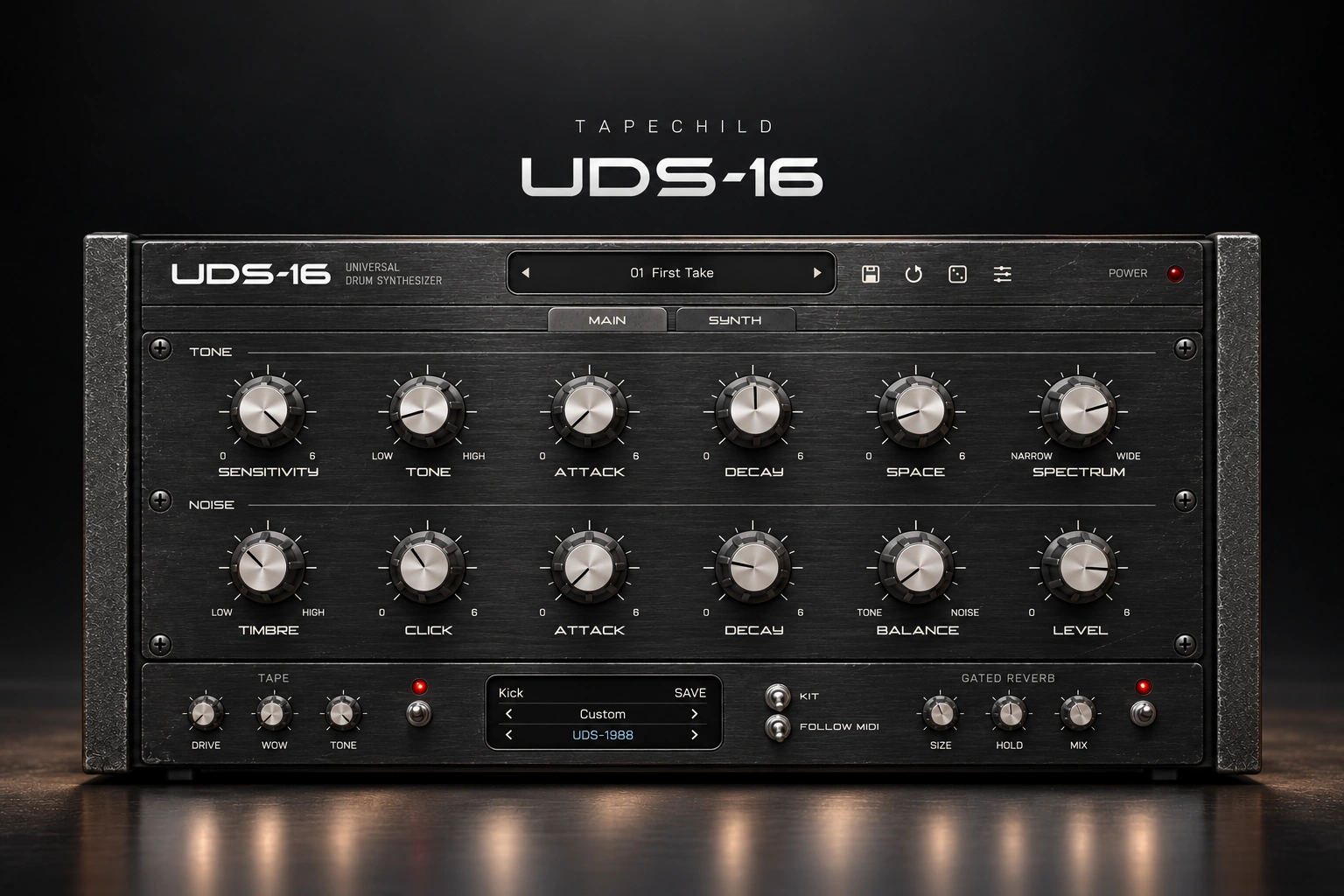

Tapechild UDS-16 is a drum synth for producers who want to make their own electronic drum sounds. Instead of choosing a finished sample, you can change how each hit starts, sounds and fades away.
Our view: the main reason to consider UDS-16 is control over your drums. It makes more sense if you enjoy shaping sounds than if you just want to load a sample pack and start arranging.
This review is based on Tapechild's product information. The tips below are suggested ways to use it, rather than results from our own listening tests.
What does UDS-16 do?
UDS-16 creates drum sounds through synthesis. That means it builds the sound as you play it, rather than playing back a recording. It has 16 drum voices, four sound models, more than 20 factory kits, tape effects and gated reverb.
The useful part is being able to change the sound at its source. If a kick has the right attack but rings out for too long, you can work on its length. If a snare needs more texture, you can work on that part without starting your search again.
We see this as the strongest reason to use a drum synth. You spend more time shaping one useful sound and less time opening folders full of almost-right samples.
Four models to build your kit
The four models are UDS-1987, UDS-1988, UDS-16 and ROKTON. Two take inspiration from the Lel UDS, one from the Formanta Rockton, and one is Tapechild's own design. They are not exact copies of the original hardware.
You can choose a model for each drum. Our advice is to change one drum at a time. Keep the same beat playing, switch the model for the kick, and compare what happens. Then do the same for the snare.
A whole new kit can make a preset seem exciting without telling you which sound you actually prefer. Changing one part makes that decision easier.
Understand the body, noise and attack
A drum sound is easier to shape when you split it into a few simple parts.
Body: the weight or main tone of the hit. For a kick, this is the low thump. For a snare, it is the sound underneath the bright crack.
Noise: the rough or airy part. Think of the hiss in a snare or the bright texture of a hi-hat.
Attack: the very start of the hit. A stronger attack can help a drum stand out, but too much can make it sharp and tiring.
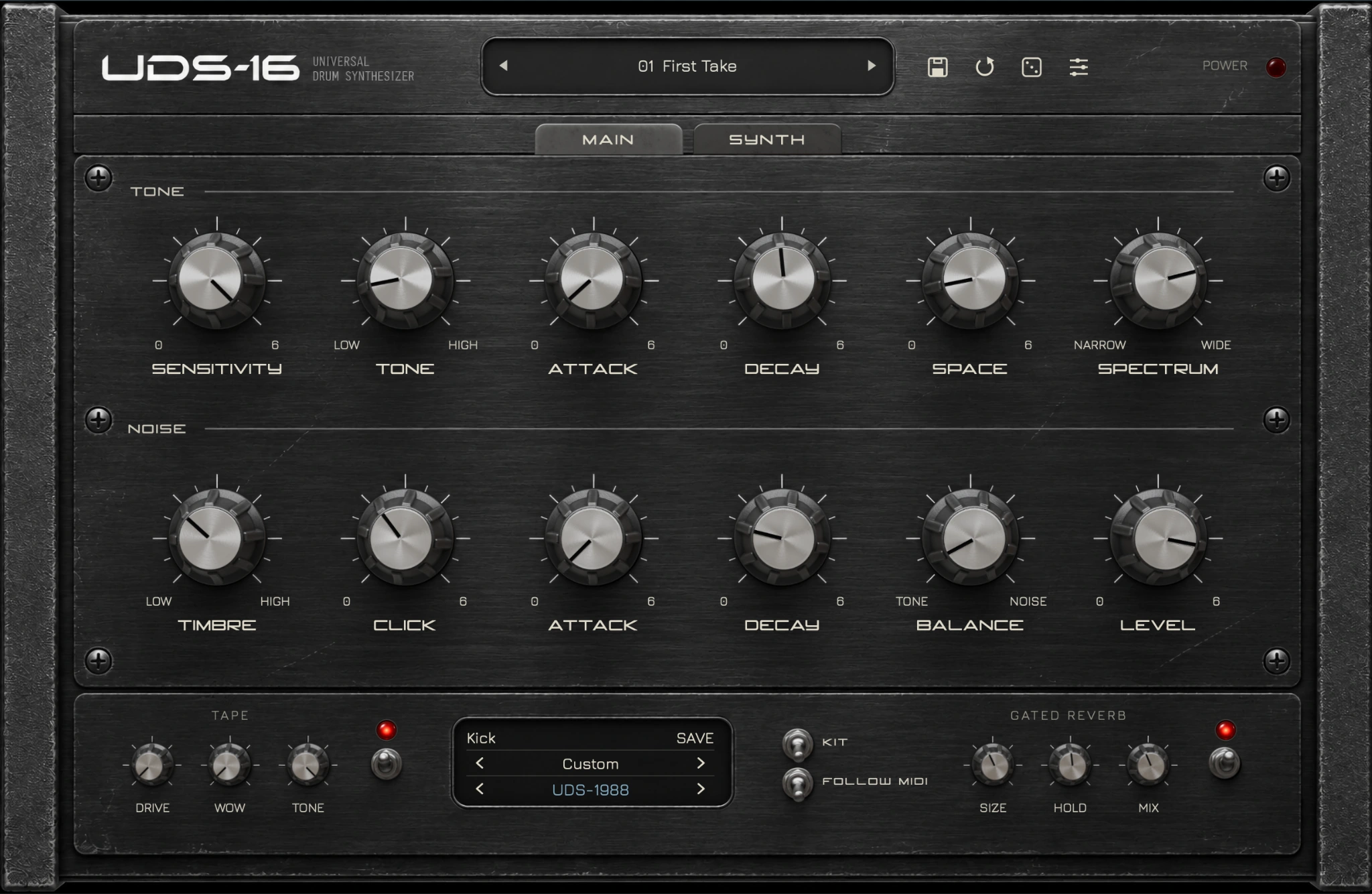
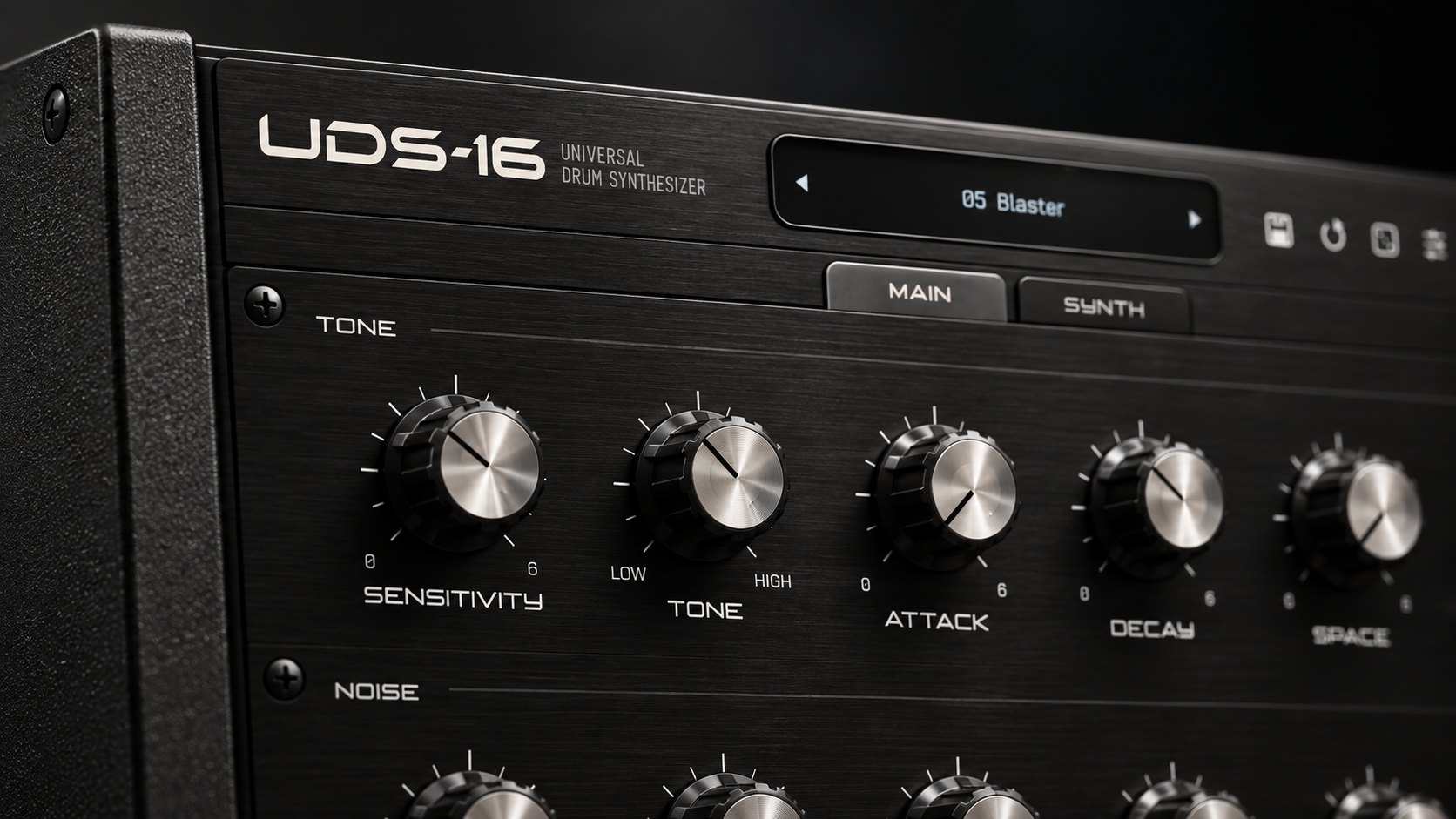
UDS-16 has separate tone and noise envelopes, plus CLICK. An envelope controls how a sound starts and fades. The original model also includes PUNCH, PITCH TIME, MATERIAL and DRIVE.
Our tip: decide what is missing before turning more knobs. If the kick needs a shorter tail, fix that first. Adding more attack may make it louder without fixing the overlap with your bass.
A simple way to build a kick
1. Start with a basic beat. Keep it simple enough to hear the kick clearly.
2. Set the length. Make sure the kick fades before it gets in the way of the next hit or bass note. A shorter kick can work better even when it sounds less impressive on its own.
3. Play the bass with it. Judge them together. The kick does not need to fill every part of the low end.
4. Adjust the attack. Add enough click to hear the rhythm. Stop if it starts sounding separate from the body.
5. Compare at a similar volume. A louder version often seems better at first. Turn it down before deciding whether the change helped.
For more help, see how to mix kick and 808.
Give each drum its own job
We recommend building a small kit first: a kick, a snare and one extra percussion sound. Get those working before adding more parts.
For the snare, balance its weight with its noisy top. Listen while the beat plays. A huge snare tail may sound good alone and cover the next few hits in a busy pattern.
For the extra percussion, choose something that adds contrast. Try a different pitch or a shorter sound. One accent near the end of the phrase may add more character than a constant stream of extra notes.
More sounds do not automatically make a better beat. Keep a part when it makes the rhythm clearer or more interesting.
Tape and reverb: get the dry sound right first
The tape section has DRIVE, WOW and TONE. The gated reverb has SIZE, HOLD and MIX. Gated reverb gives a drum some space, then cuts the tail short.
Our advice is to build a useful drum sound before adding these effects. Otherwise, it becomes hard to tell whether you like the drum or just the extra volume and reverb.
Try a little processing, then compare with it switched off. Listen to the whole beat. If the snare's reverb fills the gaps you wanted to leave open, shorten it or turn it down.
Save a clean kit and a processed version. Use the clean one as a reference when you feel tempted to keep adding more.
Who should consider UDS-16?
Consider it if you want to design electronic drums. The point is being able to change the hit, rather than accepting most of a sample as it comes.
Start with your existing tools if you mainly want quick results. A good sample can already do the job. You do not need to design every sound yourself to make a strong track.
Our drum synth guide compares other options. Before buying, check any feature you rely on, such as separate outputs or your preferred way to export sounds.
Price and compatibility
On 25 October 2026, Tapechild listed $49 through 31 October, then $79. The licence allows three computers, with offline activation and no iLok.
It supports macOS 11 or later on Intel and Apple Silicon, and Windows 10/11 64-bit. Formats include VST3 and standalone, plus AU on Mac. Download the installer from your Tapechild account.
The lack of a trial is a drawback. Listen to the official examples and check your system before buying. In FL Studio, install the VST3 version. Our plugin scanning guide helps if it does not appear.
SoundShaper opinion
What appeals to us most is the idea of building a kit around your track. You can start with a useful sound and change the parts that do not fit, instead of replacing the whole hit.
We would put UDS-16 on the shortlist for producers who enjoy making electronic percussion. For someone who prefers browsing ready-made drums, the extra sound-design work may feel unnecessary.
Our main buying advice: know why you want it. If the answer is “I want more control over the drums I make,” it is worth a closer look. If the answer is just “I want more sounds,” check what your current library already offers first.
Conclusion
UDS-16 is worth considering when shaping your own drums is part of how you want to produce. Its value comes from the changes you can make to a kit, not simply the number of presets.
Start small, listen with the bass playing and keep the changes that help the song. That is a more useful goal than making every drum sound huge on its own.
Sources
Product details checked against the official Tapechild UDS-16 page and FAQ on 25 October 2026.
![[background image] image of recording equipment (for a musician & band)](https://cdn.prod.website-files.com/68efa70811edd8e5af30a90d/6ae28f3ffeabaf5b76db2580_6ae28f255000f820b159a320_crystalline-review-cover.webp)
![[background image] image of recording equipment (for a musician & band)](https://cdn.prod.website-files.com/68efa70811edd8e5af30a90d/6ae28e7e5d1572089570ac87_6ae28e5eead33b2db2a18b5f_transit-2-review-cover.webp)
![[background image] image of recording equipment (for a musician & band)](https://cdn.prod.website-files.com/68efa70811edd8e5af30a90d/6ae28d603a57759da71022d6_6ae28d41f6af13c91dee9c76_drumazon-2-review-cover.webp)