
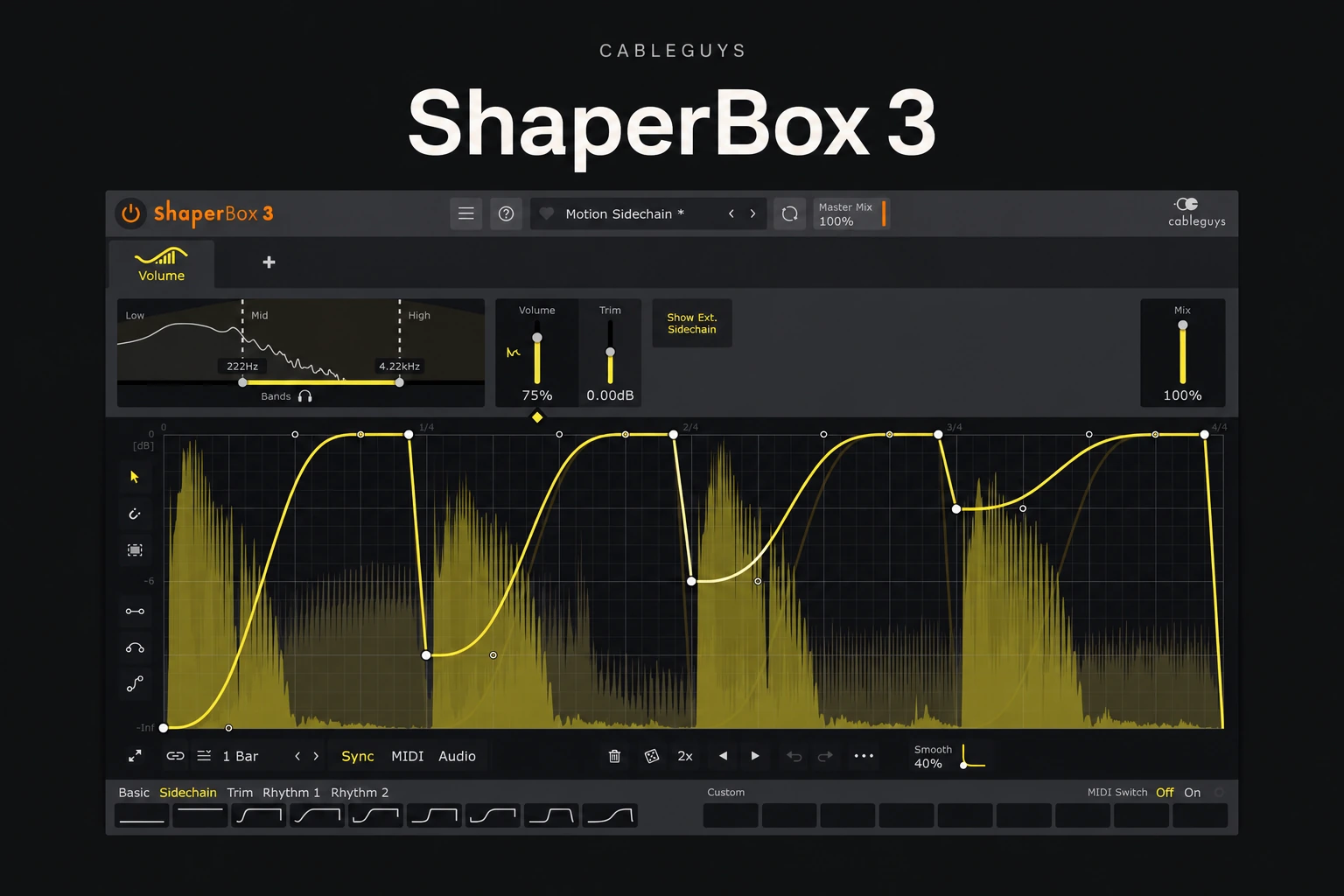

ShaperBox 3 is worth considering if you want precise ducking, rhythmic movement and creative effects in one plugin. Its main appeal is drawing how an effect changes over time. That makes it useful for repeatable bass movement, animated loops and transitions with a clear musical shape.
If you only want a simple kick-and-bass sidechain, start with your DAW or a smaller dedicated plugin. The full bundle makes more sense when you will use several of its effects.
This is an editorial review based on current Cableguys documentation and product information, rather than a hands-on listening test. Product details were checked on 27 October 2026.
What is ShaperBox 3?
ShaperBox 3 is Cableguys’ modular effects plugin. The current bundle includes eleven Shapers: Pitch, Reverb, Time, Drive, Noise, Liquid, Filter, Crush, Volume, Pan and Width. You can combine them and draw modulation curves to control their movement.
It supports tempo-synced patterns, audio triggering and MIDI triggering. Each Shaper can work across three frequency bands. That lets you apply different movement to different parts of a sound.
The useful distinction is between choosing an effect and designing its timing. A distortion plugin may give you the tone you want; ShaperBox becomes interesting when you also want that tone to change in a deliberate pattern.
1. Duck bass around your kick
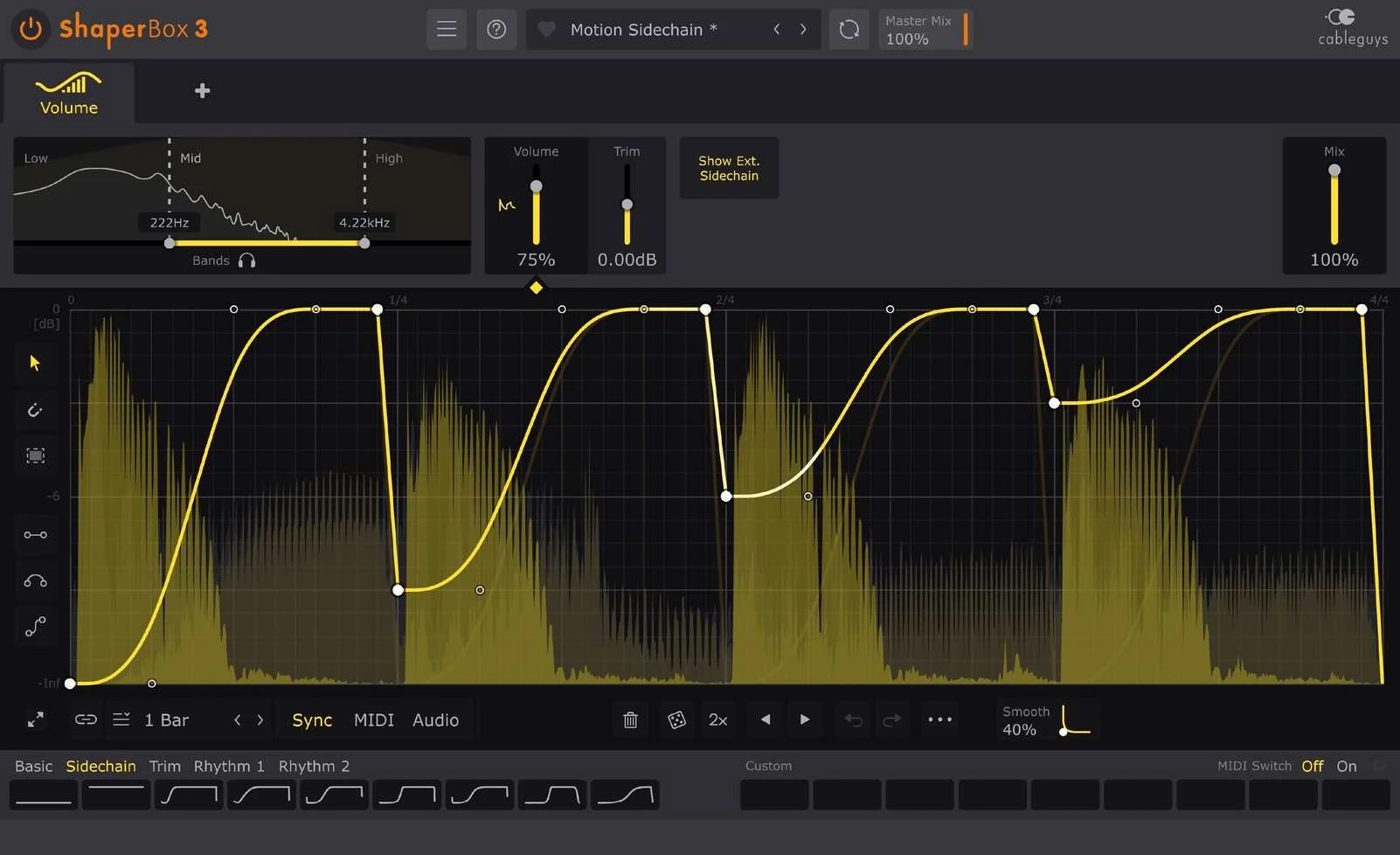
VolumeShaper is a sensible starting point. Draw a volume dip where the kick lands, then shape how quickly the bass returns. Treat the curve as part of the groove: a short recovery can feel very different from a long swell.
Start with one full-range curve. Listen to the kick and bass together, then check the whole mix. If the ducking fixes a collision but removes too much character, try a smaller dip before adding more complexity.
For a regular four-on-the-floor beat, a repeating synced pattern may be enough. For an irregular kick rhythm, an audio-triggered approach can be more useful. Cableguys supports external sidechain triggering and a sidechain waveform display, which help you relate the movement to the incoming signal.
Multiband processing gives you another option: duck the low end while keeping more of the upper bass audible. Use it when there is a clear reason. Extra bands do not automatically make the mix cleaner, and an exaggerated curve can still weaken the bass.
Already using FL Studio? Follow our Fruity Limiter sidechain guide first. If that solves the problem, a purchase can wait.
2. Add movement to a static loop
For creative work, begin with one change you can describe in a sentence: “open the filter over the last beat,” “move the high percussion between the speakers,” or “interrupt the loop before the drop.” That is a better starting point than loading a complex preset and hoping it fits.
Keep the original loop available. Add one Shaper, choose a pattern length that fits the phrase and adjust the effect depth until the movement supports the track. Only add a second effect when it solves a separate problem.
A useful exercise is to make two versions of the same loop. Keep the first nearly unchanged for the verse. Give the second a stronger rhythmic variation for the end of an eight-bar phrase. Arrangement contrast often does more than applying constant movement everywhere.
Check the result at a matched listening level. A louder or brighter version can seem more exciting even when the timing is less useful. Also listen in context: a striking solo effect may compete with the vocal.
3. Build pitch and reverb transitions
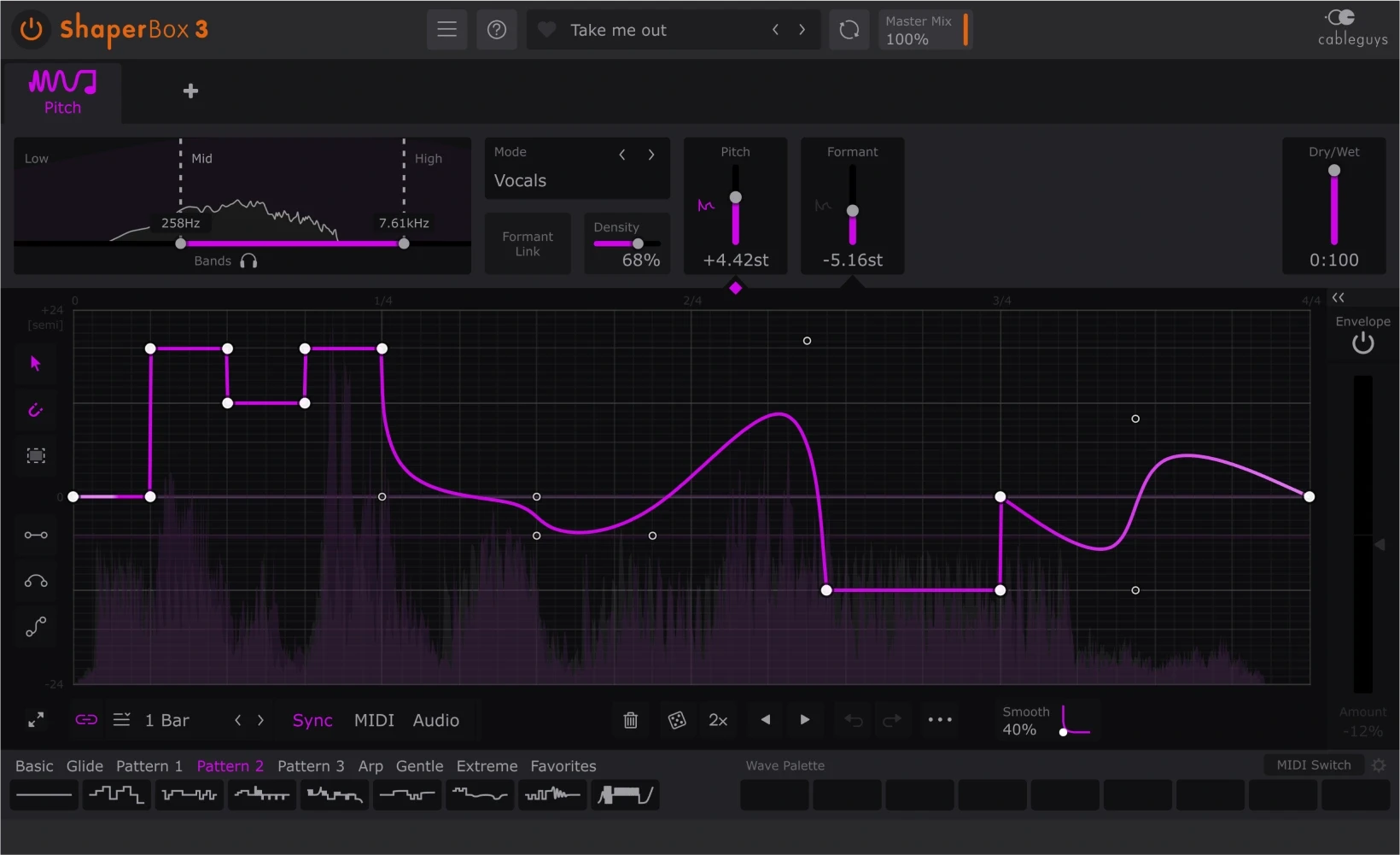
Older ShaperBox reviews may describe a smaller bundle. The current version also includes PitchShaper and ReverbShaper. PitchShaper offers Complex, Vocals, Drums and Vintage algorithms, with pitch and formant controls.
For a transition, try a short pitch movement on a duplicate of a vocal chop, percussion hit or synth phrase. Keep the main musical part intact, then use the processed copy as an accent. Judge whether it leads naturally into the next section.
Approach reverb movement in the same way: leave space for it. A dramatic tail can be useful at the end of a phrase but distracting underneath the next lead line. Printing an effect to audio and trimming its ending is a practical way to make the transition intentional.
Think of pitch shaping as a creative effect. If your goal is transparent vocal tuning, evaluate a dedicated pitch-correction workflow separately.
Where ShaperBox can feel like too much
The biggest buying risk is paying for flexibility you will not use. If every track needs the same simple volume dip, the full bundle may add little to your actual workflow. Our Kickstart 2 vs Duck 2 comparison covers a more focused purchase decision.
There is also a creative trade-off. Drawing detailed curves gives you control, but it can become another place to keep adjusting instead of finishing the arrangement. Give each instance a job and remove it if the track works better without it.
We have not measured CPU use or latency in a controlled DAW session. Try the demo in your own project before buying, particularly if you plan to run many instances.
Full bundle, individual Shaper or stock effects?
If you already own Cableguys products, check the upgrade offers in your account before buying a new full licence. Prices, taxes and promotions can vary, so use the current product page for the final cost.
Compatibility and the demo
Cableguys lists 64-bit Windows 7–11 and macOS 10.15 or newer, including Intel and Apple Silicon. Formats include VST2, VST3 and AAX, with AU on Mac. NoiseShaper samples and ReverbShaper files require an internet download.
Use the free trial to check your own DAW and workflow. Rebuild one ducking pattern you already use, create one loop variation and try one transition. That gives you a more useful buying decision than browsing presets without a track.
SoundShaper opinion
ShaperBox 3’s strongest argument is a consistent way to design movement across different effects. We would put it on the shortlist for producers who enjoy detailed rhythmic control and can name several uses for it.
We would be more cautious if the main attraction is simply the number of included effects. Buy it because you want to work with curves, triggers and changing patterns—not because you feel a production setup needs another large bundle.
For another creative multi-effect option, read ShaperBox 3 vs Infiltrator 2.
Conclusion
ShaperBox 3 is a strong candidate for producers who want deliberate, repeatable movement across mixing and sound-design tasks. Volume shaping is an accessible entry point, while the other modules give the bundle a broader purpose.
Try it on a real track. If it makes several recurring tasks easier and helps you finish useful variations, the bundle has a clear role. If one stock sidechain setup covers your needs, keep the money for something your workflow is missing.
Sources and disclosure
Sources: Cableguys ShaperBox product information, features and system requirements and Plugin Boutique’s ShaperBox 3 Bundle listing and official product images. Checked 27 October 2026.
![[background image] image of recording equipment (for a musician & band)](https://cdn.prod.website-files.com/68efa70811edd8e5af30a90d/6ae28f3ffeabaf5b76db2580_6ae28f255000f820b159a320_crystalline-review-cover.webp)
![[background image] image of recording equipment (for a musician & band)](https://cdn.prod.website-files.com/68efa70811edd8e5af30a90d/6ae28e7e5d1572089570ac87_6ae28e5eead33b2db2a18b5f_transit-2-review-cover.webp)
![[background image] image of recording equipment (for a musician & band)](https://cdn.prod.website-files.com/68efa70811edd8e5af30a90d/6ae28d603a57759da71022d6_6ae28d41f6af13c91dee9c76_drumazon-2-review-cover.webp)