
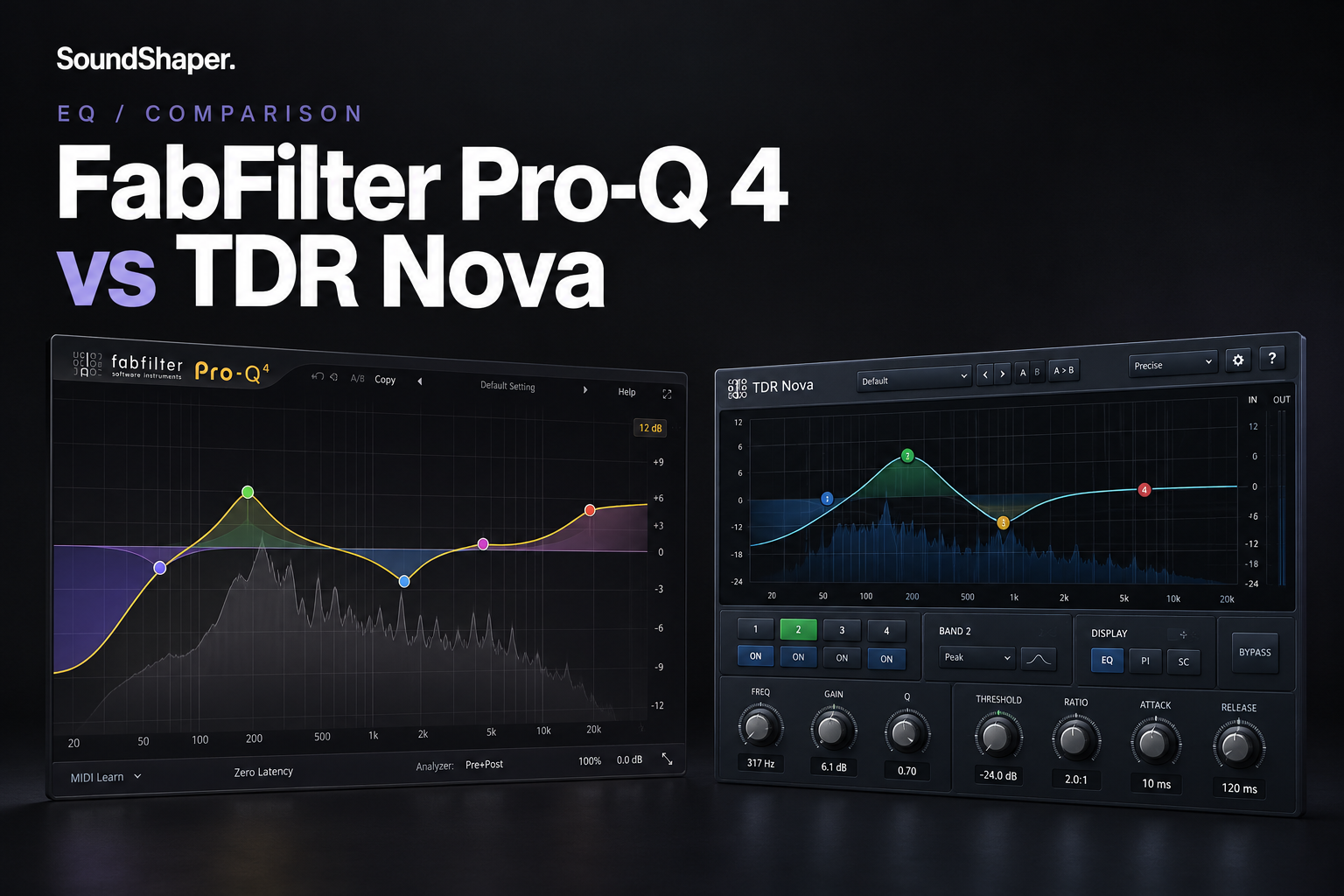

Pro-Q 4 and TDR Nova can both handle dynamic EQ, but they are aimed at very different budgets and workflows. Nova is an excellent place to start if you want a capable free dynamic EQ. Pro-Q 4 becomes more compelling when you need faster editing, broader spectral tools and a smoother workflow across a busy mix. The question is not whether the paid EQ sounds “professional,” but whether those extra tools save you enough time to justify the price.
You do not need a paid EQ to start making good mixes. The useful question is whether Pro-Q 4 solves a problem that Nova and your stock EQ leave behind.
This comparison covers the free standard edition of TDR Nova, not Nova GE. Our recommendations are based on the documented features and the workflows they support, rather than a controlled listening or CPU test.
The short answer: which one should you choose?
• Choose TDR Nova if your budget is tight and you need a few bands of dynamic control for vocals, bass or instruments.
• Choose Pro-Q 4 if EQ is a daily task and you want spectral dynamics, detailed stereo editing and session-wide control.
• Keep your stock EQ if you mainly need ordinary cuts and boosts. Add Nova when a frequency becomes a problem only on certain notes or words.
SoundShaper’s starting advice: use Nova first. Buy Pro-Q 4 when you can name the feature or repeated task that makes the upgrade valuable to you.
FabFilter Pro-Q 4 vs TDR Nova at a glance
| What matters | FabFilter Pro-Q 4 | TDR Nova — free |
|---|---|---|
| Price checked 18 October 2026 | €167.59 displayed at Plugin Boutique; checkout total may vary by region and tax | Free |
| EQ bands | Up to 24 | Four dynamic bands, plus high-pass and low-pass filters |
| Dynamic EQ | Yes, on bell and shelf bands | Yes |
| Spectral processing | Spectral Dynamics within a band | No equivalent spectral mode |
| Stereo control | Mid, side, left or right selection per band | Instance-wide channel target, including Sum/Mid and Diff/Side |
| Multiple instances | Instance List for viewing and editing supported FabFilter instances | Separate plugin windows |
| Try before buying | Fully functional 30-day trial | Free download, not a time-limited trial |
Feature references: FabFilter, Tokyo Dawn Labs and Plugin Boutique pricing. The displayed price is a snapshot, not a guaranteed offer.
What both plugins can do for your mix
A static EQ keeps the same cut or boost in place. Dynamic EQ changes the amount of processing as the signal changes.
Imagine a vocal that sounds balanced in most lines but becomes sharp on a few words. A permanent cut may make the rest of the performance too dull. Dynamic EQ lets you reduce the troublesome range mainly when it becomes too strong.
Both plugins can help with that type of task. Neither can decide how bright your vocal should sound in the song. Listen with the beat playing and compare the processed and bypassed signal at a similar loudness.
Where TDR Nova makes the most sense
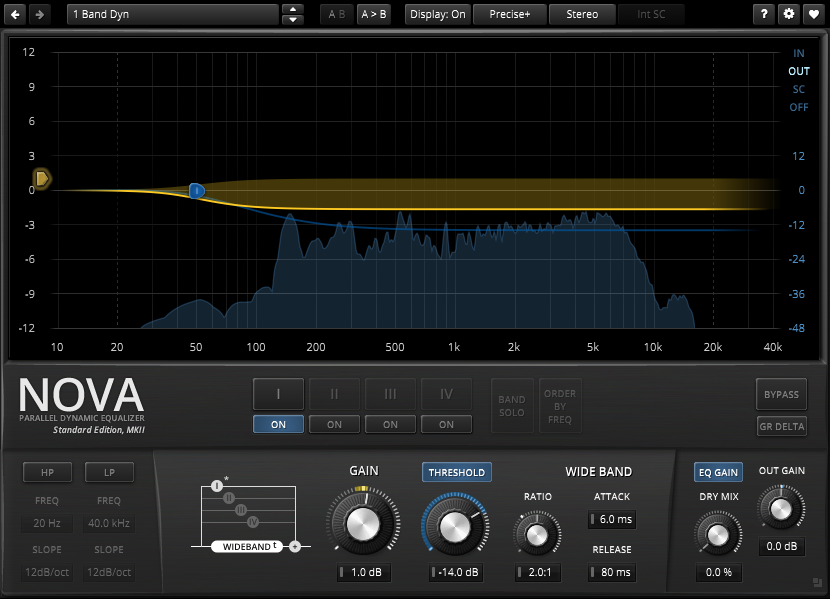
Nova gives you four dynamic EQ bands and separate high-pass and low-pass filters without a purchase. That is enough to try focused frequency control before committing money to a premium EQ.
For a beginner mixing rap or pop vocals, we would start with a stock EQ for broad tonal changes and Nova for one specific problem. For example, control an upper-mid area that jumps out on louder phrases instead of repeatedly cutting more brightness from the whole vocal.
The practical limit is the four-band layout. If one track needs more corrections, first reconsider the recording, sound choice and arrangement. If the extra processing is justified, Pro-Q 4 provides more room in one instance.
Choose Nova for: a first dynamic EQ, occasional vocal cleanup and producers keeping their budget for recording essentials.
Skip a purchase for now if: Nova already solves the issue and switching windows is not slowing you down.
What you gain with FabFilter Pro-Q 4
More room for detailed EQ work
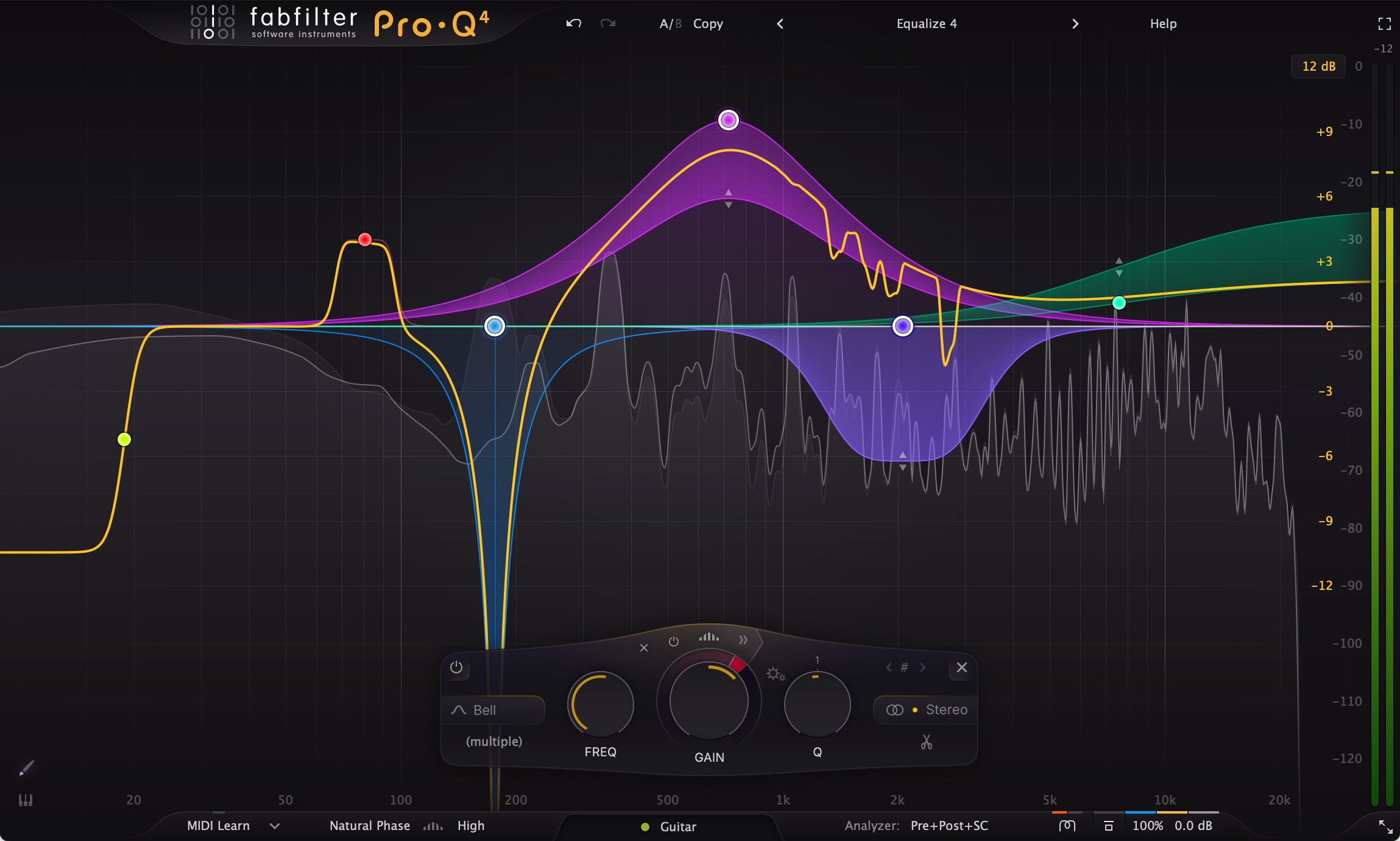
Pro-Q 4 supports up to 24 bands, alongside Zero Latency, Natural Phase and Linear Phase processing modes. Our reason to consider it is flexibility: broad tone shaping and several specific fixes can live in one window.
More bands are not a target. If each adjustment makes sense only in solo, remove it and listen again in the full mix.
Spectral Dynamics for changing resonances
With regular dynamic EQ, a band changes gain as a unit. In Pro-Q 4’s Spectral Dynamics mode, processing reacts to individual frequencies within the selected band.
That gives you a different approach when the sharpest frequencies keep moving inside a broader area. Nova’s standard dynamic bands do not offer the same spectral behavior.
Our advice: try ordinary dynamic EQ first. Use spectral processing when you can hear why treating the entire band is too broad. It should earn its place through the result, rather than the animation on the screen.
See FabFilter’s Spectral Dynamics documentation.
Mid/side choices on individual bands
Pro-Q 4 lets one band process the mid signal and another process the sides. That is useful when a stereo synth, backing-vocal bus or full mix needs different treatment in the center and at the edges.
Nova also supports mid/side work through its instance-wide Sum and Diff targets. You can use separate instances for independent treatment. The difference is convenience and per-band flexibility, rather than a complete absence of mid/side processing in Nova.
References: Pro-Q 4 stereo options and Nova processing targets.
Less window switching in larger projects
The Instance List lets you inspect and edit supported FabFilter instances from one interface. On a large session, that can make checking related tracks more convenient.
This is the part of Pro-Q 4 we would weigh most heavily for someone who mixes regularly. A feature that saves repeated navigation may matter more than an extra processing mode you rarely use.
Read our full Pro-Q 4 review for the broader product guide. FabFilter explains the current Instance List features here.
Which EQ fits your music and budget?
| Your situation | Our starting choice | When to reconsider |
|---|---|---|
| Learning to mix on a small budget | Stock EQ plus free Nova | You repeatedly need a specific Pro-Q feature |
| Rap or pop vocal production | Nova for occasional harshness control | Detailed edits and many vocal tracks make navigation a regular obstacle |
| House, techno or bass music | Nova for a few focused dynamic corrections | You need spectral treatment or different mid/side choices across several bands |
| Frequent client mixes | Trial Pro-Q 4 on a real project | Buy if the workflow improvement is clear enough to justify the cost |
| Simple loops and demos | Your existing EQ | Add dynamic EQ only when you hear a changing frequency problem |
A genre does not require a particular EQ. These are starting points based on the work involved. For a complete vocal chain, see our vocal plugin guide. For broader dynamics choices, see our compressor recommendations.
Try this before paying for Pro-Q 4
1. Pick one real problem. Use a vocal phrase, synth note or drum hit that becomes too sharp or boomy. Avoid testing every feature at once.
2. Make the smallest useful correction. With Nova, select a band around the problem and enable its Threshold control. Adjust the dynamics while listening to the full mix. With Pro-Q 4, make a bell band dynamic and use a modest downward range.
3. Check what you lost. If the vocal becomes dull or the bass loses weight, reduce the processing. A smoother solo sound is not automatically a better mix.
4. Compare workflows. During Pro-Q 4’s trial, note whether its editing, spectral mode or Instance List actually helps you finish the task.
5. Buy for a clear improvement. If both tools get you where you want to go and neither workflow bothers you, keep Nova.
Do not copy threshold values between recordings: the amount of processing depends on the level of your source. These steps are an evaluation method, not universal preset settings.
Price, versions and compatibility
On 18 October 2026, Plugin Boutique displayed €167.59 for the full Pro-Q 4 purchase. Your currency, tax treatment and final checkout total may differ. No fixed sale deadline was verified, so we are not treating that figure as a time-limited deal. Existing FabFilter owners should compare their account upgrade offer before buying another full license.
TDR Nova’s standard edition is free. Nova GE is a separate paid edition and is outside this comparison. FabFilter offers a fully functional 30-day trial.
The current developer download pages list Pro-Q 4 version 4.13 and Nova version 2.2.3. Both provide VST3 for compatible Windows and macOS hosts, and AU/AAX options on macOS. Both support Apple Silicon. Nova also offers a Linux x86-64 build.
FabFilter lists macOS 10.13 or later; Tokyo Dawn lists macOS 10.9 or later and Windows Vista or later. FabFilter’s product page also lists Windows Vista and later. Your DAW can require a newer operating system, so check the current installer and host requirements together. In modern FL Studio projects, use the compatible 64-bit VST3 version.
If installation succeeds but the plugin does not appear, use our FL Studio plugin-scanning guide.
Current installers and requirements: FabFilter downloads, Pro-Q 4 requirements and Nova downloads and requirements.
SoundShaper opinion
We would recommend Nova first to a producer building a setup on a limited budget. Buying a premium EQ before you understand the problem it solves makes little sense. Keep the money for a specific recording or monitoring need, or simply keep it.
For someone mixing often, Pro-Q 4 becomes a more convincing purchase. Our strongest reasons are the editing workflow, per-band stereo choices, Spectral Dynamics and the Instance List. Those benefits are easier to value after you have tried them on your own projects.
We would not promise that switching EQ plugins automatically makes a track sound professional. Better decisions still matter more than a longer feature list.
FAQ
Is TDR Nova a free alternative to FabFilter Pro-Q 4?
Yes, for many ordinary EQ and dynamic EQ tasks. It is not a feature-for-feature replacement: the free edition has four dynamic bands and lacks Pro-Q 4’s Spectral Dynamics and Instance List.
Does Nova have mid/side EQ?
Yes. Its Sum and Diff processing targets correspond to mid and side. Pro-Q 4 gives you these choices per band, which is more convenient when different bands need different targets.
Should FL Studio beginners buy Pro-Q 4?
Start with the EQ tools already available in your setup and add Nova if you need dynamic control. Trial Pro-Q 4 once you understand what is slowing you down or limiting your edits.
Conclusion
TDR Nova is our value choice. Pro-Q 4 is our upgrade choice for frequent, detailed EQ work. Start free when you are learning or solving occasional problems. Pay when the extra tools and workflow help you do work that matters to you.
Some links in this article are affiliate links. If you buy through them, SoundShaper may earn a commission at no extra cost to you.
![[background image] image of recording equipment (for a musician & band)](https://cdn.prod.website-files.com/68efa70811edd8e5af30a90d/6ad5421eaf14ef1dbac4dfa8_TAIP%20Review.webp)
![[background image] image of recording equipment (for a musician & band)](https://cdn.prod.website-files.com/68efa70811edd8e5af30a90d/6ad5413cb1504db30162273f_Phoscyon%202%20Review.webp)
![[background image] image of recording equipment (for a musician & band)](https://cdn.prod.website-files.com/68efa70811edd8e5af30a90d/6ad5403dd747f3fbbe4286ab_Chordjam%20Review.png)