
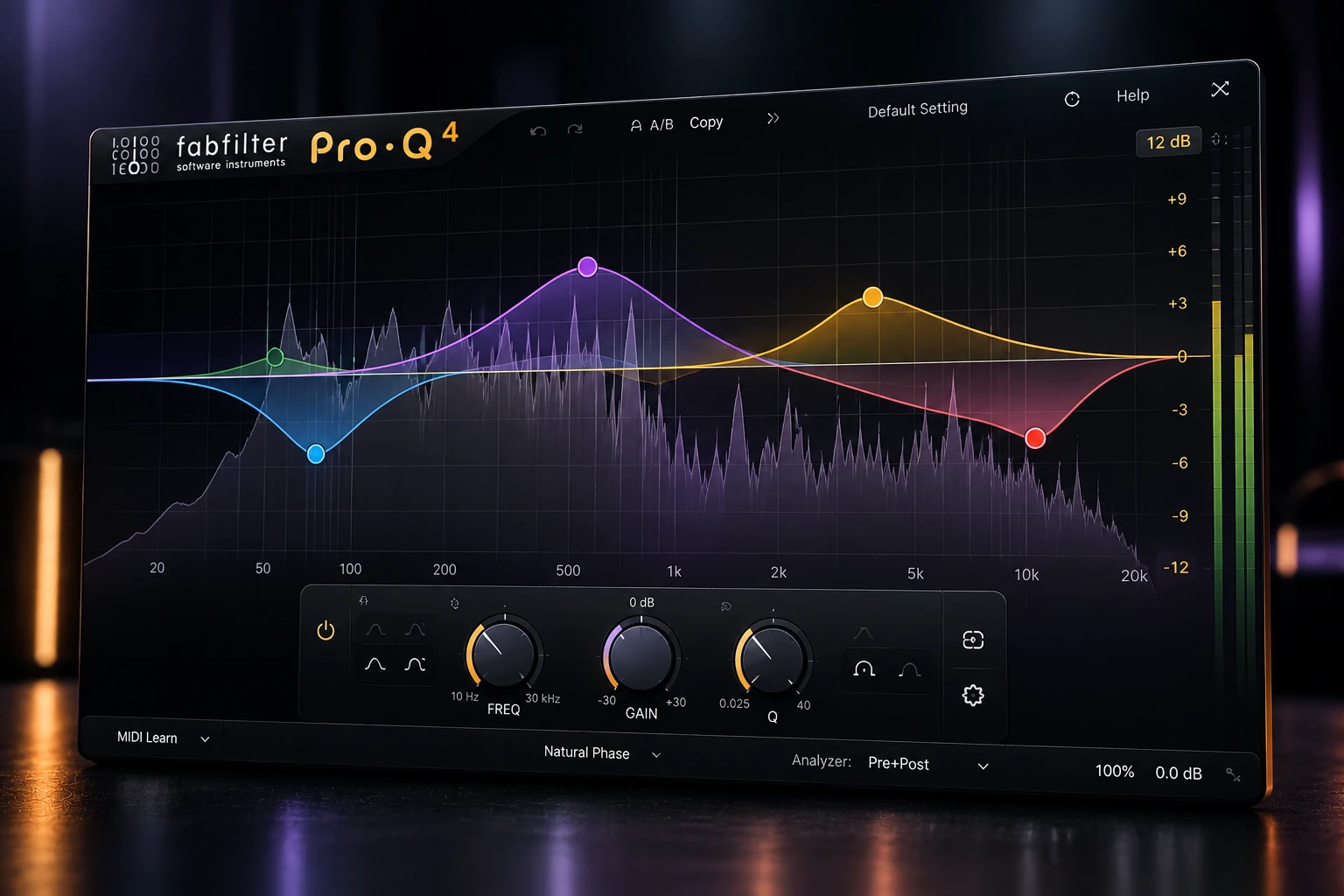

A vocal can sound balanced through most of a verse and suddenly turn sharp on one word. A bass part can have the opposite problem: its whole low end swells whenever the player changes technique. Dynamic EQ and multiband compression can both control changing frequency balance, but the shape and timing of the problem should guide your choice. Start with dynamic EQ for a focused tonal correction and audition multiband compression when a wider frequency region needs its own dynamic envelope.
Which processor fits the problem?
| What you hear | Start with | What to listen for |
|---|---|---|
| One vowel develops a narrow honk | A dynamic bell EQ | The honk recedes without hollowing out other words |
| The bass region repeatedly becomes too strong | A low multiband compression band | More consistent weight without weaker note attacks |
| A track is too bright throughout | Static EQ | A stable tonal improvement without unnecessary gain movement |
| The entire vocal jumps forward | Clip gain, automation or broadband compression | Steadier overall level rather than changing the voice's tone |
| A pad covers a lead only while the lead plays | Sidechain-triggered dynamic EQ or multiband processing | Space during the lead, with a natural recovery in the gaps |
The useful difference: EQ shape versus a controlled region
A dynamic EQ changes an EQ band's gain in response to a detector. With a bell band, the strongest change is centered around the chosen frequency and tapers toward either side. Frequency and Q define the tonal shape; the dynamics decide when and how strongly that shape changes. A static cut stays in place, whereas a dynamic cut can relax when the troublesome sound is absent.
A conventional multiband compressor divides the signal into frequency regions and applies dynamics to those regions separately. Its band boundaries define the area under control, and its envelope settings determine how that area responds over time. This is useful when you want the low end to recover differently from the upper midrange, rather than apply one gain change to the entire signal.
The labels do not create a strict narrow-versus-wide rule. Dynamic EQ can use broad bells and shelves, and multiband processors can create narrow bands. Some also use different internal architectures: FabFilter documents that Pro-MB's Dynamic Phase mode uses dynamic filtering rather than literally splitting the input into bands. Choose by the response and controls you need, not by an assumption that one category must sound more transparent.
Example 1: a vocal becomes harsh on a few words
Choose a passage containing the difficult word and several normal phrases. If the harshness is concentrated around one region, a dynamic bell lets you work on that region without permanently darkening the whole vocal. First confirm that the recording itself is not clipped. A frequency-dependent gain reduction cannot reconstruct a damaged waveform.
As a suggested exercise, try a bell around the frequency you actually hear as harsh, with Q near 2 and a maximum downward movement of roughly 2–3 dB. The frequency is source-dependent: do not assume every singer needs a cut at 3 kHz. Leave static gain at zero initially so you can hear what the dynamic action alone contributes.
- Loop the passage at a comfortable listening level and identify the objectionable region.
- Enable downward dynamics on that bell and keep the range modest.
- Adjust the threshold until the difficult words trigger more reduction than the normal phrases.
- Listen to the ends of words. If they lose body, reduce the range or let the processing recover sooner.
- Return to the full arrangement and compare against bypass at similar loudness.
If the voice sounds thin whenever the band moves, check whether the selected bandwidth includes useful presence as well as the harshness. Narrowing the correction may help; if the objection is primarily “s” and “sh” sounds, a dedicated de-esser may be easier. Our harsh vocal guide covers that diagnosis in more detail.
Finding the dynamic controls in Pro-Q 4
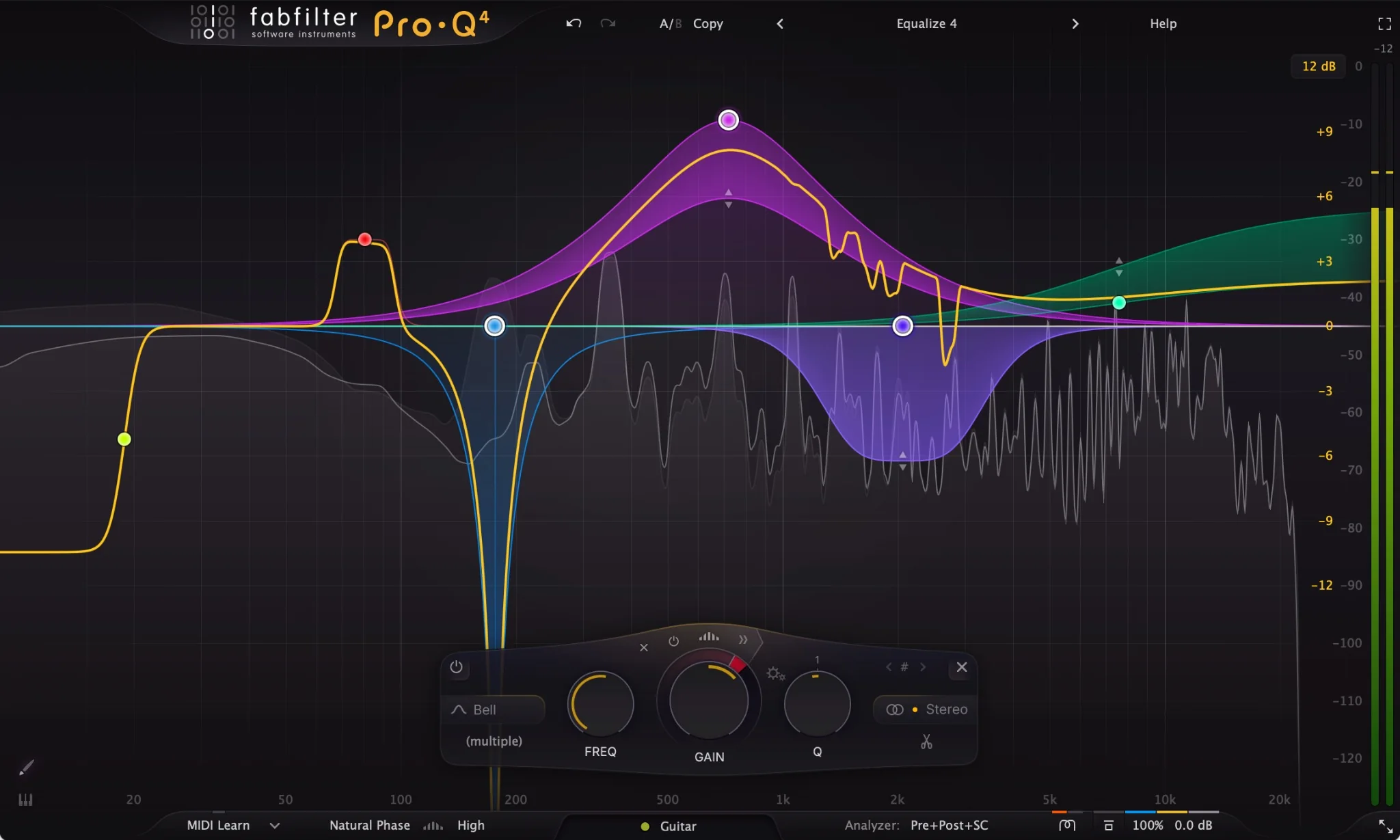
In Pro-Q 4, select a bell band and turn the Dynamic Range ring around Gain downward, or right-click the node and choose Make Dynamic. The expand control beside the dynamic controls exposes a manual threshold and timing adjustments. Its attack and release controls are relative to program-dependent behavior, so do not copy millisecond values from another plugin into those percentage controls.
Example 2: bass notes have inconsistent low-end weight
Before adding a processor, check note velocities, the instrument's filter and amplitude envelope, and any overlapping releases. An 808 may build up because the previous note is still sounding. In that situation, changing note length or the patch can solve the issue more cleanly than compressing every low note.
If the performance needs to keep its natural articulation but its low-frequency weight varies too much, audition one multiband band over the troublesome region. Start with the upper boundary where the excessive weight ends, not at a memorized crossover. Listen to the band briefly to understand what it contains, then judge the result with the whole bass restored.
For an exercise in a processor with millisecond timing controls, try a ratio around 2:1, an attack near 25 ms and a release near 120 ms. Lower the threshold for about 2 dB of reduction on the swollen notes. These values are audition points: short notes, sustained synth bass and picked electric bass need different timing. In Pro-MB, whose timing controls are percentages, begin near the default timing instead of treating percentages as milliseconds.
If the front of each note loses impact, let the attack act more slowly or reduce the reduction. If the next note arrives while the band is still held down, shorten release cautiously. Very fast action in the low end can sound rough. If every note remains wrong by a similar amount, turn off the dynamics and compare a simple low shelf.
Keep kick interaction separate from bass consistency. A band that stabilizes bass notes does not automatically create space for the kick. For that second task, see how to mix kick and 808.
FabFilter Pro-MB is the dedicated multiband option used in the example above. Its separate band controls are useful when the low end needs its own response while the rest of the track stays less affected. Audition one band first and keep your existing dynamic EQ if it already solves the same problem with less setup.
Sidechain triggering does not determine the processor type
The detector answers “when should this move?” and the processing band answers “what part of this track should change?” Those can be different signals. For example, a vocal can trigger a small upper-midrange reduction in a pad while the pad's lows remain largely untouched.
Choose the pad's processing region by listening to the conflict. Then route the vocal to the plugin's external sidechain using your DAW's supported routing. Begin with a small maximum reduction, and listen through the end of each phrase. If the pad surges back between syllables, lengthen the recovery; if it stays recessed into the next musical gap, shorten it. Both dynamic EQ and a suitably equipped multiband processor can perform this job.
Phase, latency and the limits of “transparent” processing
Neither category is universally phase-free or latency-free. Processing modes, lookahead and oversampling matter. Linear-phase options can introduce latency and pre-ringing; minimum-phase filters have a different phase response. Those are implementation choices, not a reason to select a plugin by its category alone.
Pro-MB illustrates the distinction: its documented zero-latency configuration requires Dynamic Phase or Minimum Phase mode, lookahead disabled and oversampling off. For playback mixing, a DAW can compensate many plugin delays. That does not remove the delay you feel when monitoring a live performance through the chain. Test the actual monitoring path before using either processor while recording.
When you can keep the plugins you already own
You do not need both categories to begin solving uneven tone. Try your existing dynamic EQ on one recurring problem first. TDR Nova's standard edition is a free starting point if you do not already have one; its band dynamics let you explore the basic relationship between frequency selection and level-dependent correction.
Consider a dedicated multiband processor when you repeatedly need independently shaped frequency regions, more detailed envelope control or a workflow your present EQ makes awkward. For a premium EQ buying decision, our Pro-Q 4 vs TDR Nova comparison addresses value separately. Paying for another processor is not necessary just to understand this technique.
How to tell whether the processing helped
Compare the difficult passage and a passage that already sounded right. The first should improve, and the second should keep its useful tone and movement. Listen quietly as well as at your normal working level: an effect that only sounds impressive when turned up may not improve the balance.
Watch for a moving tonal hole, softened attacks or audible recovery between phrases. Reduce the number of active bands before adding more corrective settings. If a broad region needs continuous heavy reduction, revisit source selection and static balance. Dynamic processing is most useful when it responds to a changing problem you can clearly identify.
Conclusion
Choose the response that matches the problem: an EQ-shaped movement for selective tonal control, or a separately controlled region for broader dynamic behavior. Start with one band, limit its intervention and compare both difficult and normal passages. Keep the simpler result when it solves the problem without changing the parts you wanted to preserve.
Technical references: Pro-Q 4 dynamic EQ documentation, Pro-MB processing modes, Pro-MB band controls and TDR Nova. Checked November 17, 2026.


