
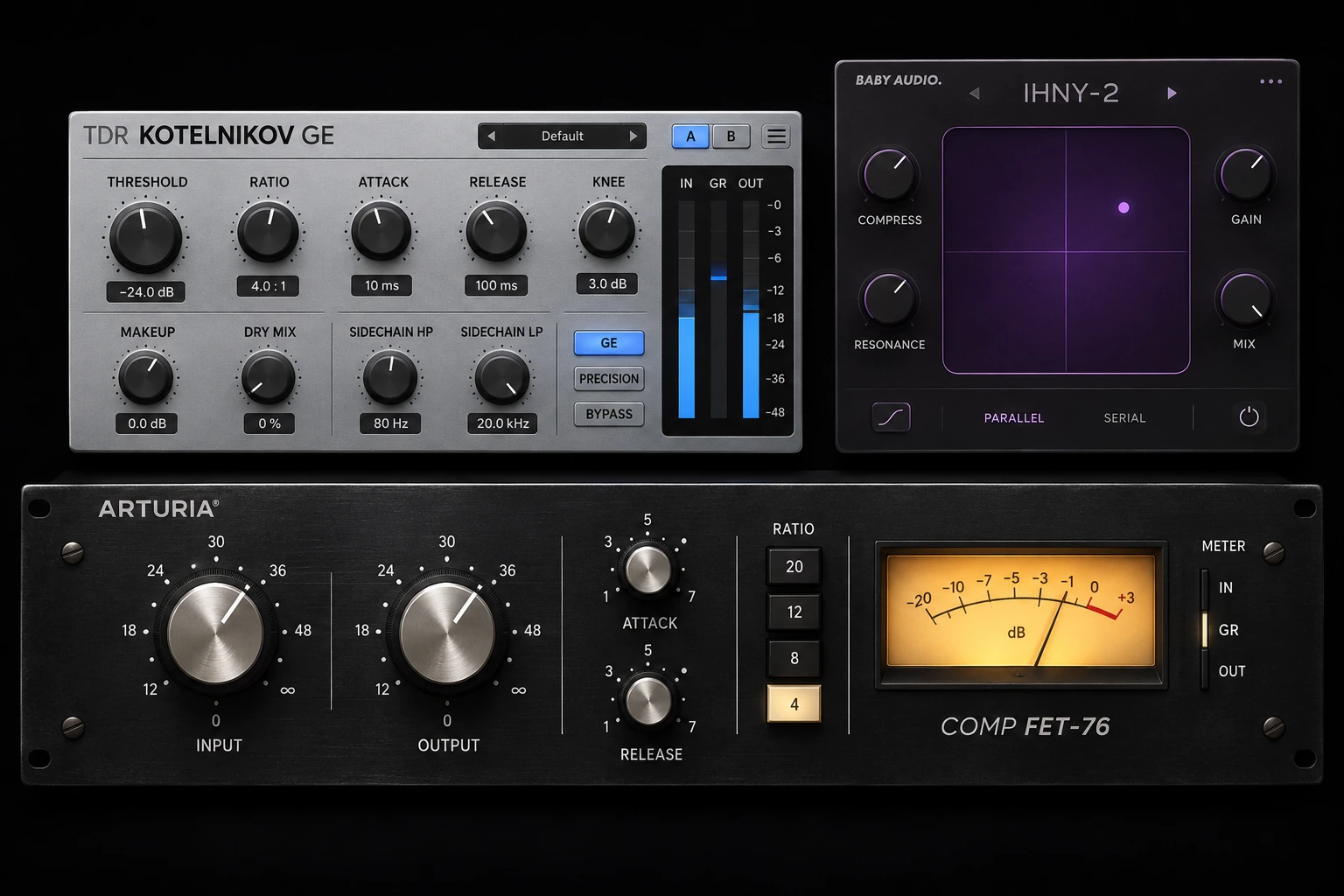

Use a transient shaper when you want to change the impact or tail of individual hits. Use a compressor when you want to control level changes over time. Both can change punch, but they respond to the signal differently and are not interchangeable in every situation.
A snare that feels too soft at the front may need envelope shaping. A snare performance with occasional much louder hits may need compression, editing or both. Identifying that difference first keeps you from adding processing that solves the wrong problem.
Transient shaper or compressor: the quick choice
| What needs changing? | Start with | Listen for |
|---|---|---|
| Each drum hit needs more initial impact | Transient shaper | A clearer onset without an excessive peak increase. |
| Some hits jump out much louder than others | Compressor or clip gain | More consistent levels without flattening every hit. |
| A percussion loop has too much ringing or room | Transient shaper | Shorter tails without chopping off the groove. |
| A vocal phrase keeps disappearing | Level automation, then compression if needed | Stable words and phrases rather than sharper consonants. |
| A drum bus needs movement and density | Compressor | Recovery that supports the rhythm. |
| A picked instrument sounds too clicky | Transient shaper | Softer onsets while retaining articulation. |
What a transient shaper changes
A transient is a brief change at the beginning of a sound: the stick hitting a snare, the pick striking a string, or the initial impact of a kick. A transient shaper identifies those events and lets you alter their relationship to the sound that follows.
Many designs provide controls labelled Attack and Sustain. Raising attack emphasises the onset; reducing sustain can make the body or tail shorter and drier. The exact detection method, time range and available controls vary, so those labels are a starting point rather than a universal specification.
These processors are often described as level-independent because they can respond to changes in the envelope instead of using a conventional fixed level threshold. That does not mean every plugin treats every input identically. Detection, sensitivity, saturation and surrounding processing can still affect the result.
For a documented example, Sonnox describes Oxford Envolution as an envelope shaper with separate transient and sustain processing and frequency-focused controls. Those extra controls are useful when you want to target part of a sound rather than reshape everything equally.
What a compressor changes
A conventional downward compressor reduces gain according to its detector level and settings. Threshold and ratio determine how strongly it responds; attack and release influence how that response develops and recovers.
That makes compression useful when the problem is inconsistent level. It can hold back louder events while leaving quieter ones less affected. Makeup gain can then raise the processed signal, although that also makes quieter details and background sound more noticeable.
A compressor can also change the envelope. A slower attack may allow the beginning of a hit through before stronger gain reduction develops, making the onset more prominent relative to the body. A faster attack can restrain it. Neither result is guaranteed by one timing number: detector behaviour and the incoming performance matter too.
For a fuller explanation of timing, use our compressor attack and release guide. Here, the important distinction is the task: shaping the balance within each hit versus managing levels across the performance.
Attack amount is not compressor attack time
This is an easy mistake when moving between plugins. A transient shaper's Attack knob may control how much the onset is boosted or reduced. A compressor's Attack control normally describes the speed of its gain response.
Turning both controls upward therefore does not mean doing the same thing. On one processor you may be increasing a level change; on the other you may be slowing a response. Read the label, units and manual before copying settings between tools.
A practical snare comparison
Use the following exercise on a short section containing both firm hits and quieter ghost notes. The contrast is easier to hear when the passage contains both kinds of hit.
- Keep an unprocessed reference. Duplicate the track for comparison, but audition only one version at a time.
- Try envelope shaping first. Add a small amount of attack. Leave sustain alone initially so you can identify the effect of one change.
- Match the listening level. Lower the processed output if necessary. Louder is not automatically punchier.
- Try compression separately. Adjust the threshold so the stronger hits trigger useful reduction. Vary attack and release while listening to the quieter notes.
- Compare inside the arrangement. Decide whether you need clearer onsets, more even hits, or neither.
- Check the next processor. Watch whether your new peaks simply trigger more limiting or clipping downstream.
If the transient shaper makes every hit more pointed but the loud hits still leap out, it has not solved the level problem. If compression evens the performance but makes the snare feel smaller, reconsider its timing before adding another plugin.
Using Transient Processor in FL Studio
Image-Line's Transient Processor has Attack and Release controls for changing the onset and decay. It does not use conventional threshold and ratio controls. Its split-frequency section can leave lower frequencies unprocessed while shaping the higher portion.

Start with small changes and watch the output meter: increasing attack can substantially raise peaks. Do not assume a smooth, sustained sound will respond like a drum hit. The official manual explains its material-dependent behaviour. If it opens in trial mode, check your licence before making it part of a saved project.
Three situations where the choice becomes clearer
A kick has a strong sub but no audible front
First check the source against the bass and other percussion. A modest transient increase may make the onset easier to hear, but it can also produce a click that feels detached from the low end. If you are already limiting the bus hard, the extra peak may be removed again.
Consider a different sample, a small tonal adjustment or less masking before repeatedly increasing attack. Our kick and 808 mixing guide covers the arrangement and low-end interaction that a transient knob cannot resolve by itself.
A drum loop sounds too roomy
Reducing sustain can bring the hits forward by lowering what happens after them. Listen for missing cymbal texture, unnatural pumping and shortened ghost notes. On a combined loop, the processor cannot always distinguish desirable sustain from unwanted room sound.
If you have the separate tracks, process the offending drum rather than the entire loop. If you only have a stereo loop, accept that a cleaner tail may come with a change to the groove.
A guitar part is uneven and too percussive
These are two separate problems. You might soften pick attacks with a transient shaper and then use gentle compression to manage the remaining level changes. Alternatively, edit a few overly strong notes and avoid extra processing altogether.
Do not remove so much onset that the part loses its rhythmic role. The sound that feels smooth in solo may become hard to follow once the drums return.
Can you use both together?
Yes, if each has a clear job. A transient shaper before a compressor changes the signal the compressor detects; boosted hits may cause extra gain reduction. A transient shaper afterward can restore or emphasise onsets, but may create new peaks after you have already controlled them.
Choose the order by listening to the final chain at matched level. If both processors seem to undo each other, simplify the settings. For a different way to add density while retaining a dry attack, see our parallel compression guide.
Common mistakes to avoid
| Mistake | Why it disappoints | Better next step |
|---|---|---|
| Adding attack to every drum | The whole kit becomes spiky and competes for headroom. | Prioritise the hit that needs definition. |
| Using sustain reduction as complete room removal | Wanted decay and overlapping instruments may change too. | Make a moderate adjustment and check the full loop. |
| Judging only at a louder output | Extra level disguises tonal or dynamic damage. | Match perceived loudness before choosing. |
| Expecting a shaper to level a vocal | Sharper syllables do not fix phrase balance. | Use editing, automation or appropriate compression. |
| Ignoring the master limiter | Added peaks may disappear into more gain reduction. | Check the full processing chain. |
Conclusion
Choose a transient shaper when the shape of the hit is wrong, and a compressor when its level behaviour needs control. A short, level-matched comparison will tell you more than copying a preset. Keep both only when you can hear a separate improvement from each.


