
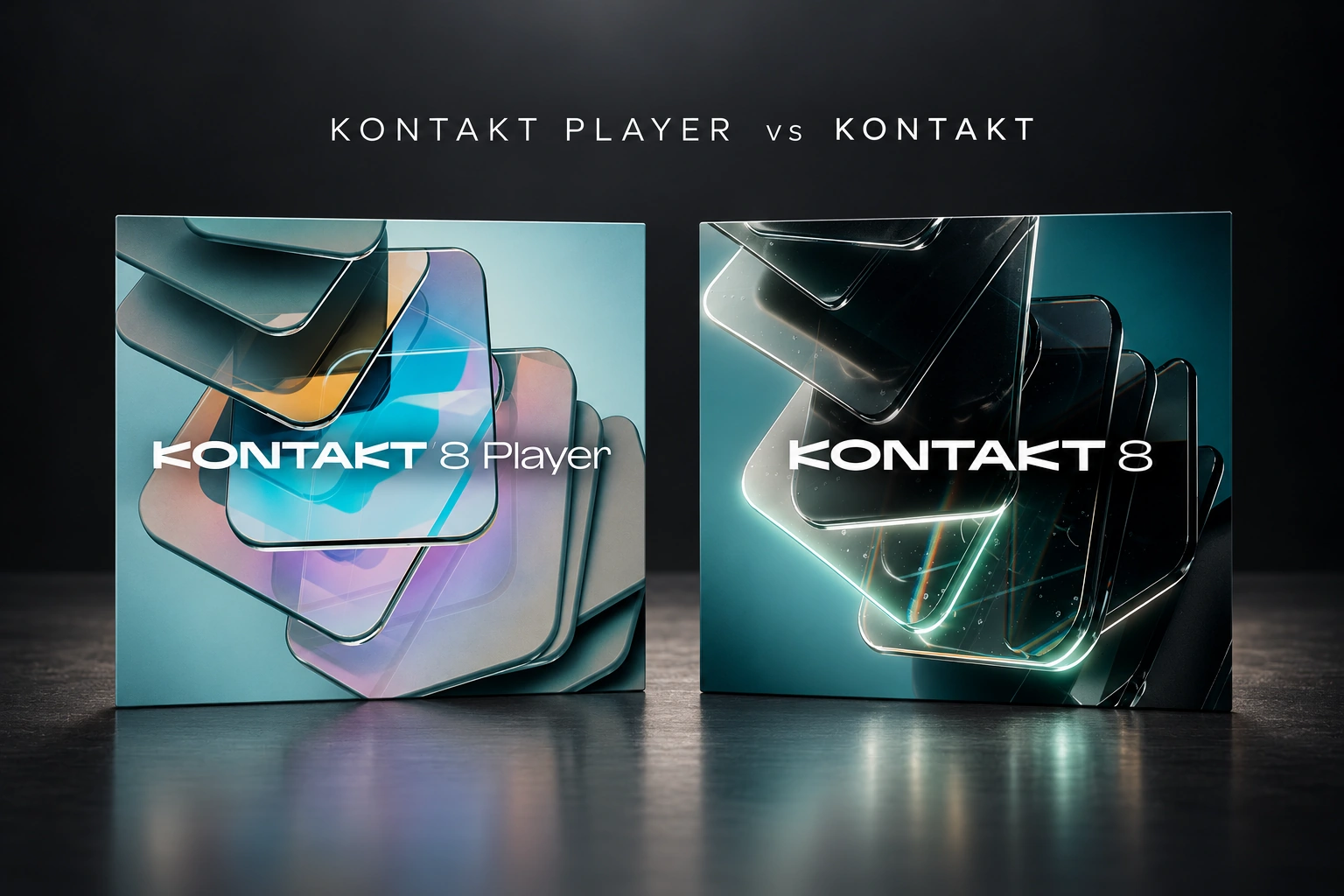

Kontakt Player is enough if the libraries you want support the free Player. Buy the full version of Kontakt when a library requires it, when you want deeper sample editing, or when you want to build your own instruments.
Our recommendation is to choose the sounds first and check their requirements before buying the software. You may not need the paid version at all.
This guide focuses on Kontakt 8 Player and the full Kontakt 8. The key buying question is library support and editing access, rather than which name looks more professional.
Kontakt Player vs Kontakt: the main differences
| What matters | Kontakt Player | Kontakt full version |
|---|---|---|
| Price | Free | Paid |
| Player-compatible libraries | Supported | Supported |
| Libraries requiring full Kontakt | Demo restrictions | Supported with a suitable version |
| Library front-panel controls | Available as designed by the library maker | Available as designed by the library maker |
| Deep instrument editing and building | Restricted | Full editing tools, subject to instrument protection |
| Included sounds | Free content available through Komplete Start | Larger included collection; check the current package |
A library is a collection of sounds packaged as a playable instrument. Kontakt is the software that loads it. Owning the software and owning a particular library are separate things.
That distinction matters when you see an attractive instrument demo. Check both the price of the library and which version of Kontakt it needs.
When the free Kontakt Player is enough
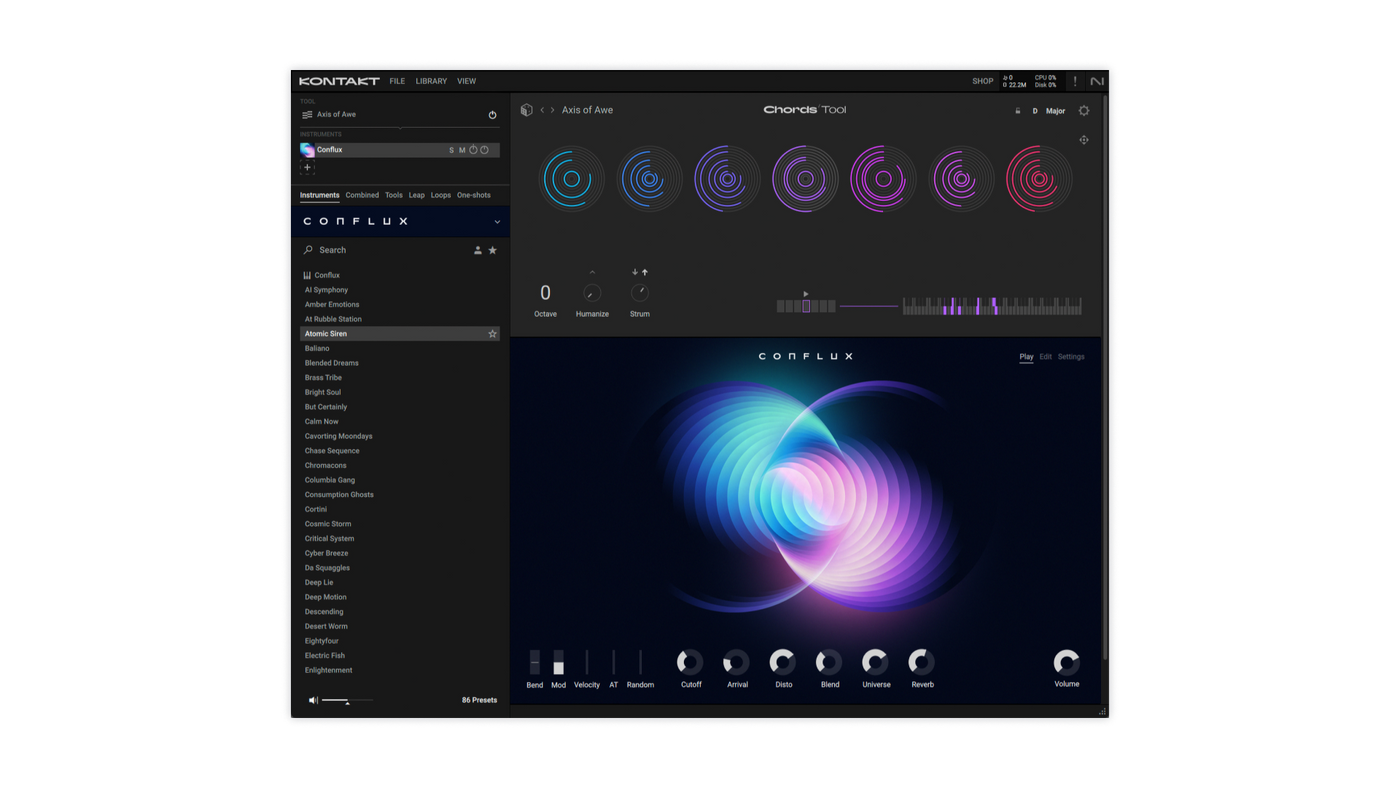
Player runs compatible Native Instruments and licensed third-party libraries. For a Player-compatible instrument, you can use its front-panel controls as provided by the developer. Free Player does not mean you only get a short preview of every instrument.
We like Player as the first choice for someone who mainly wants to play finished instruments. If your piano or strings library works in it, there is little reason to buy full Kontakt just to load that same library.
Start with one instrument and write a short part. Try the controls that change its tone, space and response to your playing. Learn what you can already do before shopping for more software.
When the full version is worth buying
Full Kontakt supports non-Player libraries and adds deeper sample editing, instrument building and scripting. It also comes with a larger included sound collection. Check the current package to see what you are buying.
We see three clear reasons to consider it.
You want a specific library that requires full Kontakt. Add the cost of Kontakt to the cost of that library before deciding whether the combination is worth it.
You want to build instruments from your own recordings. For example, you might record several notes from an instrument and turn those recordings into something you can play from a keyboard.
You want deeper control over supported instruments. Think about changing sample mapping or editing how an instrument responds, rather than only turning the controls on its main page. Protected commercial libraries can still limit access to their internal design.
Our advice is to buy full Kontakt for a job you can name. More editing options have little value if you only want to choose a preset and play.
Read these requirements before buying a library
“Kontakt Player compatible”: the library is designed to run in the free Player. You still need a licence for the library if it is paid.
“Full Kontakt required”: plan on using the paid version. Buying the library does not automatically include that software.
A minimum Kontakt version: also check the version number. Owning an older full Kontakt does not guarantee it can open a library made for a newer release.
Our tip: read the system requirements before you listen to ten more demos. This quick check can save you from buying a library you cannot use with your current setup.
If a product page is unclear, ask its developer which Kontakt version it needs. That is more useful than assuming that every file with Kontakt in its name will work in Player.
Why does a Kontakt library show DEMO?
Non-Player instruments can run in Player's limited demo mode. Native Instruments describes a 15-minute limit for those instruments, with saving restrictions.
That does not mean Player itself stops working after 15 minutes. Properly licensed, compatible Player libraries are a different case.
Use this order to check the problem:
1. Read the library's requirements. If it requires full Kontakt, reinstalling Player will not change that requirement.
2. Check the licence and activation. For a Player-licensed library, follow the developer's Native Access instructions and use the account that owns the product. An activation problem does not automatically mean you need another purchase.
3. Check the loaded version. If you own full Kontakt, make sure your project is using the expected installed version and that it meets the library's minimum requirement.
4. Follow the library maker's installation method. Player libraries and non-Player libraries can use different installation and browsing workflows.
Our main advice is to identify the cause before spending money. A licence problem and a library that genuinely requires full Kontakt need different solutions.
Does paying for Kontakt make the same library sound better?
We would not buy it on that assumption. The useful reasons to upgrade are access to other libraries, the included content and extra editing tools.
Judge the instrument you plan to use: its recordings, controls and how it fits your music. The free or paid label on the host is not a useful shortcut for deciding whether that instrument suits your track.
If you want a different piano tone, compare piano libraries. If you want to change how an instrument is built, look at the editing tools. Those are separate buying decisions.
Full Kontakt does not include every Kontakt library
Buying Kontakt gives you its included content and the ability to run suitable libraries. It does not give you ownership of every third-party instrument that runs inside it.
Imagine a library you want costs extra and requires full Kontakt. Your total budget needs to cover both. Another library may work in Player, so its own price may be the only software purchase you need.
That is why we recommend comparing the complete setup. A cheap library is not necessarily the cheapest route if it also requires software you do not own.
Check your existing licences and bundles first
Before buying, check Native Access and your account. You may already own a full Kontakt licence through an earlier purchase or a Komplete bundle.
Some Komplete editions include full Kontakt; check the contents of your exact edition. Do not assume every bundle does. Also compare any eligible update or crossgrade with a new full licence. Those offers have ownership requirements.
We would choose the smallest purchase that covers the sounds and tools you actually need. A larger bundle can be good value when you want several included products, but its size alone is not a reason to buy it.
Using Kontakt in FL Studio
Choose a Kontakt plugin format supported by your setup, install it, and load the instrument you want inside Kontakt. Check the current Native Instruments requirements for your operating system and the library's own storage needs.
If FL Studio cannot find the plugin, our VST scanning guide covers the checks. If the plugin opens but a library will not work, start with that library's requirements and activation instead.
For a different decision, read Kontakt 8 vs Decent Sampler. Our Kontakt vs Analog Lab Pro comparison covers sample libraries versus a more preset-focused instrument collection.
SoundShaper opinion
We recommend starting with Player when your chosen instruments support it. It keeps the decision simple and leaves more of your budget for sounds you will actually use.
The full version becomes worth a closer look when a specific library or editing task needs it. What we like about that approach is that the purchase solves a clear problem, rather than just making the software collection larger.
Our practical tip: make a short list of the next three libraries you want. Check their requirements, add up the complete cost and then decide. That tells you much more than comparing long feature lists.
Frequently asked questions
Is Kontakt Player free forever?
It is offered as a free product, rather than a time-limited trial of full Kontakt. Individual instruments still have their own licences and compatibility requirements.
Can I change sounds in Kontakt Player?
Yes. Compatible libraries provide their own front-panel controls. Deeper instrument editing is a separate feature of full Kontakt.
Do I need full Kontakt for every paid library?
No. Price and Player compatibility are separate. Read the requirements for the exact library.
Conclusion
Choose Kontakt Player if it runs the instruments you want. Choose full Kontakt when you need non-Player libraries, deeper editing or its included collection.
Pick the sounds first, check their requirements and buy the version that covers them. That is the clearest way to avoid spending more than you need.
Sources
Library support and feature differences checked against the official Kontakt Player comparison and FAQ, Kontakt product page, Native Instruments' Kontakt guide and Spitfire Audio's compatibility explanation. Full licence listing: Plugin Boutique. Checked 25 October 2026. Recommendations are editorial buying advice, not reported audio benchmarks.
![[background image] image of recording equipment (for a musician & band)](https://cdn.prod.website-files.com/68efa70811edd8e5af30a90d/6ae28f3ffeabaf5b76db2580_6ae28f255000f820b159a320_crystalline-review-cover.webp)
![[background image] image of recording equipment (for a musician & band)](https://cdn.prod.website-files.com/68efa70811edd8e5af30a90d/6ae28e7e5d1572089570ac87_6ae28e5eead33b2db2a18b5f_transit-2-review-cover.webp)
![[background image] image of recording equipment (for a musician & band)](https://cdn.prod.website-files.com/68efa70811edd8e5af30a90d/6ae28d603a57759da71022d6_6ae28d41f6af13c91dee9c76_drumazon-2-review-cover.webp)