
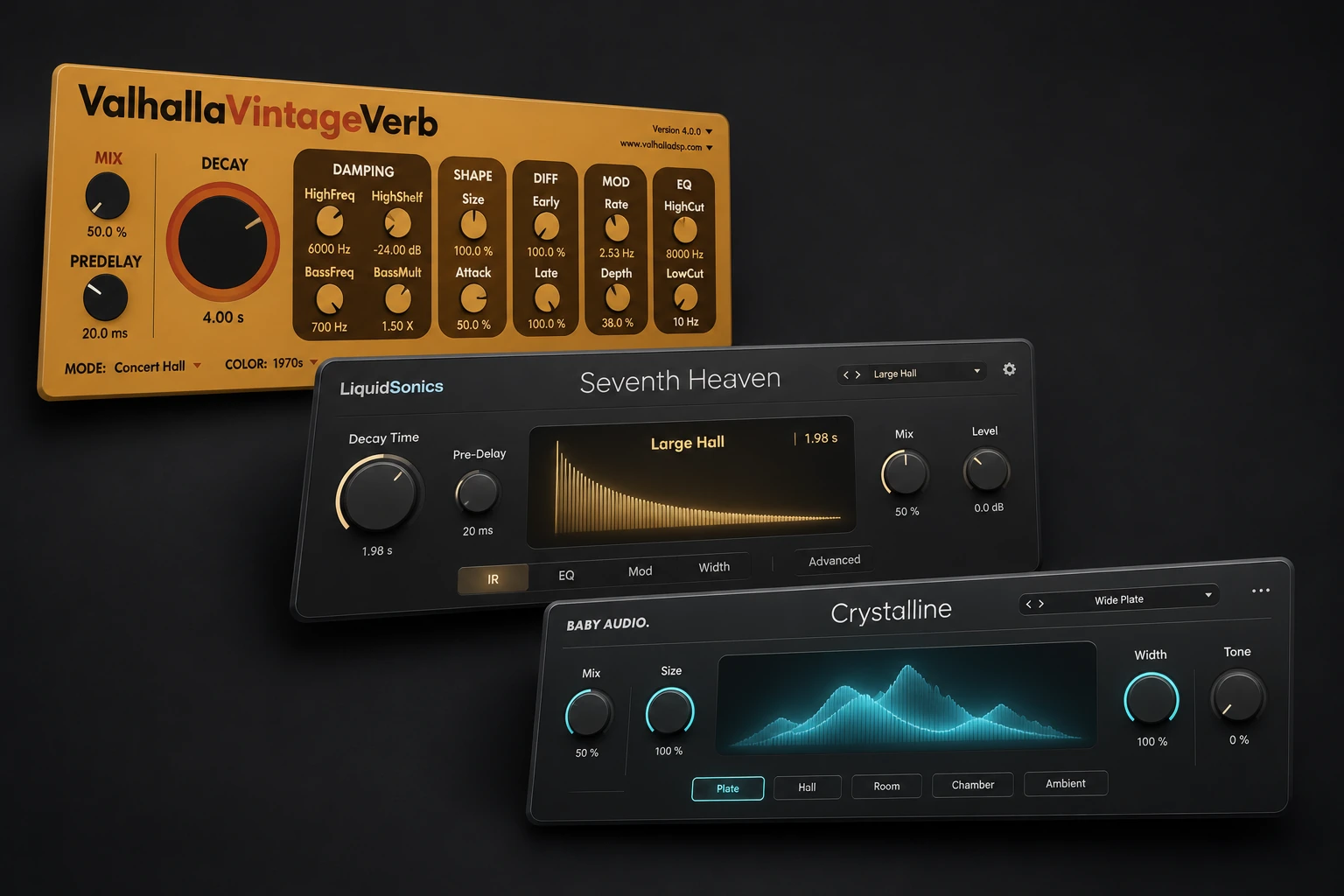

Valhalla VintageVerb is the best first buy for most producers at $50. It covers the plate you might reach for on a vocal and the long hall you might want on a synth. Buy Seventh Heaven first if you mainly want acoustic sources to share a believable room. Crystalline is the more practical choice when the tail has to land on a beat or get out of the way of the next lyric.
These five plugins each have a different job and a verified regular U.S. price under $100. U.S. reference prices were rechecked November 17, 2026. The two Plugin Boutique offers are time-limited, and checkout can vary by region.
The best reverb plugins under $100: Comparison Table
| Plugin | Best starting point | Regular USD price | Verified offer |
|---|---|---|---|
| Valhalla VintageVerb | One reverb for vocal plates, synth halls and colored tails | $50 | Standard price |
| LiquidSonics Seventh Heaven | Acoustic rooms and believable depth | $69 | Standard price |
| Baby Audio Crystalline | Clean, tempo-aware vocal throws | $99 | $5 observed Nov 17 |
| D16 Toraverb 2 | Moving, modulated tails for synths and effects | $75 | Standard price |
| Relab LX480 Essentials | Quick classic plate and short drum ambience | $99 | $20 observed Nov 17 |
1. Valhalla VintageVerb — best first purchase
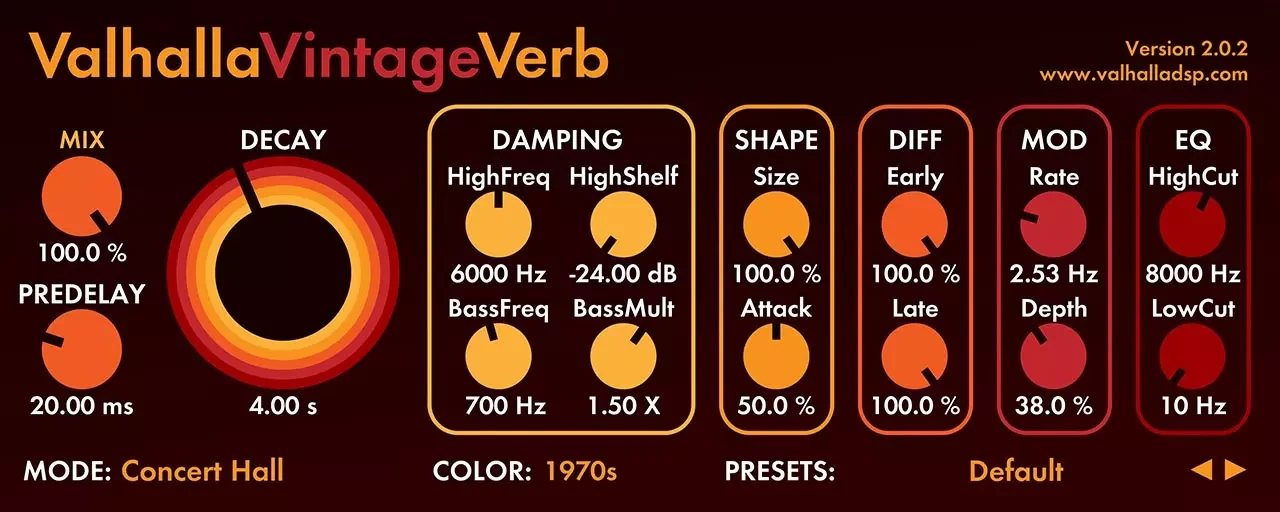
VintageVerb is the one to buy if you still switch between vocal plates, drum rooms and long synth tails from session to session. Its useful distinction is Mode versus Color. Mode changes how the reverb develops, while Color lets you try the same general space with a different character. Keep the mode fixed while switching between 1970s, 1980s and Now to hear what that second choice actually changes.
Try a vocal plate against a dense beat
On a vocal send, set Mix to 100% and choose Plate. Start with Now, roughly 30 ms of pre-delay and a decay of about 1.3 seconds. Raise the send until you can hear the end of each phrase, then bring it down just enough that the vocal stays forward. Switch to 1980s at the same send level. Listen to the reverb after an S or T sound, where a bright tail is easy to spot. If the reflections get sharp, lower the reverb’s high end before shortening a tail you otherwise like.
Trade-off: If the problem is always “this close-miked guitar sounds disconnected from the other tracks,” Seventh Heaven gives you a more focused set of acoustic spaces to audition.
2. LiquidSonics Seventh Heaven — best for believable acoustic depth

Seventh Heaven is based on the Bricasti M7. The standard edition gives you 30 presets, an early/late balance and the core controls needed to place a track in a space. Its strength is how quickly you can compare different rooms and chambers with a dry source. This recommendation is for the $69 standard edition. LiquidSonics uses iLok licensing and lists machine activation as an option.
Try giving two acoustic tracks one room
Send a picked guitar and a second dry source to the same instance. Choose a short preset in Rooms, then start with a low send and little pre-delay. Compare the sound with the send muted while both tracks play. You’re looking for a sense of shared distance and a tail that clears before the next chord. Move the Early/Late balance toward early reflections if the room feels right but the tail is too obvious. If the guitar suddenly sounds farther away than you intended, reduce the send first.
Trade-off: If you’re mostly placing throws on a beat grid or want the reverb to duck automatically under a lead, Crystalline gives you more immediate controls for those jobs.
3. Baby Audio Crystalline — best for vocal throws

Crystalline earns its place when the arrangement is busy and you want a large tail only at certain moments. It separates the timing of the reverb from the apparent size, and offers tempo sync and a Ducker. That combination is more useful on a vocal throw than simply choosing a shorter preset. You can still hear a generous decay in the gap after the line.
Try a throw on one word
Put Crystalline on a return and automate the vocal send up for the final word of a phrase. Keep the effect fully wet. Use the Start control for a brief gap before the reflection and End to set the tail length. With sync enabled, start by trying a short subdivision for Start and a tail around one beat, then listen against the next line. Damping is a useful first control if the low end clouds the beat. Use the Ducker if you’re feeding more of the vocal into the plugin and want the reflections to recede during the words.
Trade-off: For a whole project built around natural rooms, Seventh Heaven offers the better starting palette. Crystalline’s creative controls are most valuable when you expect to use them.
4. D16 Toraverb 2 — best for moving synth tails

Toraverb 2 is a good fit when the reverb is part of the synth sound. Its separate early and late reflection sections give you distinct controls over the initial space and the part that lingers. This matters when a bright arpeggio needs motion behind it, but adding movement to the first reflections makes the rhythm hard to follow.
Try a slow-moving tail on a short synth
Loop a dry, staccato synth part. Bring up the reverb on a send and start with the late section relatively low. Get the initial reflection to sit behind the dry synth, then raise the late portion and add modulation in small increments. Listen for the note pattern to stay readable as the tail moves. If the space becomes louder than the part, lower the late contribution before narrowing the stereo field. Check the same bar in mono to hear whether the part still has a clear attack.
Trade-off: Buy it for sound design and deliberately moving tails. VintageVerb covers more everyday mixing jobs if this is your first reverb purchase.
5. Relab LX480 Essentials — best for a quick drum room or plate
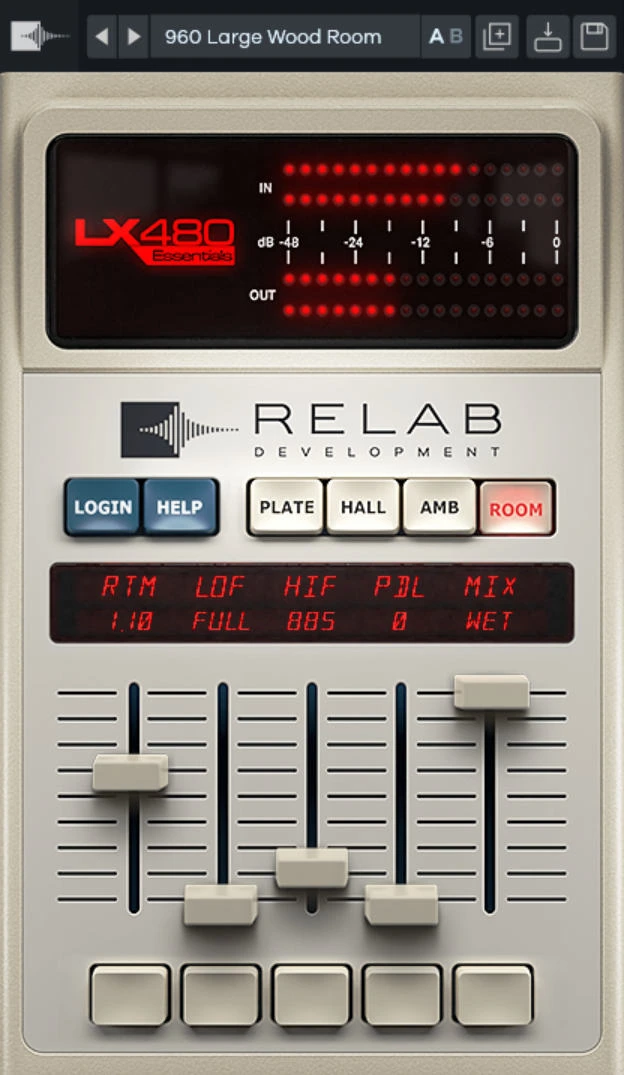
LX480 Essentials narrows the choice to four classic-style spaces: Fat Plate, Medium Hall, Small Ambience and Large Wood Room. The appeal is a quick decision when drums need a little space and you already know which broad sound you want. You can judge a short ambience against a brighter plate without auditioning dozens of variations first.
Try Small Ambience on programmed drums
Put Small Ambience on a stereo return and send only the snare and percussion. Bring it up underneath the dry groove, then mute and unmute it at the same monitor volume. If you only notice it when it’s muted, you’re near a useful level for drum glue. For a more obvious snare tail, try Fat Plate at a lower send level and check the gaps between hits. When the decay carries into the next snare, shorten it before you turn down the whole return.
Trade-off: If you already own VintageVerb and use its plates and rooms comfortably, there’s enough overlap to buy a different kind of effect first. At the verified sale price, Essentials is a low-cost option if you specifically want its 480-style workflow.
How to audition reverbs at the same level
1. Put each candidate on its own fully wet send. Send the same dry phrase to both and leave only one return audible at a time.
2. Start with similar pre-delay and decay times wherever the controls allow. Adjust return faders so the initial impression of wet level is close. A louder tail can seem more detailed even when it’s just louder.
3. Compare while the full mix plays, then listen through a phrase ending. Ask whether the vocal stays clear, whether a drum hit gets smaller and whether the tail clears the next chord. Those checks tell you more about a purchase than soloing a lush preset.
If $50 is the ceiling, see the best reverb plugins under $50. For other plugin categories, browse the best VST plugins under $100 or check the current plugin deals.
Official product reference
Official reference: Seventh Heaven Standard: preset count, controls and licensing.
Conclusion
Start with one source and a pause long enough to hear the tail. Choose the reverb that places it correctly at a sensible return level; use the specialist options only when tempo control, spring-like movement or a particular room palette is the missing capability. A cheap sale does not remove overlap with a reverb you already know.


