
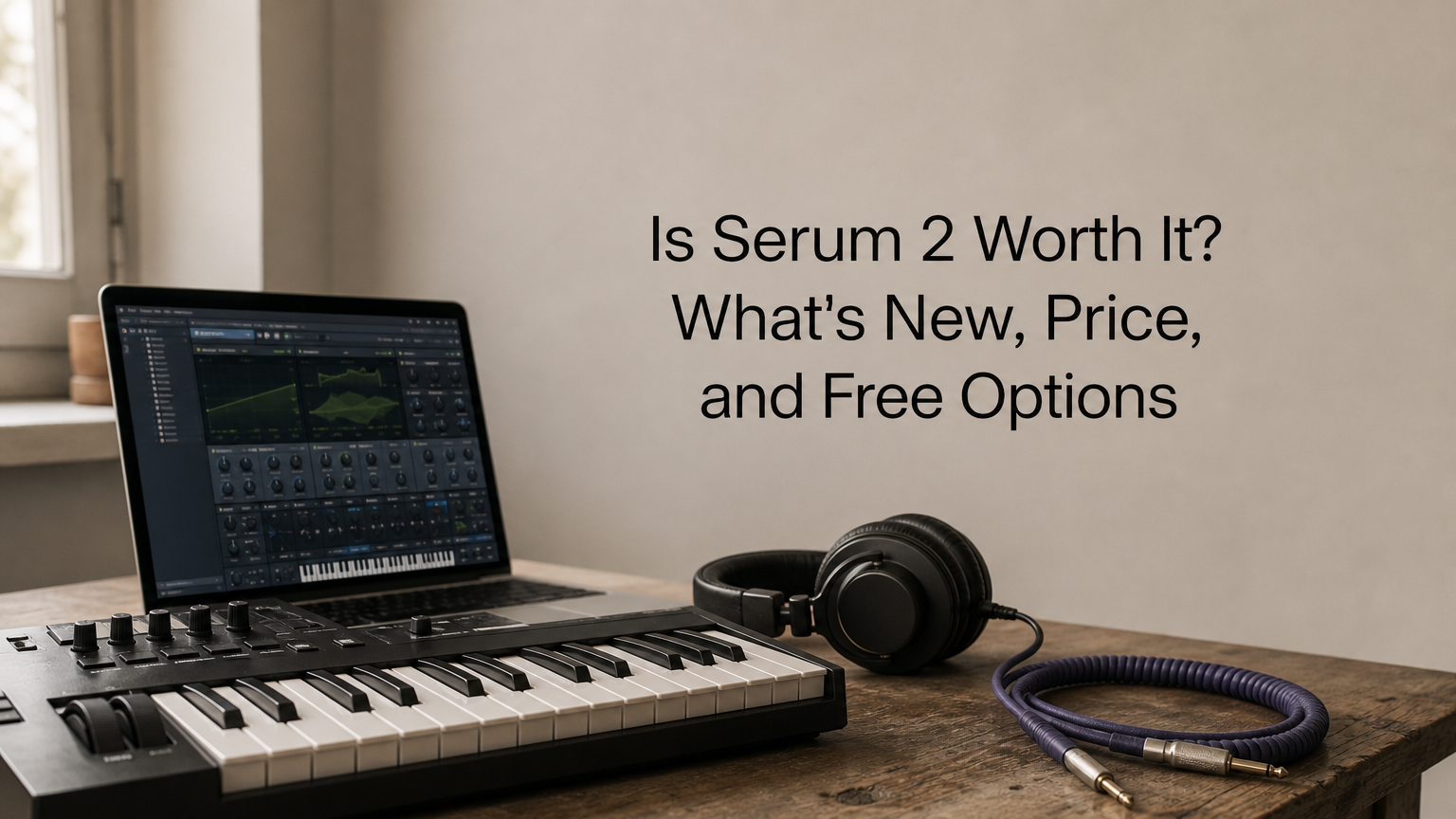

You already know Serum 1 is a staple, so the real question is whether Serum 2 earns a spot in your template or just another line on your credit card. Xfer Records rebuilt the synth with new oscillator types, a more flexible modulation system, and a bigger filter section. That is a lot to weigh before you spend money.
Here is the short answer. Serum 2 is worth it if you design your own sounds or you want deeper modulation without stacking extra plugins. If you mostly load presets and your Serum 1 setup already does the job, you can wait. Xfer also offers a free trial, so you can test it in your own DAW before you pay.
Below, we break down what is new compared with Serum 1, what Serum 2 costs and what upgrade pricing looks like, and how to try it without paying. We also cover who should buy it now, who should skip it, and which alternatives are worth a look if the price does not fit your budget.
Why Serum 2 matters for producers
The synth that set the standard
Serum 1 launched in 2014 and became the default wavetable synth for electronic producers. Open almost any dubstep, house, or pop project from the last decade and you will likely find it on a bass or lead track. Rivals like Vital and Pigments exist because Serum proved how much producers wanted this workflow.
Because of that, Serum 2 is a big deal for the whole scene. When the most-used synth gets rebuilt, preset packs, tutorials, and sound design habits shift with it. You will see new sounds built on it, and you will want to know if you are missing out.
What changes for your workflow
Xfer Records released Serum 2 in early 2025 as a full redesign, not a small update. It matters most in three areas:
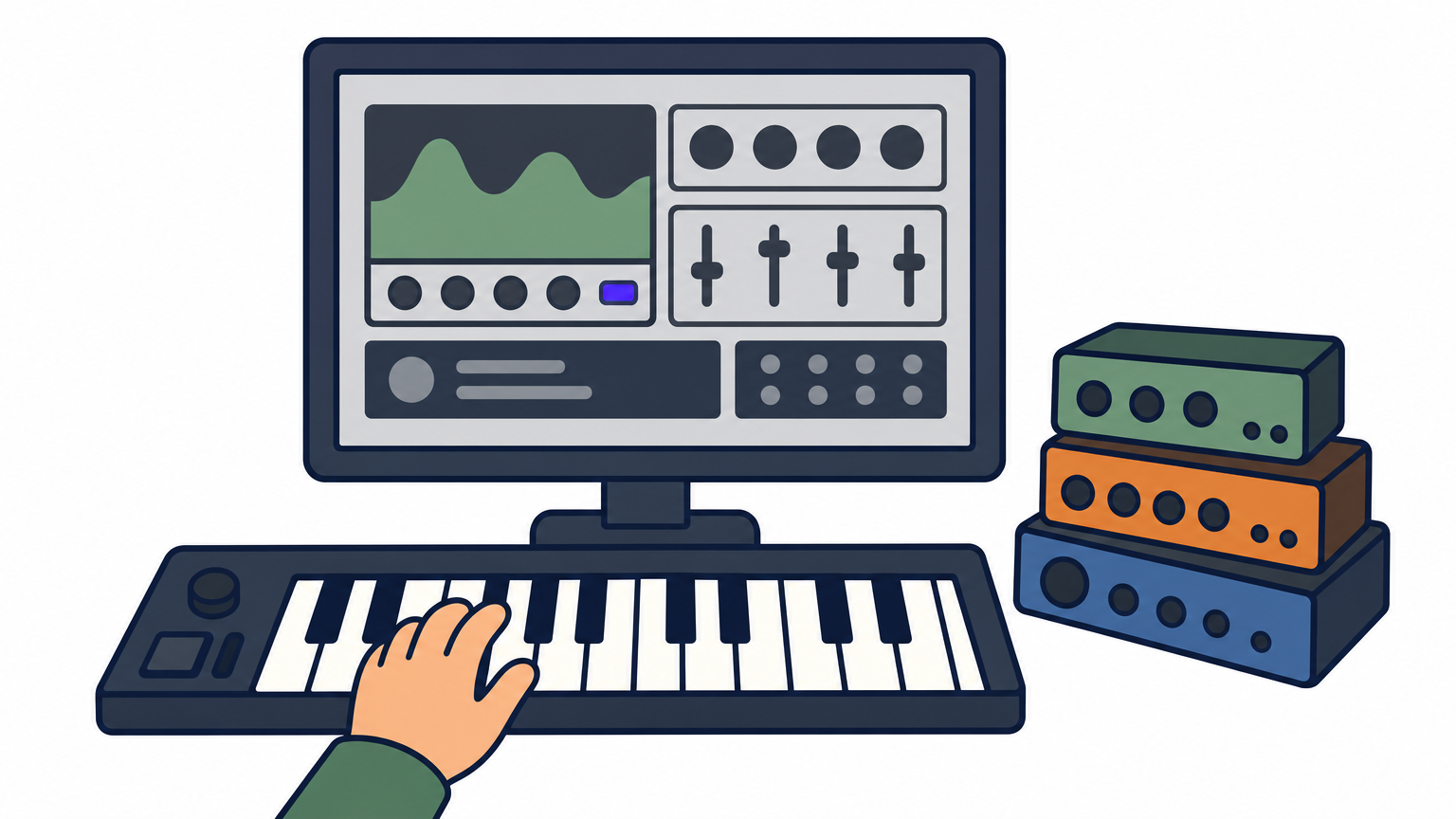
- Sound sources: Beyond wavetables, you get sample, multisample, granular, and spectral oscillator modes.
- Modulation: More flexible routing means fewer workarounds and fewer helper plugins.
- Filtering: A bigger filter section shapes tone inside the synth instead of on an extra insert.
Serum 2 matters because one plugin now covers sound sources that used to take several.
Migration is also painless. Serum 1 stays installed as a separate plugin, so your old projects keep opening. Serum 2 can also load Serum 1 presets, so your existing library does not go to waste. You can adopt the new synth gradually, one track at a time, instead of rebuilding your templates in a weekend.
How to decide if Serum 2 is worth buying
Buy it if these describe you
Start with how you actually use a synth. Serum 2 pays off when you build patches from scratch, and a few situations point clearly to yes:
- You layer two or three synths to get one sound and want it inside a single plugin.
- You hit the ceiling of Serum 1's modulation on evolving pads, basses, or textures.
- You sell preset packs or earn money from sound design.
Buy Serum 2 for sounds you can't build today, not because the old version feels dated.
Wait if these fit you better
Producers who mostly browse presets can usually hold off. If Serum 1 already covers your genre, your money works harder elsewhere, such as on a good EQ or compressor that improves every track you mix.
Try a simple test before you decide. Install the trial and recreate one patch that frustrated you in Serum 1. If you finish it faster or get a better result, buy it. If you end up loading the same old presets, keep your cash.
What's new in Serum 2 compared with Serum 1
The biggest upgrades at a glance
Serum 2 keeps the layout you know, then adds a third oscillator and a second filter with flexible routing. The table shows where the two versions differ most.
| Feature | Serum 1 | Serum 2 |
|---|---|---|
| Oscillators | 2, plus sub and noise | 3 |
| Oscillator types | Wavetable | Wavetable, sample, multisample, granular, spectral |
| Filters | 1 | 2, with routing options |
Serum 2 adds sound sources and filter depth without changing the workflow you already know.
What stays familiar, and what to watch
Everything else feels like home. You still drag in wavetables, draw waveforms, and warp them visually, so the learning curve is short if you know Serum 1.
Heavier patches are the catch. Stacking three granular or spectral oscillators can use more CPU than a typical Serum 1 patch, so run the trial inside a busy project before you commit.
Serum 2 price, rent-to-own, and free options
What Serum 2 costs
Xfer Records lists Serum 2 at $189 for new buyers. It is a one-time license, not a subscription. If you already own Serum 1, log in to your Xfer account and check the upgrade terms, because Xfer has offered existing owners a discounted or free path to the new version. Prices and promotions change, so confirm the current number on Xfer's site before you pay.
Try Serum 2 free first, then pay once only if it earns its place in your sessions.
Ways to pay or try it first
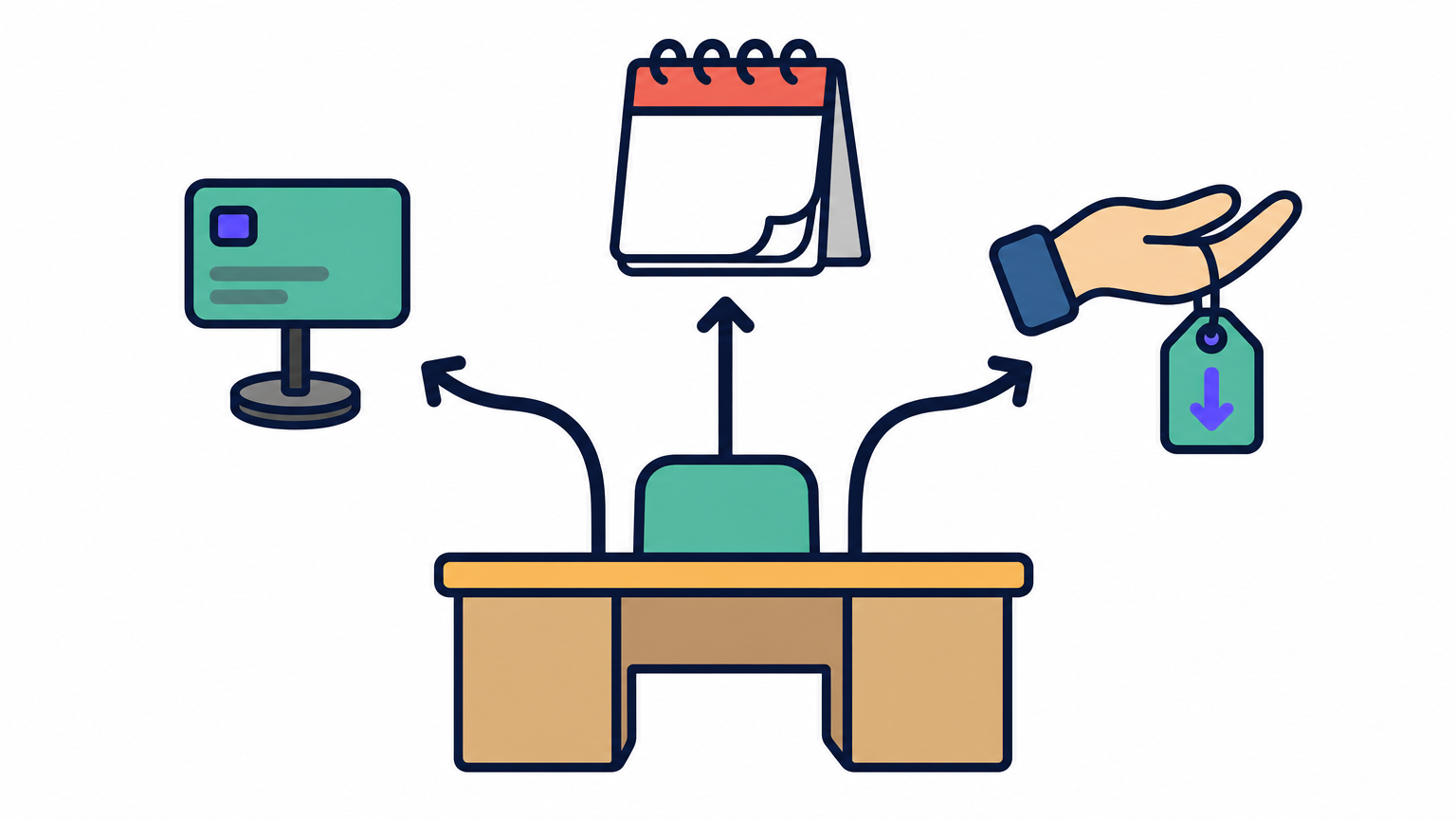
You have three realistic routes, and the right one depends on your budget and certainty.
| Option | Cost | Best for |
|---|---|---|
| Buy direct | One-time payment | Producers who already know they want it |
| Rent-to-own through Splice | Monthly payments until paid off | Tight budgets |
| Free trial | $0 | Testing CPU load and workflow |
Rent-to-own spreads the cost, so check the total before you commit. Monthly plans can add up to more than the sticker price if you stretch them out.
Free alternatives if you pass
Skipping the purchase is a fair call. Vital and Surge XT are free wavetable synths that handle most bass and lead work. They lack Serum 2's sample, granular, and spectral oscillators, but they cover a lot of ground at zero cost.
How to get started with Serum 2 after you buy
Install and check your setup
Download the installer from your Xfer account and activate Serum 2 with your login. Then run through a quick checklist:
- Rescan plugins in your DAW so it appears next to Serum 1.
- Load a Serum 1 preset to confirm your old library works.
- Open a busy project and watch your CPU meter.
Learn it one feature at a time
Skip the urge to explore everything at once. In your first session, load a factory preset and change one oscillator to sample or granular mode. Listen to how the tone shifts, then save the result under your own name.
Next, turn to the second filter. Try running it in series, then in parallel, and compare. Add one new modulation route per session after that.
Learn one new feature per session, and Serum 2 stops feeling like a huge synth.
By the end of a week, you will have a handful of patches you built yourself, which beats scrolling through thousands of presets.
Should you get Serum 2?
Serum 2 is worth buying if you design your own sounds. The new oscillator modes, the second filter, and the deeper modulation replace layered setups that used to take several plugins. Your Serum 1 presets still load, so switching costs you nothing in lost work.
If you mostly browse presets, hold off. Run the free trial, recreate one patch that gave you trouble, and watch your CPU in a busy project. That test tells you more than any review, and Vital or Surge XT cover a lot of ground at zero cost.
Still comparing options before you spend? Get the full picture in our Serum 2 review on SoundShaper, where we compare, review, and track deals so you can buy with confidence.
![[background image] image of recording equipment (for a musician & band)](https://cdn.prod.website-files.com/68efa70811edd8e5af30a90d/6acd43b8998701bbde84e11a_Best%20Export%20Settings%20for%20FL%20Studio.png)
![[background image] image of recording equipment (for a musician & band)](https://cdn.prod.website-files.com/68efa70811edd8e5af30a90d/6acd3f9347bd0dd62b202621_ShaperBox%203%20vs%20Infiltrator%202.png)
![[background image] image of recording equipment (for a musician & band)](https://cdn.prod.website-files.com/68efa70811edd8e5af30a90d/6acd3d99fa68785e0f58960e_Kontakt%208%20vs%20Decent%20Sampler.png)