
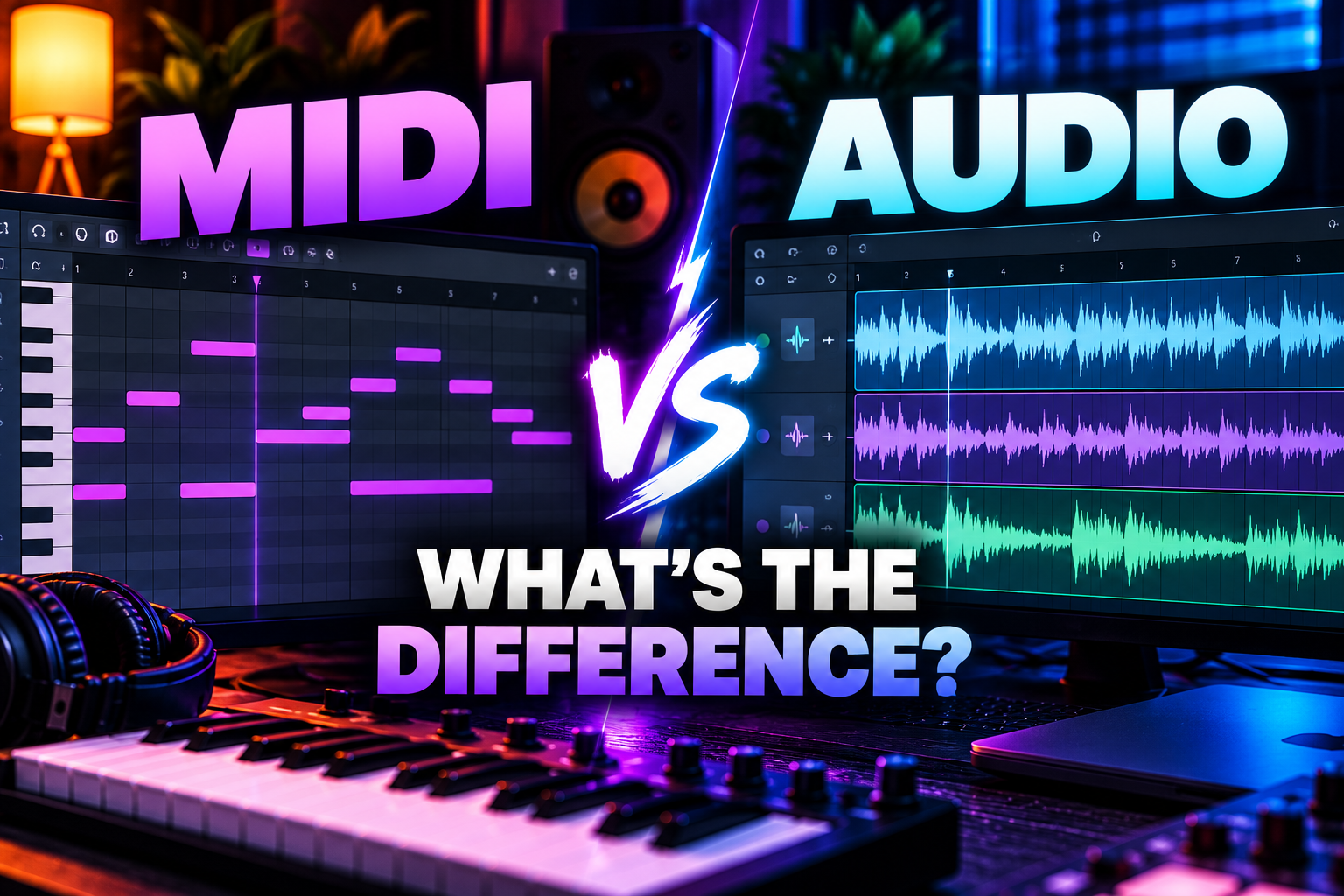

MIDI and audio are not two versions of the same thing. MIDI stores performance instructions, while audio stores the actual sound waveform.
Simple rule: use MIDI when you still want to change the notes, timing or instrument easily. Use audio when you want to record or commit to the actual sound.
MIDI vs audio: the difference in 20 seconds
| MIDI | Audio |
|---|---|
| Contains musical instructions | Contains the actual sound waveform |
| No sound by itself | Plays back directly |
| Notes are easy to move or replace | Editing pitch/timing is more committed |
| Can trigger any compatible instrument | Sound is already chosen |
| Very small files | Larger files |
| Great for composition | Great for recording and final production |
If you are still unsure what MIDI itself is, read our simple guide to MIDI first.
What is MIDI?
MIDI is data that describes a performance. It can contain note pitch, start and stop times, velocity, controller movements and other musical information.
For example, a MIDI clip can tell a piano plugin to play C major. If you later replace that piano with a synth, the MIDI performance stays the same but the sound changes completely.
MIDI is flexible because the performance and the sound source are separate.
What is audio?
Audio is the recorded sound itself.
A vocal recording, guitar take, bounced synth, drum loop or WAV sample is audio. The waveform already contains the sound you hear.
You can still edit audio, but you are working with the result rather than the original note instructions.
Example: MIDI piano vs audio piano
Imagine you play the same piano part in two ways.
MIDI: the DAW records which keys you played, when you played them and how hard you played them. You can later move notes, change velocities or swap the piano for a Rhodes, synth or strings.
Audio: the DAW records the actual piano sound. You can cut, fade, stretch and process the waveform, but changing one wrong chord is less direct.
This is why producers often keep instrument parts as MIDI while arranging and commit them to audio later.
Which is easier to edit?
MIDI is easier for musical edits.
If a chord is wrong, move the MIDI notes. If a melody is too high, transpose it. If the timing is loose, quantize or move individual notes. If the sound is wrong, load a different instrument.
Audio is easier for waveform edits. You can cut breaths, reverse sounds, make fades, chop loops, stretch sections or create glitch-style edits directly from the waveform.
MIDI is better when the performance is not finished
Keep a part as MIDI when you are still changing:
notes, chords, timing, velocity, articulation or the instrument itself.
This gives you maximum flexibility during writing and arranging.
Audio is better when you want to commit
Convert or record a part to audio when the musical performance and sound are basically finished.
Committing can make a project simpler. Instead of loading a synth, sample library and several processing stages every time the project opens, the DAW only needs to play the rendered audio file.
This can also reduce CPU usage significantly.
Does MIDI sound better than audio?
No. MIDI does not have sound quality by itself.
The quality comes from the instrument that receives the MIDI. A MIDI clip can trigger an expensive orchestral library, a basic stock synth or an old hardware module. The same MIDI data can therefore produce very different audio.
Audio quality depends on the recording or render, sample rate, bit depth, processing and source sound.
Does audio sound better than MIDI?
Not inherently.
A rendered synth part as audio should sound essentially like the same synth playing the same MIDI, assuming the settings and render are equivalent.
The important difference is flexibility, not automatic quality.
MIDI vs audio for vocals
Vocals are normally recorded as audio because a microphone captures the actual sound wave of the voice.
You can use MIDI to control vocal-related plugins, trigger chopped vocal samples or control harmonizers, but the recorded vocal performance itself is audio.
MIDI vs audio for drums
Both are common.
MIDI drums are useful when triggering a drum plugin such as EZdrummer, Superior Drummer, Battery or another sampler. You can change timing, velocity and drum sounds easily.
Audio drums are common when using loops, one-shots directly in the Playlist, recorded acoustic drums or bounced drum stems.
Many producers write drums with MIDI first and bounce them to audio later.
MIDI vs audio for synths
Software synths are often controlled by MIDI during production.
This lets you keep changing the melody, chords, preset, modulation and sound design until the arrangement is finished.
Once the synth part is locked, rendering it to audio can save CPU and make the project easier to archive.
MIDI vs audio for hardware synths
With hardware, you often use both at the same time.
MIDI tells the hardware synth what to play. Audio cables carry what the synth actually sounds like back into your interface and DAW.
You can therefore sequence a hardware synth with MIDI while recording its output as audio.
Which uses more storage?
Audio uses much more storage.
MIDI files only store event data, so even long performances can be very small.
Audio stores thousands of samples per second for every channel. A stereo WAV recorded at common production settings can become hundreds of megabytes over a longer session.
Which uses more CPU?
The answer depends on what the MIDI is triggering.
A MIDI clip itself uses very little processing. But if it is driving a heavy synth, sampler or orchestral library, the instrument may use substantial CPU and RAM.
An audio file is often lighter to play back than a complex live instrument chain.
This is why producers frequently render CPU-heavy MIDI instruments to audio once the part is finished.
Can you turn MIDI into audio?
Yes.
In a DAW, you can render, bounce, freeze or record the output of a software or hardware instrument.
The MIDI performance triggers the instrument, and the resulting sound is saved as audio.
Once rendered, the audio no longer needs the original instrument to play that specific result.
Can you turn audio into MIDI?
Sometimes, but the conversion is not as perfect or universal.
Many DAWs and plugins can detect pitch, rhythm or transients and convert simple audio into MIDI notes.
A clean monophonic melody is usually easier to convert than a full stereo mix containing drums, vocals, chords and effects.
So MIDI-to-audio is straightforward. Audio-to-MIDI depends much more on the source material and detection algorithm.
When should you bounce MIDI to audio?
There is no fixed rule, but common reasons are:
the part is finished, the plugin uses too much CPU, you want to archive the project safely, you want to do waveform-based edits, or you need to send stems to someone else.
I would not bounce too early if you are still changing chords or sound design. Once the creative decisions are stable, audio can make the session much cleaner.
Should you keep the original MIDI after bouncing?
Usually yes.
You can hide or disable the original MIDI track instead of deleting it. That gives you the benefits of a lightweight audio track while keeping the ability to return to the performance later.
This is especially useful when collaborating or reopening a project months later.
Why does my MIDI file make no sound?
Because MIDI normally needs an instrument to interpret it.
A MIDI file containing notes will not necessarily produce sound until it is routed to a software instrument, hardware synth or system sound source.
If the notes are visible but you hear nothing, check which instrument the MIDI track is controlling.
Why does an audio file always sound the same?
Because the waveform already contains the recorded sound.
You can process the file with EQ, compression, pitch shifting or other effects, but loading the same WAV into another DAW does not automatically replace the underlying instrument.
That consistency is one reason audio is useful for collaboration and final stems.
Which is better for collaboration?
Audio is safer when collaborators do not own the same plugins.
If you send someone a MIDI clip but they do not have your synth or sample library, they cannot automatically reproduce your exact sound.
Sending an audio stem preserves the sound exactly as you rendered it.
The best collaborative workflow is often to send both: audio for guaranteed playback and MIDI when the other producer may want to edit the musical performance.
Which is better for archiving projects?
Audio is safer for long-term compatibility because it does not depend on a particular plugin still being installed and authorized years later.
MIDI is useful to keep because it preserves the underlying musical performance.
For important projects, keeping both MIDI and rendered audio gives you the most future-proof archive.
MIDI vs audio in a real production workflow
| Stage | Better format | Why |
|---|---|---|
| Writing chords | MIDI | Easy to change notes and instrument |
| Programming drums | MIDI or audio | Depends on sampler vs one-shot workflow |
| Recording vocals | Audio | You are capturing a real sound source |
| Sound design | MIDI first | Keep the synth editable |
| Heavy CPU project | Audio | Rendered tracks reduce processing load |
| Sending stems | Audio | Works without matching plugins |
| Saving the musical performance | MIDI | Notes and expression remain editable |
| Long-term archive | Both | Preserves sound and performance |
Do professional producers use MIDI or audio?
Both.
There is no professional rule that says serious producers should commit everything to audio or keep everything in MIDI.
MIDI is useful for flexibility. Audio is useful for commitment, editing, CPU efficiency and compatibility. Professional workflows move between both formats constantly.
MIDI vs audio: which should beginners use?
Learn both from the beginning.
Use MIDI for software instruments and programmed drums because it makes musical editing easy. Learn audio for vocals, samples, loops, recording and final arrangement work.
You do not need to choose a side. A normal DAW project contains both.
Frequently asked questions
Is MIDI the same as audio?
No. MIDI stores musical instructions. Audio stores the actual sound waveform.
Can MIDI play without a plugin?
MIDI needs some compatible sound source to produce audio. That may be a software instrument, hardware synth or built-in system instrument.
Can audio be edited like MIDI?
Audio can be edited extensively, but changing individual notes and instruments is usually less direct than working with MIDI.
Why convert MIDI to audio?
Common reasons include lowering CPU usage, committing to a sound, doing waveform edits, sharing stems and preserving compatibility.
Should I delete MIDI after converting to audio?
Usually not. Keep the MIDI hidden or disabled so you can return to the performance later.
Can I send a MIDI file to another producer?
Yes, but the MIDI does not contain your exact instrument sound. Send audio as well if you need the other producer to hear the exact result.
Is MIDI better for beginners?
MIDI is excellent for learning composition because notes remain easy to edit, but beginners also need to understand audio because recording, samples and final mixing all depend on it.
Final answer
MIDI is the performance; audio is the sound.
Use MIDI while you want maximum control over notes, timing and instruments. Use audio when you want to capture, commit, share or process the actual sound.
Most modern productions work best with both rather than choosing one permanently.
![[background image] image of recording equipment (for a musician & band)](https://cdn.prod.website-files.com/68efa70811edd8e5af30a90d/6acd43b8998701bbde84e11a_Best%20Export%20Settings%20for%20FL%20Studio.png)
![[background image] image of recording equipment (for a musician & band)](https://cdn.prod.website-files.com/68efa70811edd8e5af30a90d/6acd3f9347bd0dd62b202621_ShaperBox%203%20vs%20Infiltrator%202.png)
![[background image] image of recording equipment (for a musician & band)](https://cdn.prod.website-files.com/68efa70811edd8e5af30a90d/6acd3d99fa68785e0f58960e_Kontakt%208%20vs%20Decent%20Sampler.png)