
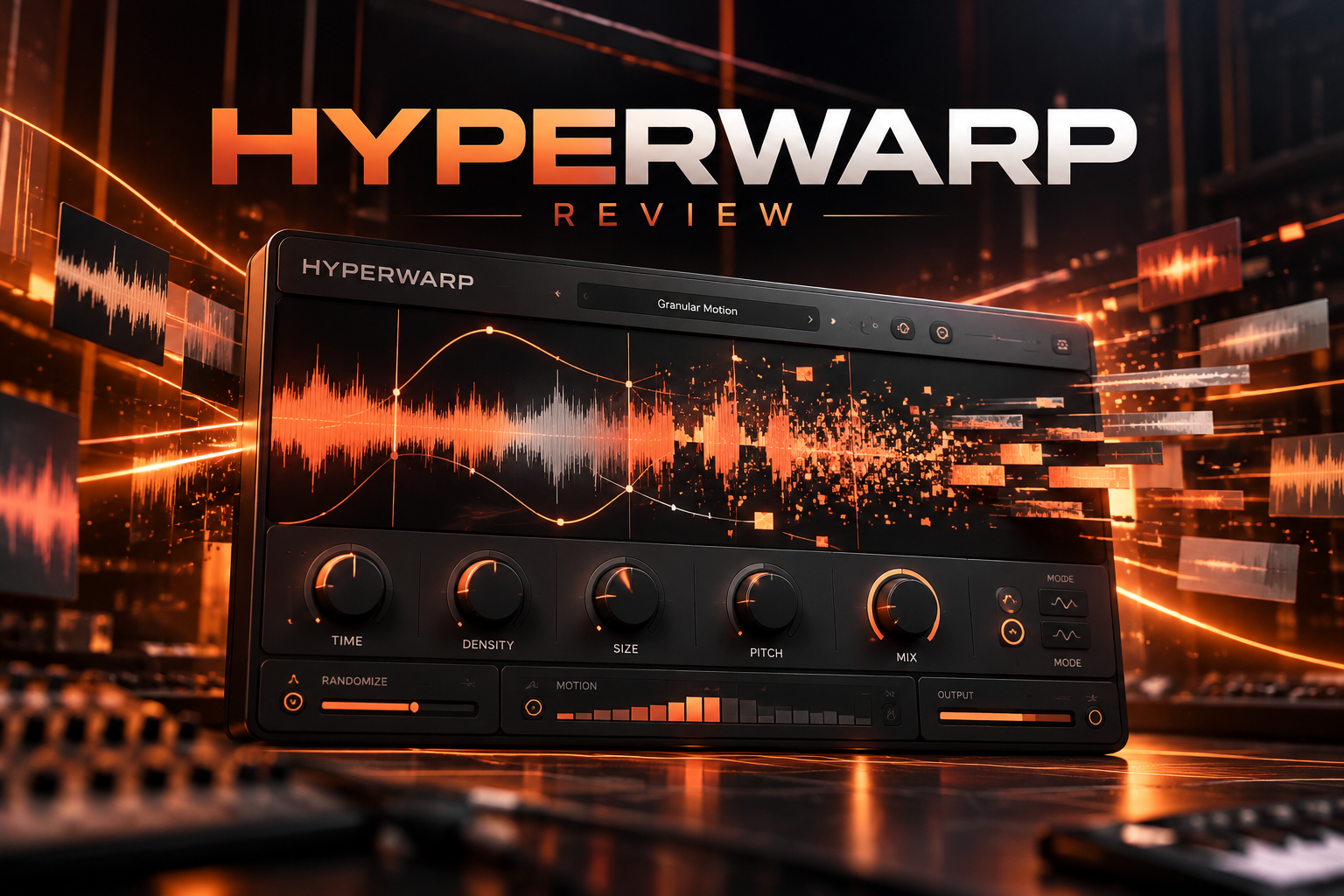

HyperWarp is worth considering if you want to turn familiar loops, vocals or instruments into rhythmic glitches and granular textures. If you mainly want a straightforward half-speed effect, we would start with a simpler tool.
In this HyperWarp review, we explain the features that matter before buying, suggest practical ways to use it, and compare its purpose with TimeShaper 3 and HalfTime. Our focus is whether it fills a real gap in your production setup.
Disclosure: SoundShaper may earn a commission from purchases through the affiliate links in this article, at no extra cost to you. SoundShaper’s view is editorial buying advice based on current product documentation and buying options.
What Is Baby Audio HyperWarp?
Baby Audio HyperWarp is an audio effect that uses granular processing to reshape time and texture. It breaks incoming audio into small pieces called grains, then rebuilds them according to its graph and sound settings.
You can draw speed changes, repeats and direction changes, then explore seven sound profiles. Its appeal is combining rhythmic edits with a wider range of granular character.
SoundShaper view: We see it as a creative addition for a track that already has a direction. A good melody does not need to become unrecognisable. Sometimes a short repeat at the end of a phrase gives you the variation you were missing.
HyperWarp at a Glance
| Buying question | What to know |
|---|---|
| What kind of plugin is it? | A granular time-warping audio effect |
| What can you shape? | Playback movement, grain behaviour and the processed texture |
| How many sound profiles? | Seven |
| Our suggested use | Fills, vocal details and variations on existing material |
| Price shown when checked | About €45 on introductory offer |
The Features That Matter Before You Buy
A graph for shaping time
HyperWarp’s graph lets you build sequences of time changes. Steps and curves produce different kinds of movement. You can start with graph presets and change their shape instead of drawing everything from scratch.
Our suggested approach is to learn one pattern before browsing dozens of presets. Try a short repeat on the last beat of a loop. Once you understand where it happens, decide whether it improves the groove.
Granular controls for the texture
The Warp panel has Resolution, Pitch, Scatter and Feedback controls. They affect the grains as well as the movement drawn in the graph. A flat graph does not automatically remove the granular processing.
SoundShaper view: When a result sounds too busy, change one control at a time. Keep the graph simple while you explore texture, then keep the texture stable while you explore rhythm. That gives you a clearer reason to keep each change.
Seven profiles, not seven separate plugins
The profiles are Clean Warp, Flange Warp, Degrade Warp, Filter Spam, Harmo-Nicer, Fauxcoder and Lo-Fizzly. They give the grain engine different behaviour, with profile-specific macro controls.
We would begin with the least disruptive sound for the material, then work toward more obvious colour. Buying a creative effect does not mean every use has to be extreme.
Blending the effect into a track
A wet/dry mix control blends the effect with the source. Band-limiting controls let you narrow the processed frequency range. This is different from having several independently sequenced processing bands.
For a drum fill, we would keep listening to the kick and bass while adjusting the effect. If the low end loses its place, reduce the processing there before adding more layers to compensate.
Where We Would Use HyperWarp
Drum fills that lead into the next section
Try the effect on a copy of a percussion loop near the end of an eight-bar section. Keep the main drum pattern available underneath. Your aim is a brief change that leads naturally into the next downbeat.
We would check the first beat after the fill as carefully as the fill itself. If the transition feels weaker when the normal drums return, the effect may be drawing too much attention.
Details around a vocal
Use a short vocal fragment as material for an effect between lines. Listen for space around the words you need the listener to understand. There is little value in an interesting texture that covers the hook.
SoundShaper view: Begin with one detail per section. If it works, repeat it with a small variation later. A recognisable effect can become part of the song’s identity without running throughout the track.
A second version of a melodic loop
Keep your original loop and create a separate variation for an intro, breakdown or final phrase. Compare both in the arrangement before choosing a sound.
We would also try a manual edit first. If moving two slices already gives you the result, use that. HyperWarp becomes a more useful purchase when you regularly want changes beyond the edits you already make comfortably.
HyperWarp vs TimeShaper 3 and HalfTime
TimeShaper 3 is the alternative we would investigate for drawn time effects with separate low, mid and high-band processing. It runs inside ShaperBox 3 and supports effects such as stutters, reverse and tape stops.
HalfTime is our simpler suggestion when you mainly want a slowed-down version of a melody or loop. Its purpose is much narrower than HyperWarp’s granular sound design.
| Your main need | Our suggested starting point |
|---|---|
| Glitches combined with granular colour | HyperWarp |
| Drawn time effects across separate frequency bands | TimeShaper 3 |
| A focused half-speed workflow | HalfTime |
| You already have a tool that does the job | Try the HyperWarp demo before adding another plugin |
We would not buy HyperWarp simply because it is new. If you already own ShaperBox or Gross Beat, identify what you want beyond your current results. Our HalfTime vs Gross Beat comparison can help if slowing down and reshaping loops is your main goal.
HyperWarp Price, Offer and Free Trial
On 9 October 2026, Plugin Boutique showed HyperWarp at €44.63, reduced from €88.26, with the offer listed until 30 November 2026. Prices depend on currency, tax and current promotions. Check the current HyperWarp price before purchasing.
Baby Audio offers a free HyperWarp trial. We would test it on a drum loop, a vocal fragment and a melodic part from your own sessions.
Keep the test practical: make one useful variation for each source, then put it back into the track. If you enjoy browsing effects but never keep a result, the sale price alone is a weak reason to buy.
Compatibility and What to Check
The product listing specifies 64-bit VST, VST3, AU and AAX formats, with macOS 10.11 or later and Windows 10 or later. Native Apple Silicon support and FL Studio compatibility are listed.
Use the trial in your normal project before committing. Check playback, automation and rendering with the kind of processing you intend to use. We have not measured CPU use or latency for this buying guide.
SoundShaper Verdict: Is HyperWarp Worth It?
Our recommendation is to try HyperWarp if creative audio manipulation is a regular part of your production. Its graph and granular profiles give you a reason to investigate it beyond a basic slowdown effect.
We would prioritise it for producers who enjoy making fills, vocal textures and alternative versions of loops. We would put it lower on the shopping list if your current priority is recording, writing better musical parts or learning your DAW.
HyperWarp is the purchase we would consider after the demo helps you improve a real section of a track. Choose HalfTime for a focused slowdown workflow, or investigate TimeShaper 3 when separate-band time processing is the missing feature.
Frequently Asked Questions
Is HyperWarp a synthesizer?
It is an audio effect. Start with a source such as a loop, recorded vocal or instrument output, then process that audio.
Does HyperWarp work in FL Studio?
FL Studio is listed among the supported DAWs. Try the demo with the compatible plugin format for your computer and FL Studio setup.
Is HyperWarp a replacement for HalfTime?
It can perform time effects, but its broader granular approach serves a different buying need. We would choose based on how much creative processing you actually want.
Should I buy it if I already own ShaperBox?
First test whether its granular texture adds something you want to use. Owning another time effect is a good reason to compare results before paying for overlap.
Product information checked against Baby Audio’s HyperWarp guide, Cableguys’ TimeShaper documentation and the linked product listings on 9 October 2026.
![[background image] image of recording equipment (for a musician & band)](https://cdn.prod.website-files.com/68efa70811edd8e5af30a90d/6acd43b8998701bbde84e11a_Best%20Export%20Settings%20for%20FL%20Studio.png)
![[background image] image of recording equipment (for a musician & band)](https://cdn.prod.website-files.com/68efa70811edd8e5af30a90d/6acd3f9347bd0dd62b202621_ShaperBox%203%20vs%20Infiltrator%202.png)
![[background image] image of recording equipment (for a musician & band)](https://cdn.prod.website-files.com/68efa70811edd8e5af30a90d/6acd3d99fa68785e0f58960e_Kontakt%208%20vs%20Decent%20Sampler.png)