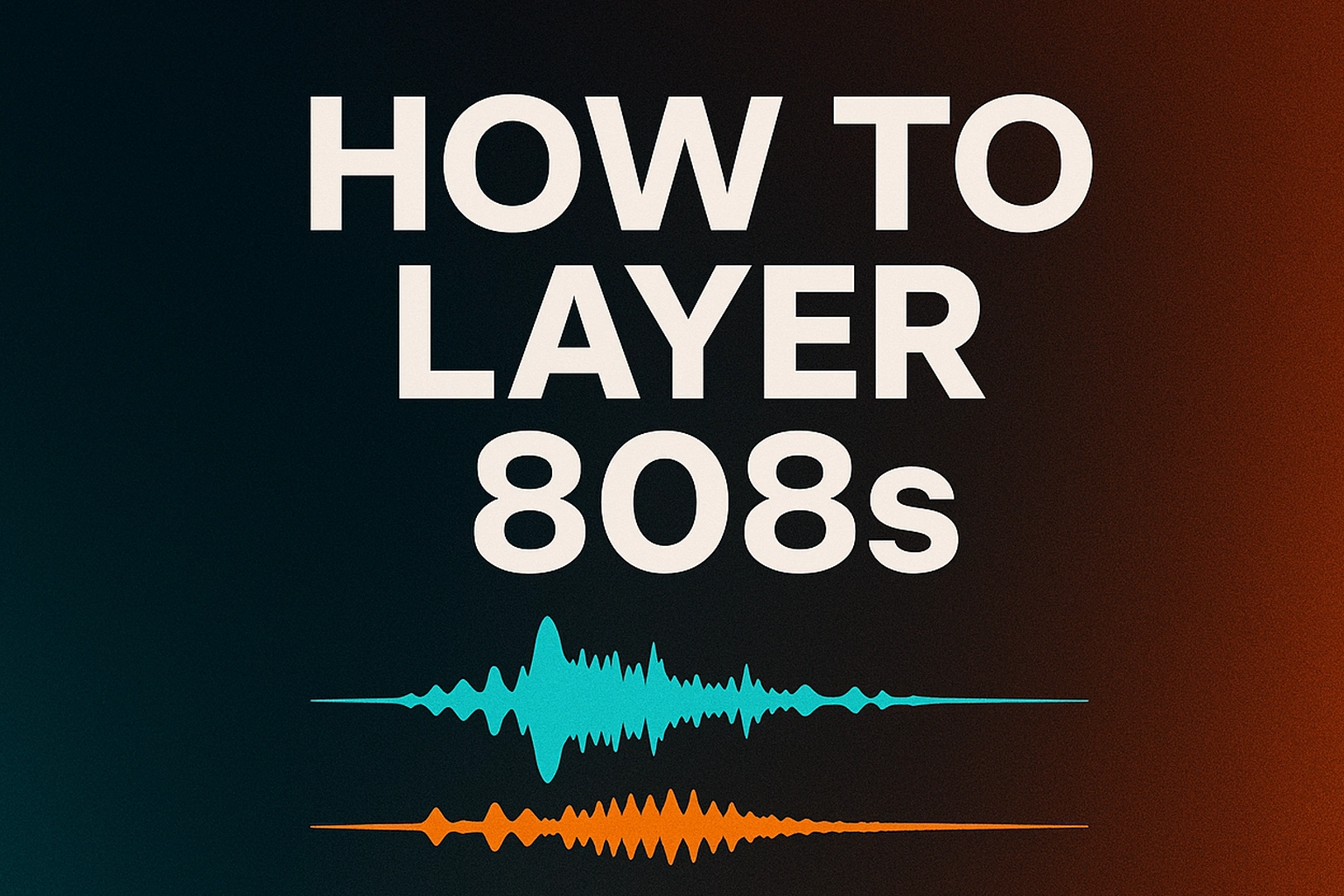
Your 808s sound thin. They hit on your studio monitors but disappear when you play the beat on your phone. Or maybe they just lack that punch you hear in your favorite tracks. Layering 808s can fix all of these problems, but only if you do it right.
Most producers mess up layering because they just stack random 808 samples and hope for the best. That approach creates a muddy, phase-cancelled mess. The trick is understanding which 808s to combine, how to separate them in the frequency spectrum, and how to avoid the phase issues that kill your low end.
This guide shows you exactly how to layer 808s step by step. You'll learn when layering makes sense, which samples work together, and how to mix layered 808s so they sound massive without overpowering your beat.
A single 808 sample only covers part of the frequency spectrum. One might have deep sub-bass but no punch. Another might hit hard in the mids but lack low-end weight. Layering fills out the entire bass range by combining the strengths of different samples.
Here's what layering does:
Adds depth. One 808 provides sub-bass, another adds mid-range punch, and together they create a fuller sound.
Increases impact. Combining a clean 808 with a distorted one gives you both deep rumble and aggressive bite.
Improves translation. A pure sub-bass 808 disappears on phone speakers. A mid-heavy 808 lacks depth on monitors. Layering makes your 808s sound good everywhere.
Creates unique sounds. Instead of using the same 808 as everyone else, you can build custom sounds that stand out.
Layering isn't always the answer. Sometimes a single 808 is all you need.
• Your 808 lacks low-end weight
• Your 808 disappears on small speakers
• You need more aggression (drill, hard trap)
• You want a unique signature sound
•Your mix is already crowded
• You're new to production (master single 808s first)
• Your 808 already sounds perfect
• You're layering just because you can
Think of layering in three frequency zones. Each layer has a specific job.
This is your foundation. Pure, deep bass you feel in your chest.
What to use: Clean sine wave 808s or sub-focused samplesProcessing: High-pass at 30 Hz, low-pass at 80 Hz, no distortion
Purpose: Deep rumble and weight
This is your power. The punch that cuts through the mix and works on small speakers.
What to use: Classic 808s like the Zay or SpinzProcessing: High-pass at 80 Hz, low-pass at 250 Hz, light compression
Purpose: Punch and presence
This is your color. Optional layer for aggression and character.
What to use: Distorted or saturated 808sProcessing: High-pass at 250 Hz, low-pass at 800 Hz, heavy saturation
Purpose: Texture and grit
Pick your primary 808. This should get you closest to the sound you want. Program your pattern with the rhythm, slides, and melody exactly how you want them.
Make this single 808 sound as good as possible before adding layers.
Listen to your 808 and ask:
• Does it lack deep bass?
• Does it disappear on headphones?
• Does it need more aggression?
• Is it too clean or too dirty?
Your answer determines which layers to add.
If your 808 lacks deep bass:
1. Load a clean sub 808 on a new track
2. Copy your 808 pattern to this track
3. EQ the original: high-pass at 80 Hz
4. EQ the sub: low-pass at 80 Hz
5. Balance the levels (sub should be -3 to -6 dB quieter)
Important: Both 808s must play the exact same notes at the exact same time. Timing differences cause phase cancellation.
1. Choose an 808 with a strong attack
2. High-pass at 80 Hz, low-pass at 300 Hz
3. Add compression to emphasize attack
4. Blend quieter than your main 808 (-6 to -9 dB)
1. Choose a distorted 808
2. High-pass at 250 Hz, low-pass at 800 Hz
3. Add heavy saturation
4. Blend very quietly (-9 to -12 dB)
Phase cancellation makes layered 808s sound weaker than a single 808. Here's how to check and fix it:
• Solo your layered 808s
• Listen for a thin, hollow sound
• Use a phase meter plugin if your DAW has one
• Flip the phase on one layer (most DAWs have a phase invert button)
• Shift one layer's timing by 1-5ms
• Try different 808 samples
• Keep everything in mono (stereo 808s cause phase problems)
Your main 808 should be loudest. Layers support it.
Starting points:
• Main 808: 0 dB (loudest)
• Sub layer: -3 to -6 dB
• Body layer: -6 to -9 dB
• Harmonic layer: -9 to -12 dB
Route all 808 layers to one mixer track or group them.
Final processing:
1. EQ to clean up problem frequencies
2. Gentle compression to glue layers together (slow attack, 2:1 ratio)
3. Light saturation for warmth (optional)
4. Limiter to control peaks
• Too many layers. Two or three is enough. More creates mud.
• No EQ separation. If you don't filter your layers into different frequency zones, they fight each other.
• Ignoring phase. Always check phase. It can make your layered 808 weaker than a single one.
• All layers same volume. Layers should support your main 808, not compete with it.
• Layering in stereo. 808s should be mono. Stereo causes phase issues and weak bass in clubs.
• Not tuning layers. All layers must be tuned to the same note or you get dissonance.
• Over-processing. Keep it simple. Layering already adds complexity.
Goal: Clean, melodic 808s with deep sub and long sustain
• Sub layer: Clean sine, low-passed at 80 Hz
• Body layer: Classic 808, high-passed at 80 Hz
• Processing: Light compression, minimal saturation
Goal: Aggressive, distorted 808s with fast attack
• Sub layer: Clean sub, low-passed at 80 Hz
• Body layer: Distorted 808, high-passed at 80 Hz
• Harmonic layer: Heavy saturation, high-passed at 250 Hz
• Processing: Heavy saturation, sidechain to kick
Goal: Punchy, controlled 808s that sit with vocals
• Sub layer: Clean sub, low-passed at 80 Hz
• Body layer: Punchy 808, high-passed at 80 Hz
• Processing: Moderate compression, sidechain to kick and vocals
Start simple. Layer two 808s: a clean sub and a punchy body. Get comfortable with that before adding more. Focus on EQ separation, phase checking, and level balancing.
Don't layer every beat. Use it when it makes sense. Sometimes a single 808 is all you need.
The only way to learn this is by doing it. Load your DAW, grab some 808s, and start experimenting.
Need 808 samples to practice with? Check out our guide to the best free 808 sample packs for drill beats.
![[team] image of team member (for a mobile gaming)](https://cdn.prod.website-files.com/68efa70811edd8e5af30a90d/690abaa8987a07a672c4cd2c_channels4_profile.jpg)
![[background image] image of recording equipment (for a musician & band)](https://cdn.prod.website-files.com/68efa70811edd8e5af30a90d/6aa35b3b03d3771388765f76_Main%20Image.png)
![[background image] image of recording equipment (for a musician & band)](https://cdn.prod.website-files.com/68efa70811edd8e5af30a90d/6aa35785b8608362620d46e3_Main%20Image.png)
![[background image] image of recording equipment (for a musician & band)](https://cdn.prod.website-files.com/68efa70811edd8e5af30a90d/6aa351f638777f809800a4ff_Main%20Image.png)